Of course! Choosing the right IDE (Integrated Development Environment) for Python on Windows can significantly boost your productivity. The "best" one depends on your specific needs, whether you're a beginner, a data scientist, a web developer, or a professional working on large projects.
Here’s a breakdown of the top Python IDEs for Windows, categorized by user type.
Quick Guide: Which IDE Should You Choose?
| If you are... | The Best Choice is... | Why? |
|---|---|---|
| A complete beginner | Thonny | Extremely simple, comes with Python, and focuses on learning. |
| A beginner who wants to learn "real" IDEs | Visual Studio Code | Free, lightweight, powerful, and the industry standard for most devs. |
| A professional or working on large projects | PyCharm | The most powerful, feature-rich IDE specifically for Python. |
| A data scientist or ML engineer | PyCharm Professional or VS Code | PyCharm has deep ML integration; VS Code is lighter with great extensions. |
| A web developer (Django, Flask, etc.) | PyCharm | Unmatched support for web frameworks and templating. |
| Someone who likes a classic, all-in-one IDE | Spyder | Built for scientific computing, similar to MATLAB. |
Detailed Breakdown of Each IDE
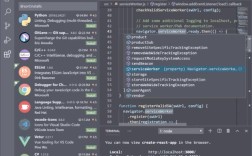
Visual Studio Code (VS Code)
Best for: Everyone from beginners to professionals. It's the modern, versatile choice.
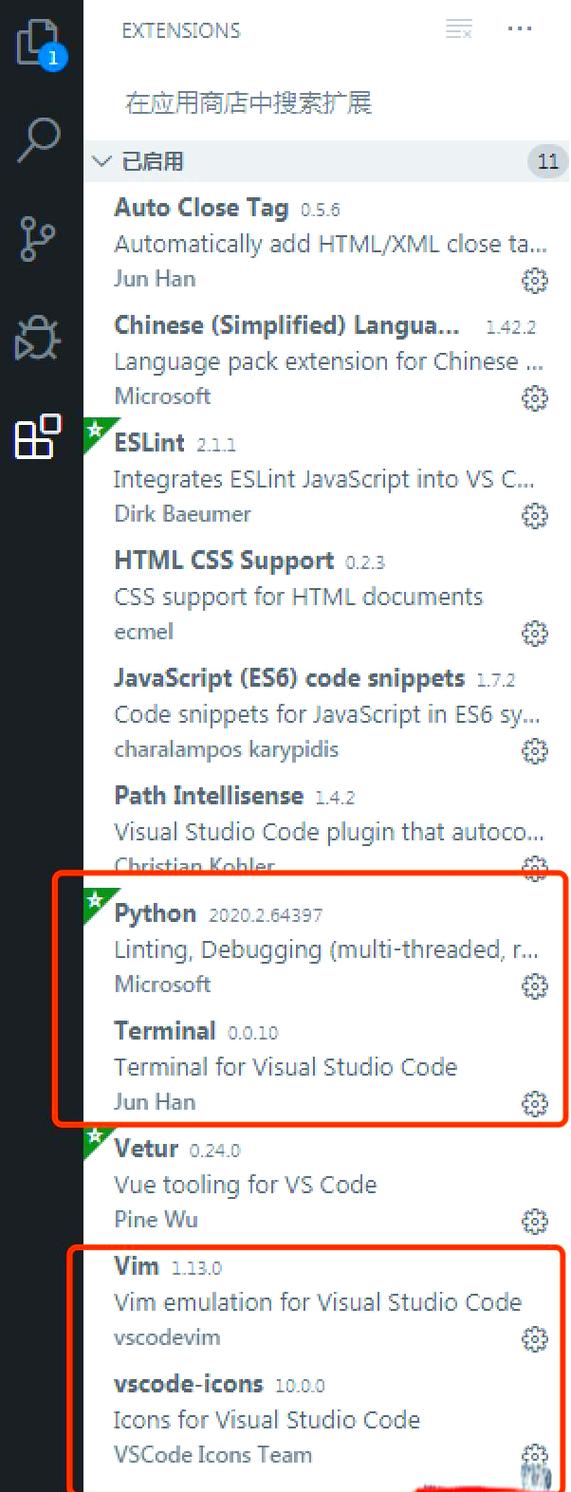
- Description: VS Code is a free, open-source, and lightweight source-code editor developed by Microsoft. While not a full IDE out of the box, its vast extension ecosystem makes it a powerful and customizable Python development environment.
- Pros:
- Free & Cross-Platform: Works perfectly on Windows, macOS, and Linux.
- Lightweight & Fast: Starts up quickly and is very responsive.
- Massive Extension Marketplace: You can add extensions for Python (Microsoft's official one is great), Git, Docker, linting, testing, and virtually any other tool you can imagine.
- Integrated Terminal: A powerful terminal is built right into the interface, so you don't have to switch between windows.
- Excellent Git Integration: Best-in-class source control management.
- Highly Customizable: You can change the theme, keyboard shortcuts, and editor to your liking.
- Cons:
- Requires installing extensions to get full IDE functionality (like debugging, linting, etc.).
- Can become slightly slower than a native IDE if you install too many extensions.
- Who it's for: Web developers, data scientists, hobbyists, students, and professionals working on various types of projects. It's the safest and most recommended choice for most people today.
Getting Started:
- Download and install Visual Studio Code.
- Open the Extensions view (Ctrl+Shift+X).
- Search for and install the "Python" extension by Microsoft.
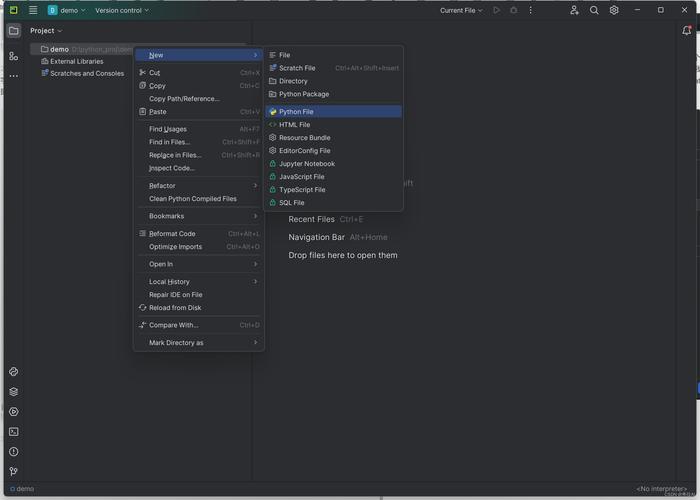
PyCharm
Best for: Serious Python developers, especially those working on large applications or web frameworks.
- Description: PyCharm is a dedicated, full-featured IDE for Python, developed by JetBrains. It comes in two editions: a free Community Edition and a paid Professional Edition.
- Pros:
- Intelligent Code Editor: Unmatched code completion, inspection, and on-the-fly error checking.
- Deep Framework Support: Fantastic built-in support for Django, Flask, FastAPI, Google App Engine, and more.
- Powerful Debugger: A sophisticated debugger that allows you to step through code, inspect variables, and evaluate expressions on the fly.
- Integrated Testing & Profiling: Excellent tools for running tests (pytest, unittest) and profiling your code to find bottlenecks.
- Professional Edition Features: Database tools, scientific tools (like Jupyter support), remote development, and advanced web development features.
- Cons:
- Can be resource-intensive: It's a heavier application and might feel slow on older machines.
- The Professional Edition is paid. The Community Edition is free but lacks some advanced features (like advanced web and database tools).
- Who it's for: Professional Python developers, software engineers, and anyone building complex applications.
Getting Started:
- Download and install PyCharm. Choose the Community Edition for free.
- When creating a new project, make sure to select the correct Python interpreter.
Thonny
Best for: Absolute Python beginners, especially children or those new to programming.
- Description: Thonny is a simple, beginner-friendly IDE designed to help new programmers learn Python without getting overwhelmed by complex features.
- Pros:
- Super Simple Interface: Clean and uncluttered, focusing on the essentials.
- Bundled with Python: It comes with its own version of Python, so there's no separate installation or configuration needed.
- Excellent Debugging for Beginners: Shows variable values in a very clear way and allows you to step through code line-by-line.
- Focus on Learning: It helps you understand how your code is executed.
- Cons:
- Too simple for professional work: Lacks the advanced features, extensions, and power of VS Code or PyCharm.
- Not suitable for large projects or complex development workflows.
- Who it's for: People taking their first steps in programming, students in introductory courses, and educators.
Getting Started:
- Download and install Thonny. That's it! It's self-contained.
Spyder
Best for: Data scientists, engineers, and scientists who need a MATLAB-like environment.
- Description: Spyder is an open-source scientific IDE that is part of the Anaconda distribution. It's designed specifically for data analysis and interactive computing.
- Pros:
- MATLAB-like Interface: Familiar layout with an editor, a console, and variable explorer panes.
- Excellent Data Exploration: The variable explorer allows you to view and edit arrays, dataframes (from pandas), and other data structures easily.
- Integrated with Anaconda: Seamlessly works with the vast scientific Python libraries (NumPy, Pandas, Matplotlib, etc.).
- Good for Scripting and Interactive Work: Great for both writing scripts and doing interactive data analysis.
- Cons:
- Can be slower to start than other options.
- The interface is less customizable than VS Code.
- Not as strong for general-purpose software development or web projects.
- Who it's for: Data analysts, scientists, engineers, and researchers who primarily work with numerical data and scientific computing.
Getting Started:
- The easiest way is to install it via the Anaconda Distribution. It will be included by default.
IDLE (Built-in)
- Description: IDLE is the very simple IDE that comes bundled with the standard Python installer on Windows. It's named after Monty Python's Eric Idle.
- Pros:
- No installation needed: It's already there if you have Python installed.
- Very simple: Good for running a quick script without any setup.
- Cons:
- Extremely basic with minimal features.
- The user interface feels dated and clunky.
- Lacks a modern debugger, code completion, and other essential tools.
- Who it's for: Someone who just installed Python and wants to run a "Hello, World!" script and nothing more. Not recommended for any real development.
Summary Table
| IDE | Price | Ease of Use | Learning Curve | Best For |
|---|---|---|---|---|
| VS Code | Free | Easy | Low | General purpose, web, data, everyone |
| PyCharm | Free/Paid | Moderate | Medium | Professional Python, large apps, web dev |
| Thonny | Free | Very Easy | Very Low | Absolute beginners, education |
| Spyder | Free | Moderate | Low-Medium | Data science, scientific computing |
| IDLE | Free | Easy | Very Low | Quick, simple scripts (not recommended) |
Final Recommendation
- For 95% of users, start with Visual Studio Code. It's the perfect balance of power, flexibility, and ease of use.
- If you are a beginner and feel intimidated by VS Code, try Thonny first to get the basics down, then move to VS Code.
- If you are a professional Python developer or plan to build complex applications, especially web apps, PyCharm Professional is worth the investment. The free Community Edition is also excellent for many use cases.
- If your main focus is data science and you already use Anaconda, Spyder is a fantastic choice.