Of course! Using a queue with Python's logging module is a powerful and common pattern, especially in multi-threaded or multi-process applications. It helps solve a critical problem: log messages getting garbled or lost when multiple threads try to write to the log file simultaneously.
Let's break down why you'd use a queue, how to implement it, and look at the modern, recommended approach.
The Problem: Why Not Log Directly?
Imagine a multi-threaded web server. You have multiple worker threads handling requests. If every thread tries to open the log file and write to it at the same time, you get a "race condition."
- Race Condition: Thread A opens the file, writes
[INFO] Request started, but before it can write a newline, Thread B pre-empts it and writes[ERROR] Something went wrong!. Thread A then resumes and writesby user 123. The final log entry is garbled:[INFO] Request started[ERROR] Something went wrong! by user 123
This is messy, unparseable, and can lead to lost log messages.
The Solution: The Logging Queue
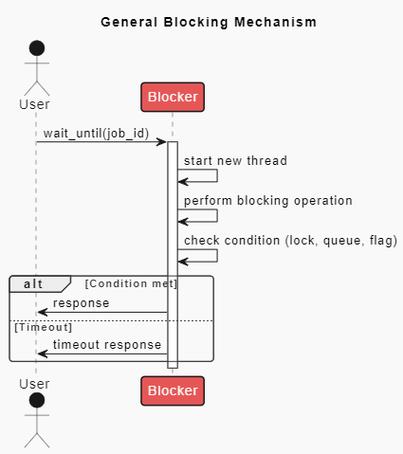
The solution is to introduce a Producer-Consumer pattern:
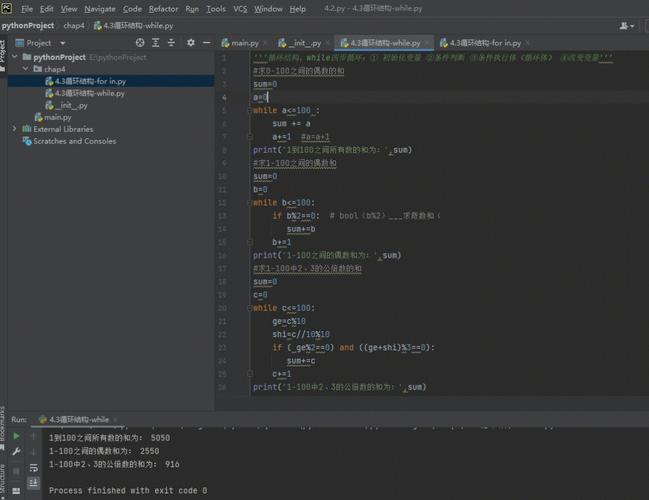
- Producers: Your application threads. Instead of writing directly to a file, they simply put log records onto a thread-safe queue. This is a very fast, non-blocking operation.
- Consumer: A single, dedicated logging thread. Its only job is to sit on the queue, pull records off as they arrive, and write them to the final destination (a file, the console, etc.).
This ensures that only one thread ever writes to the log file at a time, eliminating race conditions and guaranteeing that log messages are written in the order they were generated.
Implementation: The QueueHandler and QueueListener
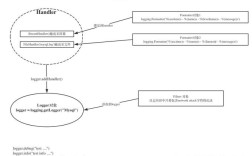
Python's logging module provides two key classes to make this implementation straightforward and robust:
logging.handlers.QueueHandler: A handler that you attach to your loggers. It doesn't write anywhere itself. Instead, it takes a log record and puts it onto a queue.logging.handlers.QueueListener: A special handler that listens to a queue. It takes records off the queue and passes them to one or more other "sub-handlers" (likeFileHandler,StreamHandler, etc.) for actual output.
Step-by-Step Example
Here is a complete, runnable example demonstrating a multi-threaded application using a logging queue.
import logging
import logging.handlers
import threading
import time
import queue
import random
# --- 1. Setup the Queue and Listener ---
# Create a queue with a maximum size. This helps prevent memory issues
# if the logging consumer can't keep up with the producers.
log_queue = queue.Queue(maxsize=100)
# This is the "sub-handler" that will do the actual writing to a file.
# You can have multiple sub-handlers (e.g., one for file, one for console).
file_handler = logging.FileHandler('app.log')
file_handler.setFormatter(logging.Formatter('%(asctime)s - %(threadName)s - %(levelname)s - %(message)s'))
# Create the QueueListener. It takes the queue and the list of sub-handlers.
# It will run in its own thread.
queue_listener = logging.handlers.QueueListener(log_queue, file_handler)
queue_listener.start()
# --- 2. Setup Loggers with QueueHandler ---
# Get a logger instance for our application
# It's good practice to use a unique name for your logger
app_logger = logging.getLogger('my_app')
app_logger.setLevel(logging.INFO) # Set the logging level for this logger
# IMPORTANT: A logger should only have one handler at the top level.
# We add the QueueHandler to our logger.
app_logger.addHandler(logging.handlers.QueueHandler(log_queue))
# You can also get child loggers
worker_logger = logging.getLogger('my_app.worker')
# --- 3. Define Producer Functions (Threads) ---
def worker_task(worker_id):
    """A function that simulates a worker thread doing some logging."""
    logger = logging.getLogger(f'my_app.worker.{worker_id}')
    for i in range(5):
        sleep_time = random.uniform(0.1, 0.5)
        time.sleep(sleep_time)
        log_level = random.choice([logging.DEBUG, logging.INFO, logging.WARNING])
        logger.log(log_level, f"Worker {worker_id} is working... Step {i+1}")
    logger.info(f"Worker {worker_id} has finished.")
# --- 4. Create and Start Threads ---
threads = []
for i in range(5):
    thread = threading.Thread(target=worker_task, args=(i,), name=f"Worker-{i}")
    threads.append(thread)
    thread.start()
# --- 5. Wait for Threads to Complete ---
for thread in threads:
    thread.join()
# --- 6. Cleanup ---
# When your application is shutting down, you MUST stop the listener.
# This ensures all remaining messages in the queue are processed.
queue_listener.stop()
print("\nApplication finished. Check 'app.log' for the output.")
How to Run and What to Expect:
- Save the code as
logging_queue_example.py. - Run it:
python logging_queue_example.py - Observe the console output. It will be mostly quiet, as the logging is happening in the background.
- After the script finishes, you will find a file named
app.log.
Contents of app.log (will vary slightly due to random timing):
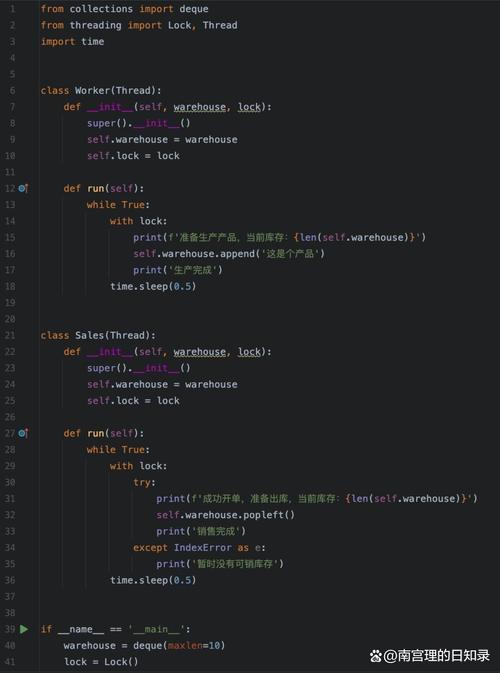
2025-10-27 10:30:00,123 - Worker-0 - INFO - Worker 0 is working... Step 1
2025-10-27 10:30:00,234 - Worker-1 - DEBUG - Worker 1 is working... Step 1
2025-10-27 10:30:00,345 - Worker-0 - INFO - Worker 0 is working... Step 2
2025-10-27 10:30:00,456 - Worker-2 - WARNING - Worker 2 is working... Step 1
...
2025-10-27 10:30:02,150 - Worker-3 - INFO - Worker 3 has finished.
2025-10-27 10:30:02,210 - Worker-4 - INFO - Worker 4 has finished.
Notice two key things:
- No garbled messages. Each log entry is perfectly formed.
- Thread names are present. The formatter
%(threadName)scorrectly shows which worker thread generated the message.
Important Considerations
A. Shutdown is Critical
You must call queue_listener.stop() before your program exits. If you don't, any log messages still sitting in the queue when the main thread finishes will be lost, and the listener thread might not get a chance to flush its buffers.
B. Queue Size (maxsize)
If your producers are much faster than your consumer, the queue can fill up. When it's full, put() will block until there's space. If you use put_nowait(), it will raise a queue.Full exception. Choose a size that balances memory usage with the risk of losing messages during a temporary log processing slowdown.
C. Multiprocessing (Different from Multithreading)
The queue.Queue used above is not process-safe. It uses shared memory that only works within a single process.
For multiprocessing, you need to use a multiprocessing.Queue. The setup is very similar, but you have to be more careful about where and how you initialize the logger and handlers to avoid issues with forked processes.
A common and robust pattern for multiprocessing is to have a main process create the Queue and QueueListener, and then pass the queue to child processes. The child processes then configure their loggers to use a QueueHandler with that queue.
Modern Alternative: concurrent-log-handler
For many years, the QueueHandler/QueueListener approach was the best way to solve this problem. However, a third-party library, concurrent-log-handler, has become a very popular and often simpler alternative.
It provides a ConcurrentRotatingFileHandler that handles file locking internally, making it safe for multi-threaded use without requiring a separate queue and listener thread.
Installation:
pip install concurrent-log-handler
Example Usage:
import logging
import threading
import time
import random
from concurrent_log_handler import ConcurrentRotatingFileHandler
# Setup the logger with the new handler
logger = logging.getLogger('my_app_mp')
logger.setLevel(logging.INFO)
# Use the concurrent-log-handler instead of a standard FileHandler
# It handles locking automatically.
handler = ConcurrentRotatingFileHandler(
    'app_concurrent.log',
    maxBytes=2*1024*1024, # 2MB
    backupCount=5,
    encoding='utf-8'
)
handler.setFormatter(logging.Formatter('%(asctime)s - %(threadName)s - %(levelname)s - %(message)s'))
logger.addHandler(handler)
# Now you can log directly from multiple threads without a queue
def worker_task_mp(worker_id):
    for i in range(5):
        time.sleep(random.uniform(0.1, 0.5))
log_level