Of course! Handling CSV encoding in Python is a common task that can sometimes be tricky. The core of the issue is that text files, including CSVs, store characters as bytes, and you need to specify how those bytes should be interpreted as characters (i.e., which encoding to use).
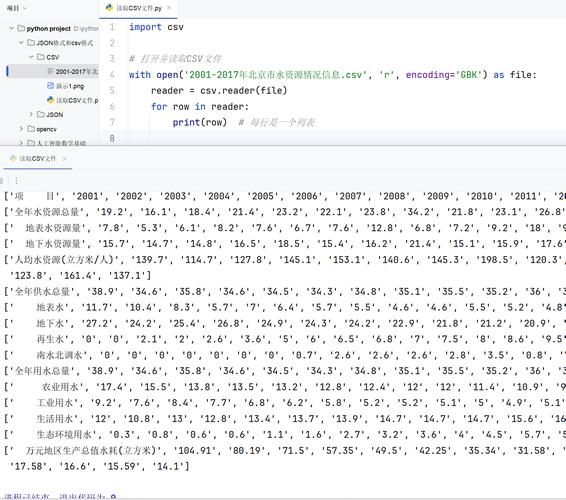
Here’s a comprehensive guide covering the essentials, from the basics to best practices and common problems.
The Short Answer: The Best Practice
For modern Python (3.6+), the best and most robust way to handle CSV files is to use the encoding argument in the open() function.
Reading a CSV:
import csv
# Specify the encoding when opening the file.
# 'utf-8-sig' is highly recommended as it handles BOMs for UTF-8 files.
with open('my_data.csv', mode='r', encoding='utf-8-sig', newline='') as file:
    csv_reader = csv.reader(file)
    for row in csv_reader:
        print(row)
Writing a CSV:
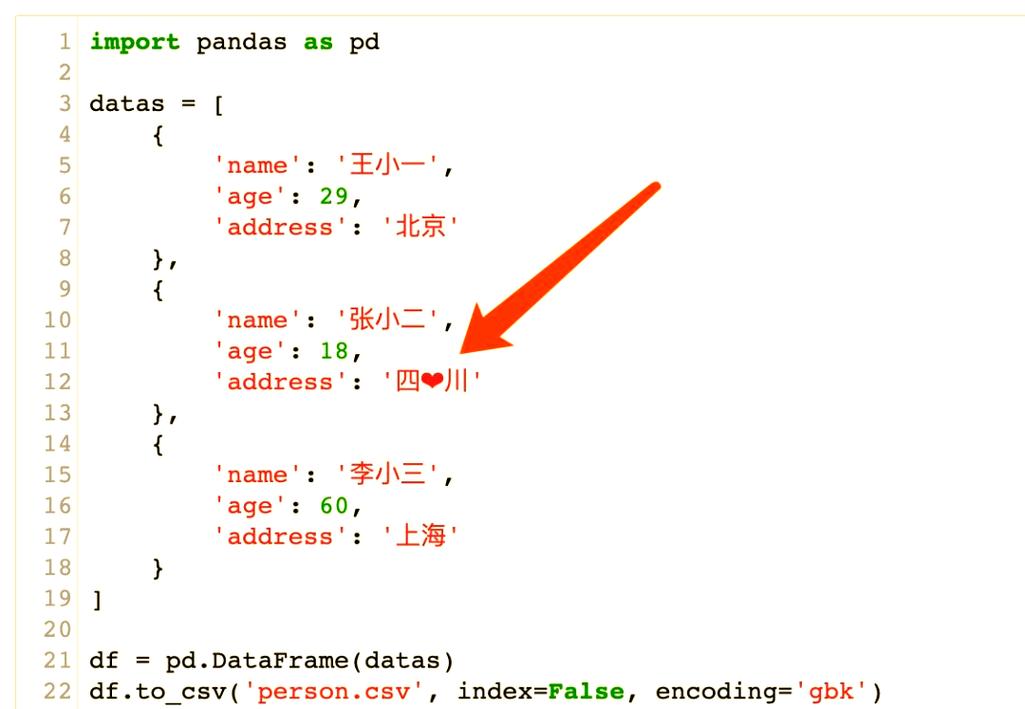
import csv
data_to_write = [
    ['Name', 'City', 'Country'],
    ['José', 'São Paulo', 'Brazil'],
    ['François', 'Paris', 'France'],
    ['Müller', 'Munich', 'Germany']
]
# Use 'utf-8-sig' for writing too. It's a clean, modern standard.
with open('my_data_written.csv', mode='w', encoding='utf-8-sig', newline='') as file:
    csv_writer = csv.writer(file)
    csv_writer.writerows(data_to_write)
Key takeaway: Always specify encoding in your open() call. utf-8-sig is often the best choice.
Understanding the Core Concepts
What is Encoding?
Encoding is a system that maps characters (like 'A', 'é', '世') to numbers, and those numbers to bytes (a sequence of 0s and 1s).
- Character: The letter
A - Encoding System (e.g., UTF-8): Maps
Ato the number65. - Bytes: The number
65is represented by the single byteb'\x41'.
When you read a file, Python needs to know which encoding system to use to correctly translate the bytes back into characters.
Why is it a Problem?
- Different Systems Use Different Encodings: Historically, Windows often used
cp1252orlatin-1. Linux and macOS mostly usedUTF-8. If you open alatin-1encoded file on a system expectingUTF-8, you'll getUnicodeDecodeError. - Special Characters: Characters like , , , or Chinese/Japanese characters require multi-byte representations in some encodings. Using the wrong encoding will corrupt these characters (e.g., turning them into or ).
- The Byte Order Mark (BOM): This is an invisible sequence of bytes at the very beginning of a file that signals which encoding (and specifically, which flavor of Unicode) is being used. UTF-8 files often have a BOM (
\xef\xbb\xbf). If you don't handle this, it can show up as a weird character () at the start of your first column header.
The Most Important Encodings to Know
| Encoding | Description | When to Use |
|---|---|---|
utf-8 |
The dominant encoding on the web and in most modern systems. It can represent any character in the Unicode standard. It's variable-width (1-4 bytes per character). | Your default, safe choice. Use it unless you have a specific reason not to. |
utf-8-sig |
A variant of UTF-8 that understands the Byte Order Mark (BOM). The -sig part tells Python to automatically detect and strip the BOM if it's present. |
The best choice for reading and writing CSVs. It gracefully handles files with and without a BOM. |
latin-1 |
(Also known as ISO-8859-1) A legacy encoding that can only represent the first 256 Unicode characters. It's a 1-byte-per-character encoding. |
Reading old files from Windows systems or legacy software. It will never cause a UnicodeDecodeError but will corrupt any character outside its limited set (e.g., becomes ). |
cp1252 |
A legacy encoding common on older versions of Windows. It's similar to latin-1 but assigns different characters to the range 128-255. |
Reading files specifically generated by older Windows applications. |
utf-16 |
A fixed-width, 2-byte-per-character Unicode encoding. Almost always has a BOM. | Less common for CSVs, but sometimes used in specific enterprise or Windows applications. |
Common Errors and How to Fix Them
Error 1: UnicodeDecodeError: 'utf-8' codec can't decode byte...
This is the most common error. It means Python tried to read a byte from the file using UTF-8 rules, but that byte sequence is not valid.
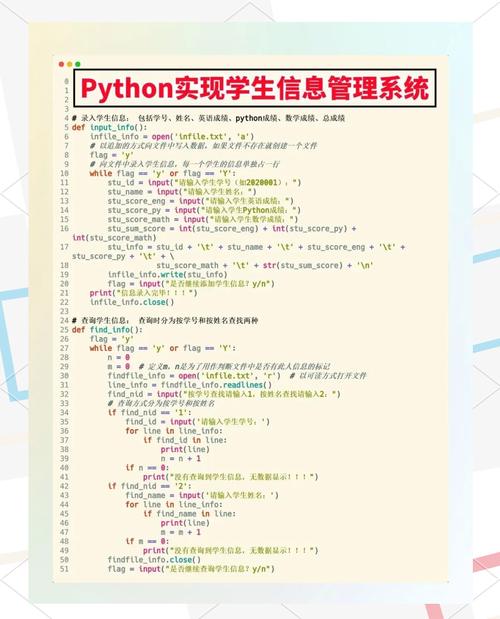
Scenario: You receive a CSV file old_data.csv that was created on an old Windows machine and is encoded in cp1252.
Bad Code (will fail):
# This will likely fail with a UnicodeDecodeError
with open('old_data.csv', mode='r', encoding='utf-8') as file:
    # ... read file
Solution: Specify the correct encoding.
# Correctly specify the encoding
with open('old_data.csv', mode='r', encoding='cp1252', newline='') as file:
    csv_reader = csv.reader(file)
    for row in csv_reader:
        print(row)
Error 2: The Mysterious Character
This is the BOM being interpreted as a regular character because you used utf-8 instead of utf-8-sig.
Scenario: Your CSV file starts with the invisible BOM for UTF-8.
Bad Code (produces ):
# The BOM will be read as the characters ''
with open('my_data.csv', mode='r', encoding='utf-8', newline='') as file:
    csv_reader = csv.reader(file)
    headers = next(csv_reader) # headers will be ['Name', 'City', ...]
    print(headers)
Solution: Use utf-8-sig.
# The BOM is automatically handled and ignored
with open('my_data.csv', mode='r', encoding='utf-8-sig', newline='') as file:
    csv_reader = csv.reader(file)
    headers = next(csv_reader) # headers will be ['Name', 'City', ...]
    print(headers)
Advanced: Detecting Encoding Automatically
Sometimes you don't know the encoding of a file. You can use a third-party library like chardet to detect it.
Install the library:
pip install chardet
Use it to detect encoding before reading:
import csv
import chardet
def detect_encoding(file_path):
    with open(file_path, 'rb') as f:
        raw_data = f.read(10000) # Read a chunk of the file
        result = chardet.detect(raw_data)
        return result['encoding']
file_path = 'unknown_encoding.csv'
encoding = detect_encoding(file_path)
print(f"Detected encoding: {encoding}")
try:
    with open(file_path, mode='r', encoding=encoding, newline='') as file:
        csv_reader = csv.reader(file)
        for row in csv_reader:
            print(row)
except UnicodeDecodeError:
    print("Detection failed. Try specifying the encoding manually.")
Note: Encoding detection is not 100% reliable, especially for short files or files with simple content. It's a helpful tool, but manual specification is always more robust when you know the source.
Best Practices Summary
- Always Specify Encoding: Never rely on the system's default. Always pass the
encodingargument toopen(). - Default to
utf-8-sig: For reading and writing CSVs,utf-8-sigis your best friend. It's modern, handles BOMs gracefully, and is the most widely compatible standard. - Handle Errors Gracefully: If you're dealing with files from unknown sources, wrap your file operations in a
try...except UnicodeDecodeErrorblock. - Use the
csvModule: It's built-in and correctly handles things like commas inside quoted fields, newlines within fields, etc., which a simplesplit(',')would fail on. - When in Doubt, Try
latin-1: Ifutf-8fails,latin-1will never fail to decode a byte (it just maps each byte to a character). This can be a useful diagnostic step to see if the file is readable at all, before trying other encodings likecp1252.