Of course! This is a fantastic question because the relationship between Python and the operating systems (Linux, Windows, and macOS) is one of the cornerstones of its popularity.
Let's break it down into three main parts:
- Python's Cross-Platform Nature: How Python works on all three.
- Key Differences & Nuances: The practical things you need to know when writing code for each OS.
- Choosing Your Environment: Where you actually write and run your Python code.
Python's Core Strength: Cross-Platform Compatibility
This is the most important concept. Python is designed from the ground up to be a cross-platform language.
What this means: A single, unmodified Python script can run on Linux, Windows, and macOS without any changes.
How it works:
- The Python Interpreter: You don't compile Python code into an executable for a specific OS. Instead, you use a program called the Python interpreter. The Python Software Foundation provides official, pre-compiled interpreters for all major operating systems.
- Standard Library: Python's built-in library (the "Standard Library") is abstracted. When you write code to perform a file operation, like
open('myfile.txt', 'r'), Python's standard library handles the differences between how files are opened on a Linux filesystem (ext4) and a Windows filesystem (NTFS). It gives you a consistent interface, and the interpreter takes care of the OS-specific details.
Analogy: Think of Python as a universal remote control. The buttons on the remote (play, pause, volume up) are the same no matter if you're pointing it at a Sony TV, a Samsung TV, or a VCR. The remote (Python code) sends a signal, and the TV's internal receiver (the OS) interprets it and does the right thing.
Key Differences & Nuances (The "Gotchas")
While your code can be portable, you will encounter differences. Being aware of them is crucial for writing robust applications.
| Feature / Task | Linux | Windows | macOS | Notes & Best Practices |
|---|---|---|---|---|
| Path Separator | (forward slash) | \ (backslash) |
(forward slash) | This is the most common source of errors. Always use os.path.join() or pathlib to build file paths. Bad: data/file.txt Good: os.path.join('data', 'file.txt') |
| Line Endings | \n (Line Feed) |
\r\n (Carriage Return + Line Feed) |
\n (Line Feed) |
This is handled automatically by Python when reading/writing files in text mode ('r', 'w'). However, if you're dealing with raw binary data or collaborating with others, it can cause issues (e.g., "git diff" showing lots of changes). Most modern code editors handle this automatically. |
| Command Line | Terminal / Console. Very powerful and integrated. | Command Prompt / PowerShell. PowerShell is very powerful and similar to Linux shells. | Terminal. Very similar to Linux's terminal. | Python scripts can be run directly from the command line on all three. You might need to use python your_script.py on Windows and python3 your_script.py on Linux/macOS if you have multiple versions. |
| Filesystem & Permissions | Case-sensitive. File.txt and file.txt are two different files. Permissions are granular (read, write, execute for user, group, other). |
Case-insensitive (by default). File.txt and file.txt are the same file. Permissions are simpler (Read/Write/Execute for owner, and then a simple "Read-only" checkbox for others). |
Case-sensitive (like Linux). Permissions are simpler than Linux, similar to Windows. | Always write code that is case-insensitive when needed. For example, when looking for a config file, check for config.json, Config.json, etc. |
| Threading & Multiprocessing | Generally very fast and efficient due to mature kernel support. | Can have limitations due to the Global Interpreter Lock (GIL) and OS-level differences, but it's continuously improving. | Similar to Linux, generally very performant. | For CPU-bound tasks, the multiprocessing module is often recommended over threading on all platforms due to the GIL. |
| Package Management | pip (primary), apt, yum, dnf (for system-level packages). |
pip (primary), winget, Chocolatey. |
pip (primary), brew. |
pip is the universal standard. System package managers (apt, brew) are used to install the Python interpreter itself, while pip is used to install Python libraries from PyPI. |
| GUI Frameworks | Works well with Qt (PySide, PyQt), GTK (PyGObject). |
Works well with Tkinter (built-in), PyQt, and .NET-based frameworks like Python for .NET. |
Works well with Cocoa-based frameworks like PyObjC, and cross-platform ones like Qt and Tkinter. |
Recommendation: Stick to a cross-platform framework like Tkinter (built-in), PyQt/PySide, or Kivy if you want your GUI app to run on all three OSes without modification. |
Choosing Your Development Environment
This is where the OS choice has the biggest impact on your daily workflow. You don't just "run Python"; you use an environment to write, manage, and execute it.
A. The Command Line / Terminal
This is the most fundamental environment.
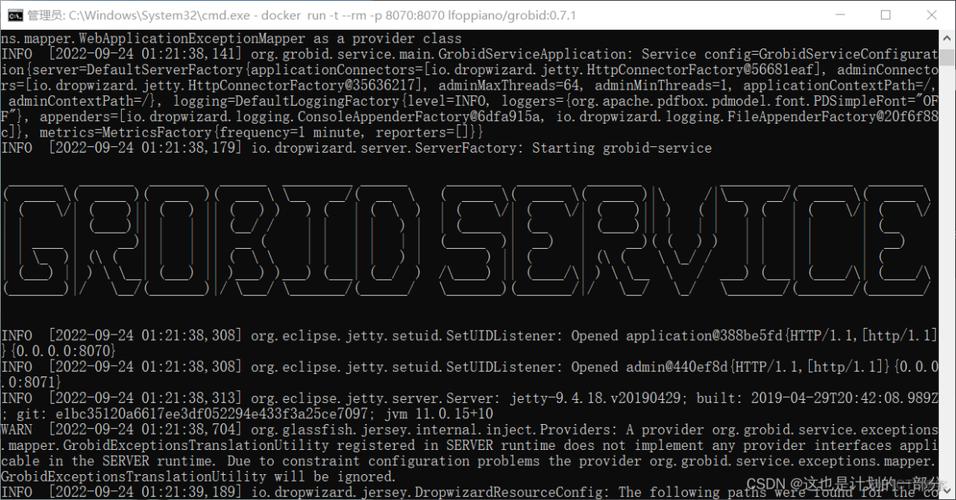
- Linux/macOS: The terminal is a first-class citizen. You'll spend a lot of time here.
- Common Tools:
vim/nano(editors),git(version control),ls/cd/mkdir(file navigation),pip/conda(package management).
- Common Tools:
- Windows: The experience has gotten much better.
- Command Prompt (CMD): The old default. It's basic but works.
- PowerShell: The modern, powerful default. It has more features, better scripting capabilities, and uses more Unix-like commands (e.g.,
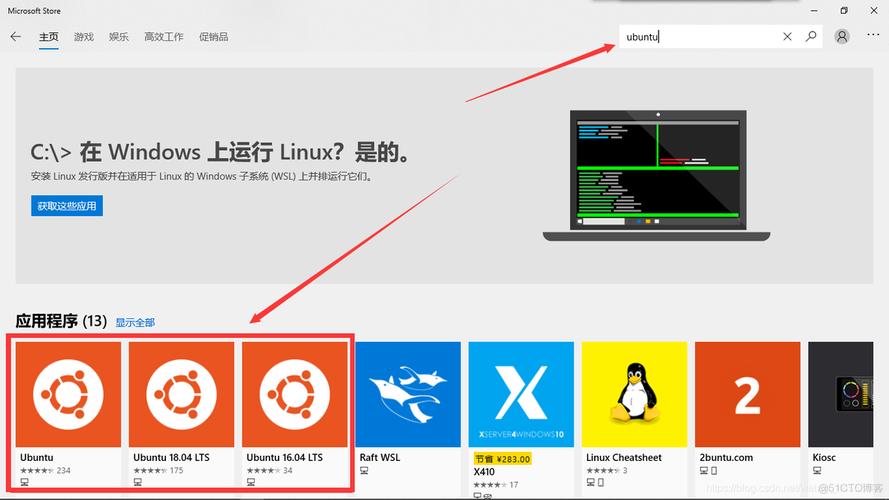
Get-ChildIteminstead ofdir). This is the recommended choice for Windows users. - Windows Subsystem for Linux (WSL): This is a game-changer. It allows you to run a full, real Linux environment (including the Bash shell, apt, etc.) directly on Windows. If you do any web development, DevOps, or data science, WSL is almost essential.
B. Integrated Development Environments (IDEs) & Code Editors
These tools provide a graphical interface with syntax highlighting, debugging, and project management.
-
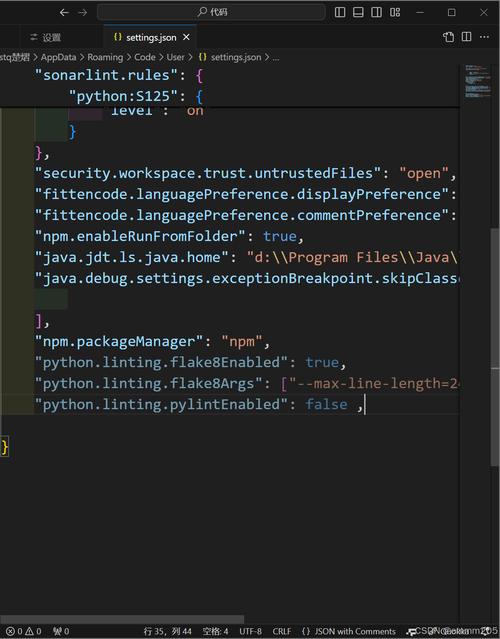
VS Code (Visual Studio Code):
- The most popular choice today. It's a lightweight editor that is incredibly powerful through extensions.
- It works flawlessly on all three OSes.
- Key Extensions: Python (from Microsoft), Pylance, Docker, GitLens.
-
PyCharm:
- A full-fledged IDE built specifically for Python.
- It has a free "Community Edition" and a paid "Professional Edition."
- Excellent for larger, complex projects. It also works on all three OSes.
-
Spyder:
- A scientific IDE, very popular in the data science community.
- It's like a super-powered version of MATLAB's environment.
- Comes bundled with the Anaconda distribution.
-
Jupyter Notebook / JupyterLab:
- An interactive environment perfect for data analysis, visualization, and machine learning.
- You run code in "cells" and see the output immediately below. It's not a traditional script editor but is indispensable for many Python developers.
- Runs in a web browser and works the same everywhere.
Summary and Recommendations
| If you are... | Your OS Choice | Recommended Python Environment |
|---|---|---|
| A beginner | Any | VS Code + Python Extension. It's free, modern, and will grow with you. Start by learning to use the command line/terminal. |
| A Data Scientist / ML Engineer | Any | Anaconda Distribution. It bundles Python, Spyder, JupyterLab, and hundreds of essential data science packages. |
| A Web Developer / DevOps Engineer | Linux (or WSL on Windows) | VS Code or PyCharm Professional. You'll live in the terminal and use tools like Docker, Git, and cloud CLIs. |
| A Windows-Only Developer | Windows | Use WSL to get a Linux-like terminal experience. Use VS Code with the WSL extension to edit files and run code directly in your Linux environment from Windows. |
| A macOS Developer | macOS | The experience is very similar to Linux. VS Code or PyCharm are excellent choices. The built-in Terminal is great. |
In conclusion, Python's ability to run on Linux, Windows, and macOS is one of its greatest strengths. While there are subtle differences in how the operating systems handle things, Python's abstractions and the excellent tools available make it possible to write code that is truly portable and productive, no matter your platform.