Of course! In Python, the most common and straightforward way to count occurrences of a substring within a string is by using the built-in .count() method.
Here’s a complete guide covering the basics, advanced cases, and other methods.
The .count() Method (Most Common)
This is the primary and most efficient method for counting substrings in a string.
Syntax
string.count(substring, start=0, end=len(string))
substring: The sequence of characters you want to count (required).start(optional): The index number where the search begins. Defaults to the beginning of the string (0).end(optional): The index number where the search ends. The character at this index is not included. Defaults to the end of the string.
Basic Examples
text = "hello world, hello universe, hello everyone"
# Count the occurrences of the word "hello"
count_hello = text.count("hello")
print(f"The word 'hello' appears {count_hello} times.")
# Output: The word 'hello' appears 3 times.
# Count occurrences of a single character
count_l = text.count("l")
print(f"The letter 'l' appears {count_l} times.")
# Output: The letter 'l' appears 8 times.
# Count a substring that doesn't exist
count_python = text.count("python")
print(f"The word 'python' appears {count_python} times.")
# Output: The word 'python' appears 0 times.
Using start and end (Slicing the Search Area)
This is useful if you only want to count occurrences within a specific part of the string.
sentence = "the quick brown fox jumps over the lazy dog. the fox was quick."
# Count 'the' only in the first half of the string
# We find the middle index to be a good end point
middle_index = len(sentence) // 2
count_first_half = sentence.count("the", 0, middle_index)
print(f"'the' appears in the first half: {count_first_half} times.")
# Output: 'the' appears in the first half: 1 times.
# Count 'fox' in the second half of the string
count_second_half = sentence.count("fox", middle_index)
print(f"'fox' appears in the second half: {count_second_half} times.")
# Output: 'fox' appears in the second half: 1 times.
Important Considerations & Edge Cases
Case-Sensitivity
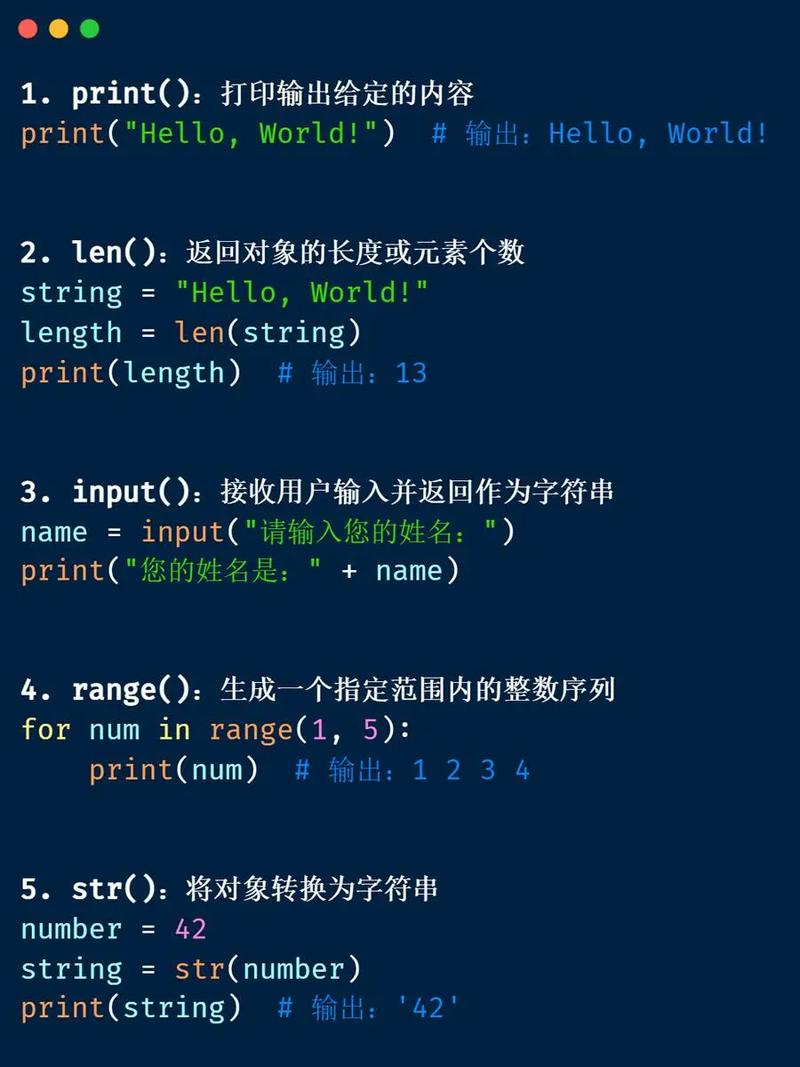
The .count() method is case-sensitive. "Hello" and "hello" are considered different.
text = "Hello hello world"
# Counts only the lowercase 'hello'
count_lower = text.count("hello")
print(f"Count of 'hello': {count_lower}") # Output: Count of 'hello': 1
# Counts only the uppercase 'Hello'
count_upper = text.count("Hello")
print(f"Count of 'Hello': {count_upper}") # Output: Count of 'Hello': 1
Solution: To make it case-insensitive, convert the entire string and the substring to the same case (e.g., lower or upper) before counting.
text = "Hello hello world"
substring = "hello"
# Case-insensitive count
count_insensitive = text.lower().count(substring.lower())
print(f"Case-insensitive count of '{substring}': {count_insensitive}")
# Output: Case-insensitive count of 'hello': 2
Overlapping Matches
By default, .count() does not find overlapping matches. It moves past the found substring to continue searching.
text = "ababababa"
# It finds 'aba' at index 0, then starts searching again from index 2.
# It finds 'aba' at index 2, then starts searching again from index 4.
# It finds 'aba' at index 4, then starts searching again from index 6.
# It finds 'aba' at index 6.
# Total: 4
print(f"'aba' appears: {text.count('aba')} times.")
# Output: 'aba' appears: 4 times.
Solution: To count overlapping matches, you need a different approach, typically using a loop and the str.find() method.
text = "ababababa"
substring = "aba"
count = 0
start = 0
while True:
    # Find the next occurrence of the substring
    pos = text.find(substring, start)
    # If find() returns -1, the substring was not found
    if pos == -1:
        break
    # Increment the count
    count += 1
    # Move the start position to the next character to find overlaps
    start = pos + 1
print(f"Overlapping count of '{substring}': {count} times.")
# Output: Overlapping count of 'aba': 5 times.
Alternative Methods (For Different Scenarios)
While .count() is best for simple substring counting, other methods can be useful for more complex tasks.
Using a for Loop (Character-by-Character Count)
This is useful if you want to count individual characters and get a frequency map (like a histogram).
text = "hello world"
char_counts = {}
for char in text:
    if char in char_counts:
        char_counts[char] += 1
    else:
        char_counts[char] = 1
print(char_counts)
# Output: {'h': 1, 'e': 1, 'l': 3, 'o': 2, ' ': 1, 'w': 1, 'r': 1, 'd': 1}
A more "Pythonic" way to achieve the same result is with collections.Counter.
from collections import Counter
text = "hello world"
char_counts = Counter(text)
print(char_counts)
# Output: Counter({'l': 3, 'o': 2, 'h': 1, 'e': 1, ' ': 1, 'w': 1, 'r': 1, 'd': 1})
# You can easily get the count of a specific character
print(f"The count of 'l' is: {char_counts['l']}")
# Output: The count of 'l' is: 3
Using Regular Expressions (re module)
Regular expressions are powerful for finding patterns, including counting them. The re.findall() function returns a list of all non-overlapping matches.
import re
text = "The rain in Spain falls mainly on the plain."
# Count words of 5 letters
five_letter_words = re.findall(r'\b\w{5}\b', text)
count = len(five_letter_words)
print(f"Found {count} five-letter words: {five_letter_words}")
# Output: Found 5 five-letter words: ['Spain', 'falls', 'mainly', 'plain', 'plain']
# You can also use re.finditer() for more control
count_iter = sum(1 for _ in re.finditer(r'\b\w{5}\b', text))
print(f"Count using finditer: {count_iter}")
# Output: Count using finditer: 5
Summary: Which Method to Use?
| Your Goal | Recommended Method | Why? |
|---|---|---|
| Count exact, non-overlapping substrings | my_string.count("substring") |
It's the most direct, readable, and efficient method for this task. |
| Count characters and get a frequency map | from collections import Counter |
It's designed for this purpose, is highly efficient, and returns a dictionary-like object. |
| Count with complex patterns or conditions | import re; len(re.findall(pattern, my_string)) |
Regular expressions provide immense flexibility for pattern matching. |
| Count overlapping matches | A while loop with str.find() |
.count() cannot do this, so a manual loop is necessary. |