
Of course! Here is a comprehensive guide to Python's unittest framework, complete with explanations, code examples, and best practices.
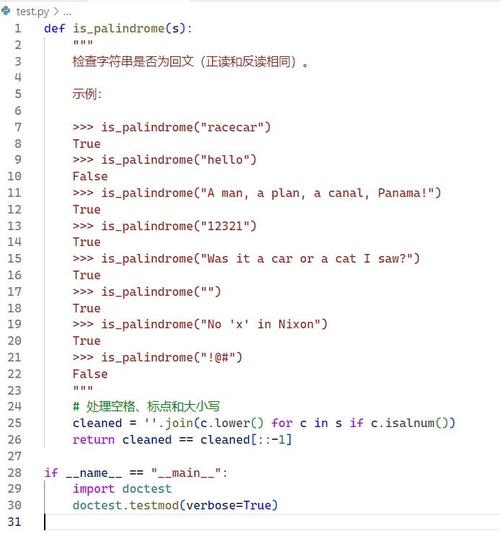
Python unittest Framework: A Complete Guide
unittest is Python's built-in testing framework. It's inspired by JUnit (from the Java world) and provides a robust, structured way to write and run tests. It's part of the Python Standard Library, so you don't need to install anything extra.
Why Use unittest?
- Standardization: It's the standard way to write tests in Python. Most Python developers will understand its structure.
- Integrated Runner: You can run all your tests from the command line with a simple command (
python -m unittest). - Rich Assertions: Provides a wide range of assertion methods (e.g.,
assertEqual,assertTrue,assertRaises) that produce helpful error messages on failure. - Test Discovery: Automatically discovers and runs tests if you follow a specific naming convention.
- Test Fixtures: Allows you to set up and tear down complex states before and after tests or test suites using
setUp,tearDown,setUpClass, andtearDownClass. - Test Suites: You can group tests into logical suites and run them together.
Core Concepts
The unittest framework is built around a few key classes and concepts:
-
unittest.TestCase: The heart of the framework. You create a class that inherits fromTestCaseto house your individual test methods. Each method in this class that starts withtest_is considered a test case and will be executed by the test runner. -
*`assert
Methods**: These are the methods you use to check if your code behaves as expected. If an assertion fails, the test method stops immediately and is marked as a failure (anAssertionError` is raised). Common ones include: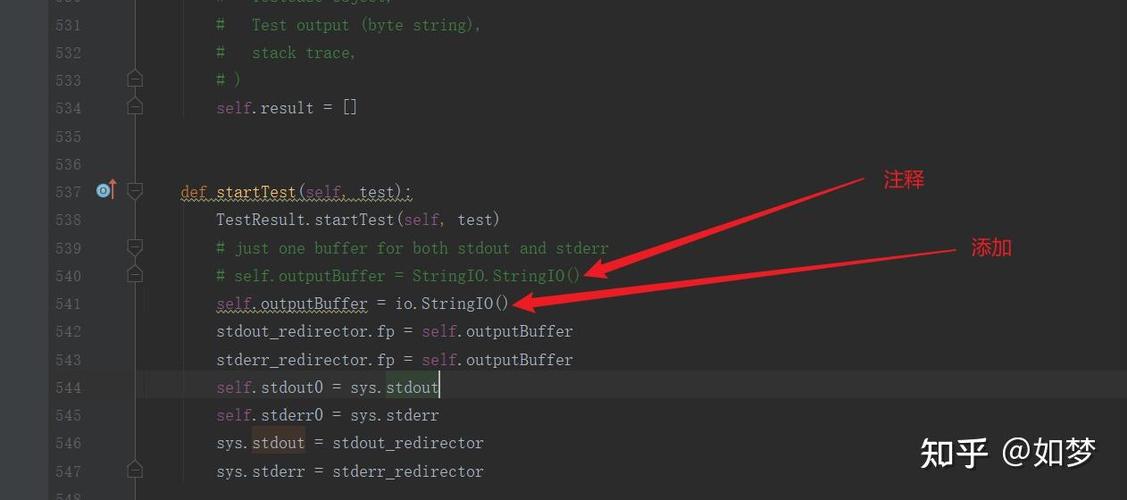 (图片来源网络,侵删)
assertEqual(a, b): Checks ifa == b.assertNotEqual(a, b): Checks ifa != b.assertTrue(x): Checks ifxisTrue.assertFalse(x): Checks ifxisFalse.assertIsNone(x): Checks ifxisNone.assertIn(a, b): Checks ifais inb.assertRaises(Exception, callable, *args, **kwargs): Checks if callingcallablewith the given arguments raises a specificException.
-
setUp()andtearDown(): These are special methods within aTestCase.setUp(): This method is run before each test method. Use it to create objects or set up conditions that your tests need.tearDown(): This method is run after each test method, regardless of whether the test passed or failed. Use it to clean up resources, like closing database connections or deleting temporary files.
-
unittest.TestSuite: A container for multiple test cases. You can group tests together and run them as a single suite. -
unittest.TextTestRunner: The component that actually executes aTestSuiteor aTestCaseand prints the results to the console.
A Simple, Practical Example
Let's imagine we have a simple calculator module that we want to test.
The Code to be Tested (calculator.py)
# calculator.py
def add(a, b):
    """Adds two numbers and returns the result."""
    return a + b
def subtract(a, b):
    """Subtracts b from a and returns the result."""
    return a - b
def multiply(a, b):
    """Multiplies two numbers and returns the result."""
    return a * b
def divide(a, b):
    """Divides a by b and returns the result.
    Raises:
        ValueError: If b is zero.
    """
    if b == 0:
        raise ValueError("Cannot divide by zero")
    return a / b
The Test File (test_calculator.py)
Now, let's write the tests for this module. The file should be named test_*.py for test discovery to work.
# test_calculator.py
import unittest
from calculator import add, subtract, multiply, divide
class TestCalculator(unittest.TestCase):
    """Test suite for the calculator module."""
    def setUp(self):
        """Set up any objects that can be used by all tests."""
        print("\nSetting up for a test...")
        # This is a simple example, but you might initialize a database
        # connection or create a complex object here.
    def tearDown(self):
        """Clean up after each test."""
        print("Tearing down after a test.")
        # Close connections, delete files, etc.
    # --- Tests for the 'add' function ---
    def test_add_positive_numbers(self):
        """Test addition of two positive numbers."""
        result = add(2, 3)
        self.assertEqual(result, 5)
    def test_add_negative_numbers(self):
        """Test addition of two negative numbers."""
        result = add(-2, -3)
        self.assertEqual(result, -5)
    # --- Tests for the 'subtract' function ---
    def test_subtract(self):
        """Test subtraction."""
        self.assertEqual(subtract(5, 3), 2)
        self.assertNotEqual(subtract(5, 3), 1)
    # --- Tests for the 'multiply' function ---
    def test_multiply(self):
        """Test multiplication."""
        self.assertEqual(multiply(3, 4), 12)
    # --- Tests for the 'divide' function ---
    def test_divide(self):
        """Test division with non-zero divisor."""
        self.assertEqual(divide(10, 2), 5)
    def test_divide_by_zero(self):
        """Test that division by zero raises a ValueError."""
        # We expect a ValueError to be raised
        with self.assertRaises(ValueError):
            divide(10, 0)
# This allows running the tests from the command line
if __name__ == '__main__':
    unittest.main()
Running the Tests
You have two primary ways to run this test file.
Method 1: Using the if __name__ == '__main__': block
This is the simplest way to run tests in a single file. Just execute the test file directly from your terminal:
python test_calculator.py
Output:
Setting up for a test...
.
Tearing down after a test.
Setting up for a test...
.
Tearing down after a test.
Setting up for a test...
.
Tearing down after a test.
Setting up for a test...
.
Tearing down after a test.
Setting up for a test...
.
Tearing down after a test.
Setting up for a test...
.
Tearing down after a test.
----------------------------------------------------------------------
Ran 6 tests in 0.001s
OK
Method 2: Using the command-line module runner (Recommended for projects)
This is the more powerful and standard way, especially for larger projects with many test files. Navigate to the directory containing test_calculator.py and run:
# Run all tests in the current directory
python -m unittest
# Or, to be more specific
python -m unittest test_calculator.py
# Or, to run a specific test class
python -m unittest test_calculator.TestCalculator
# Or, to run a specific test method
python -m unittest test_calculator.TestCalculator.test_add_positive_numbers
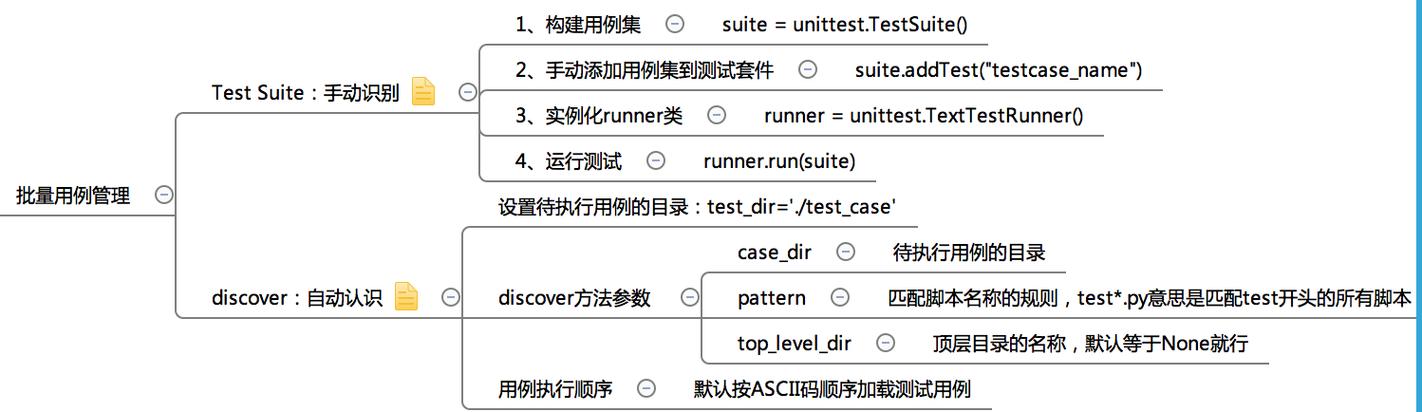
The unittest module's discovery mechanism will find all files named test*.py in the current directory and run all the tests inside them.
Advanced Features
setUpClass and tearDownClass
Sometimes, you want to set up a resource that is expensive to create and should be shared across all tests in a class. For this, you use class-level methods.
@classmethoddef setUpClass(cls): Runs once before any tests in the class.def tearDownClass(cls): Runs once after all tests in the class have completed.
Example:
class TestDatabaseConnection(unittest.TestCase):
    connection = None
    @classmethod
    def setUpClass(cls):
        """Set up a single database connection for the whole test class."""
        print("\n[SETUP CLASS] Connecting to the database...")
        # Simulate a DB connection
        cls.connection = "DB_CONNECTION_OBJECT"
        cls.assertIsNotNone(cls.connection)
    @classmethod
    def tearDownClass(cls):
        """Tear down the database connection."""
        print("[TEARDOWN CLASS] Closing database connection.")
        cls.connection = None
    def test_user_can_login(self):
        """Test a user login operation."""
        print("  - Running test_user_can_login")
        self.assertIsNotNone(self.connection)
        # ... perform login test using self.connection ...
    def test_user_can_update_profile(self):
        """Test a user profile update."""
        print("  - Running test_user_can_update_profile")
        self.assertIsNotNone(self.connection)
        # ... perform profile update test using self.connection ...
Test Discovery
If your project grows, you'll have many test files. unittest can automatically find and run them if you follow these conventions:
- Test files must be named
test*.py(e.g.,test_models.py,test_views.py). - Test classes must be named
Test*(e.g.,TestUser,TestAPI). - Test methods must be named
test*(e.g.,test_login,test_get_data).
To discover and run all tests in a directory and its subdirectories:
# From the root of your project directory
python -m unittest discover
You can also specify the start directory (-s) and the pattern for test files (-p):
python -m unittest discover -s tests -p "test_*.py"
Skipping Tests
Sometimes you might have a test that is not ready or is specific to a certain environment. You can skip these tests.
class TestSkips(unittest.TestCase):
    @unittest.skip("Skipping this test for demonstration")
    def test_this_is_skipped(self):
        self.fail("This should not be run")
    @unittest.skipIf(2 + 2 == 4, "Because math is hard")
    def test_another_skip(self):
        self.fail("This should also not be run")
    def test_this_runs(self):
        self.assertEqual(2 + 2, 4)
Summary of Best Practices
- One Test, One Concept: Each test method should test a single, specific behavior of your code.
- Descriptive Names: Name your test methods descriptively (e.g.,
test_user_login_with_valid_credentialsis better thantest_login). - Use
setUpandtearDown: Keep your test code DRY (Don't Repeat Yourself) by using these methods for common setup/teardown logic. - Arrange-Act-Assert Pattern: Structure your test methods in three logical parts:
- Arrange: Set up the test data and conditions.
- Act: Call the method you are testing.
- Assert: Check that the result is what you expect.
- Test Edge Cases: Don't just test the "happy path." Test for empty inputs, zero,
None, invalid types, and other boundary conditions. - Keep Tests Fast: Tests should be quick to run so you can run them frequently. Avoid slow operations like network calls or complex database queries in unit tests (use mocking for these).











