
Of course! The term "Python Language Model" can refer to a few different things, but it most commonly means using Python to create, train, and use Large Language Models (LLMs).
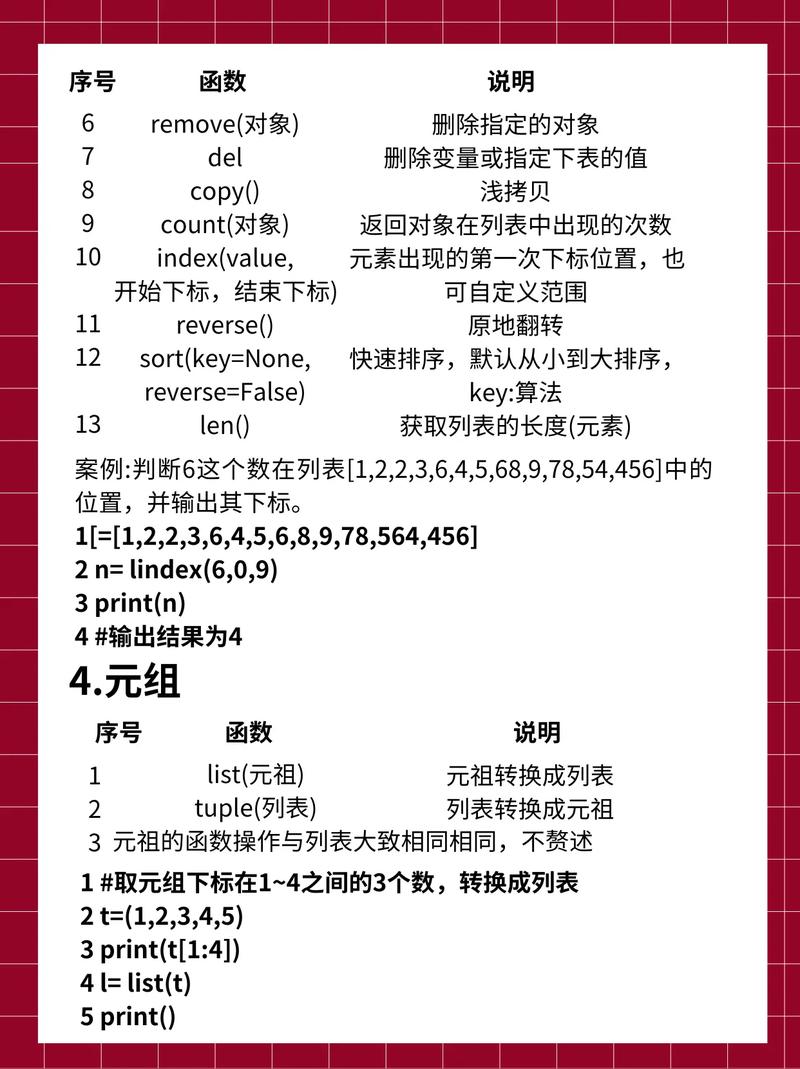
Python is the de facto programming language for the entire AI/ML ecosystem, making it the ideal choice for working with language models.
Let's break down what this means, from the core concepts to the practical tools and code examples.
What is a Language Model?
At its heart, a language model is a machine learning model that is trained on a massive amount of text data. Its goal is to learn the statistical patterns of a language, including:
- Grammar and syntax
- Fact knowledge
- Reasoning abilities
- Different styles of writing (formal, casual, poetic)
This training allows the model to perform a wide variety of tasks, such as:

- Text generation (writing essays, code, emails)
- Translation
- Summarization
- Question Answering
- Sentiment analysis
Modern language models are "Large" (LLMs) because they have billions of parameters (the internal variables learned during training) and are trained on trillions of words.
The Python Ecosystem for Language Models
Python's dominance in this area is due to its rich ecosystem of powerful, easy-to-use libraries. Here are the key players:
| Library/Framework | Description | Primary Use Case |
|---|---|---|
Hugging Face transformers |
The most important library for LLMs. Provides a unified API to access thousands of pre-trained models (like GPT, Llama, BERT) and datasets. | Loading, using, and fine-tuning pre-trained models. The go-to tool for almost any LLM task. |
| PyTorch | An open-source machine learning framework developed by Meta. It's known for its flexibility and dynamic computation graph. | Research and training new models or fine-tuning existing ones. It's the backend for many popular models. |
| TensorFlow / Keras | An end-to-end open-source platform from Google. Keras is its high-level API, making it very user-friendly. | Production deployment and training. Often preferred for building robust, scalable applications. |
| LangChain | A framework for building applications powered by language models. It helps you connect LLMs to other data sources and APIs. | Creating complex applications like chatbots that can access your database, the web, or other tools. |
| LlamaIndex | A data framework for LLMs. It's designed to help you connect LLMs to your external data sources. | Augmenting LLMs with private or specific data (e.g., your company's documents, PDFs, databases). |
openai |
The official Python client library for the OpenAI API. | Easily interact with models like GPT-4, GPT-3.5-Turbo, DALL-E, and Whisper. |
Practical Examples in Python
Let's see how you can use these libraries. We'll start with the simplest case and move to more complex ones.
Example 1: Text Generation with Hugging Face
This is the most common task: giving a prompt to a model and getting a generated text.
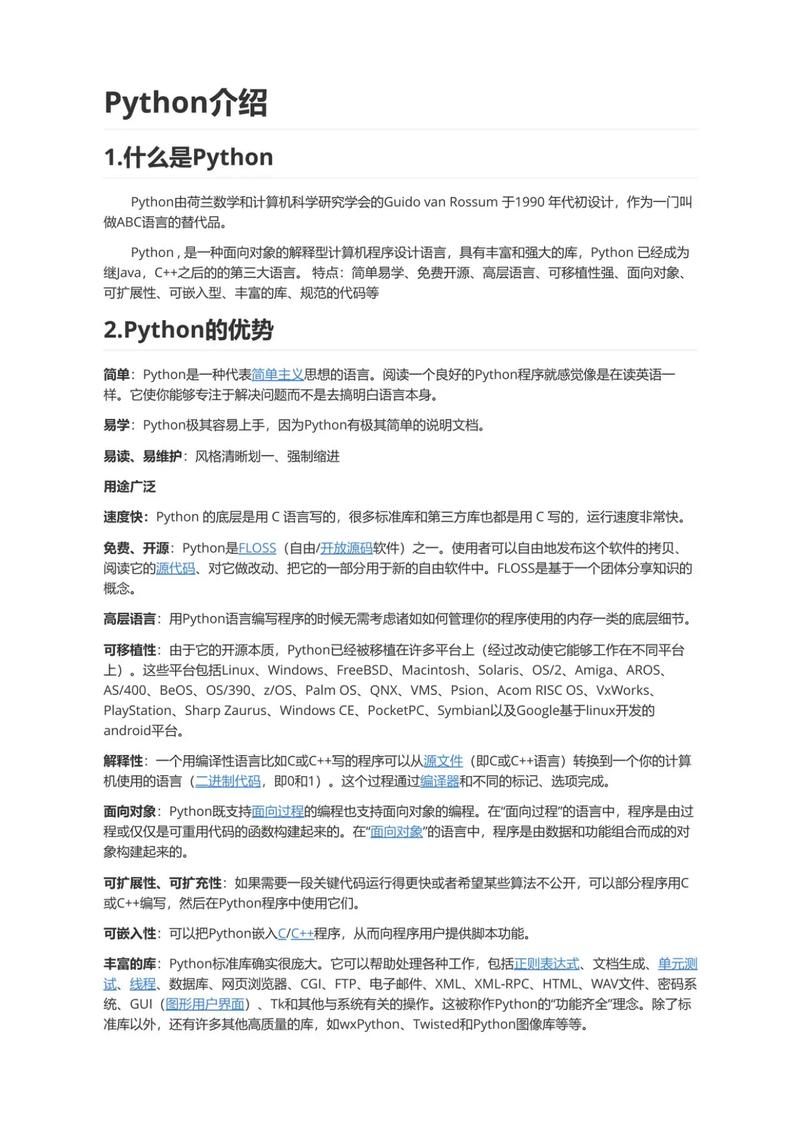
First, install the library:
pip install transformers torch
Now, here's the Python code to load a model and generate text:
from transformers import pipeline
# 1. Create a text-generation pipeline
# This will download the model and tokenizer the first time you run it.
# We're using a smaller, fast model for this example.
generator = pipeline('text-generation', model='gpt2')
# 2. Define a prompt
prompt = "In the world of artificial intelligence, the most exciting development is"
# 3. Generate text
results = generator(prompt, max_length=50, num_return_sequences=1)
# 4. Print the result
print(results[0]['generated_text'])
Output (will be slightly different each time):
In the world of artificial intelligence, the most exciting development is the rise of deep learning and reinforcement learning. These technologies are enabling machines to learn from experience, adapt to new situations, and solve problems in ways that were previously impossible.
Example 2: Using an OpenAI Model (like GPT-4)
This is how you'd use the powerful, state-of-the-art models available via API.
First, install the library and get an API key from OpenAI:
pip install openai
Then, set up your script:
import openai
# Set your API key (best practice: use environment variables)
# openai.api_key = "YOUR_API_KEY_HERE"
try:
    # Create a chat completion request
    response = openai.chat.completions.create(
        model="gpt-4-turbo-preview",  # Or "gpt-3.5-turbo"
        messages=[
            {"role": "system", "content": "You are a helpful assistant."},
            {"role": "user", "content": "Explain quantum computing in simple terms."}
        ],
        temperature=0.7,
        max_tokens=150
    )
    # Extract and print the content from the response
    print(response.choices[0].message.content)
except openai.APIError as e:
    print(f"OpenAI API Error: {e}")
except Exception as e:
    print(f"An error occurred: {e}")
Example 3: Building a Simple Chain with LangChain
This example shows how you can use LangChain to create a more dynamic application. We'll build a chain that takes a topic, finds a relevant recent news article, and then summarizes it using an LLM.
First, install the necessary libraries:
pip install langchain langchain-openai beautifulsoup4 requests
from langchain_openai import ChatOpenAI
from langchain.prompts import PromptTemplate
from langchain.chains import LLMChain
import requests
from bs4 import BeautifulSoup
# --- Setup ---
# openai.api_key = "YOUR_API_KEY_HERE"
llm = ChatOpenAI(model_name="gpt-3.5-turbo")
# --- Step 1: Create a prompt to find a news topic ---
topic_prompt = PromptTemplate(
    input_variables=["topic"],
    template="Find a recent and interesting news article about {topic}. Provide only the URL."
)
# --- Step 2: Create a chain to generate the URL ---
url_chain = LLMChain(llm=llm, prompt=topic_prompt)
# --- Step 3: Create a function to scrape the article content ---
def scrape_article_content(url):
    try:
        response = requests.get(url)
        soup = BeautifulSoup(response.text, 'html.parser')
        # This is a simple way to get text; real scraping is more complex
        paragraphs = soup.find_all('p')
        content = " ".join([p.get_text() for p in paragraphs])
        return content[:2000] # Limit content length
    except Exception as e:
        return f"Error scraping article: {e}"
# --- Step 4: Create a prompt to summarize the content ---
summary_prompt = PromptTemplate(
    input_variables=["content"],
    template="Summarize the following news article content in three bullet points:\n\n{content}"
)
# --- Step 5: Create a chain to generate the summary ---
summary_chain = LLMChain(llm=llm, prompt=summary_prompt)
# --- Run the Application ---
topic = "the future of renewable energy"
print(f"Topic: {topic}\n")
# Run the first chain to get the URL
url_result = url_chain.run(topic=topic)
print(f"Found URL: {url_result.strip()}\n")
# Scrape the content from the URL
article_content = scrape_article_content(url_result.strip())
print(f"Scraped content (first 200 chars): {article_content[:200]}...\n")
# Run the second chain to summarize the content
summary_result = summary_chain.run(content=article_content)
print("--- Summary ---")
print(summary_result)
This example demonstrates the power of chaining: using an LLM to perform one task (finding a URL) and then using its output as the input for another task (summarizing the content).
How to Train or Fine-Tune Your Own Model
Training a model from scratch (like GPT-3) requires enormous computational resources (thousands of GPUs) and is not feasible for individuals or most companies.
However, fine-tuning is a very popular and practical alternative. Fine-tuning takes a pre-trained model and continues its training on a smaller, specialized dataset to adapt it to a specific task or style.
The process generally involves:
- Choosing a Base Model: Start with a pre-trained model like
Llama-3orMistralfrom Hugging Face. - Preparing a Dataset: Create a high-quality dataset in a specific format (e.g., JSONL with prompt-completion pairs).
- Using a Framework: Libraries like Hugging Face
transformers, PyTorch, or platforms like Google's Vertex AI or











