Of course! The command apt install python is used to install Python on Debian-based Linux distributions like Ubuntu, Debian, Linux Mint, and others.
However, there's a very important detail you need to be aware of. Let's break it down.
The Quick Answer: What You'll Likely Want to Run
On modern systems, you should almost always install a specific version of Python, like Python 3.
# Install Python 3 and its standard library development files
sudo apt update
sudo apt install python3
Why python3?
- On most modern Linux systems, the
pythoncommand points to Python 2, which is now end-of-life and no longer maintained. - Python 3 is the current, supported standard. All new development should happen in Python 3.
Detailed Explanation: The apt Command and Python Versions
Let's break down the command and the common scenarios you'll encounter.
Understanding the apt Command
apt (Advanced Package Tool) is the package manager for Debian-based systems.
sudo: This command runs the following command with "superuser" or administrator privileges. You need these privileges to install software system-wide.update: This command updates your package lists. It's highly recommended to run this before installing any new software to ensure you're getting the latest versions.install: This is the action to tellaptyou want to install a package.python3: This is the name of the package you want to install.
The python vs. python3 Confusion
This is the most common point of confusion for new users.
| Command | What It Does | Recommendation |
|---|---|---|
sudo apt install python |
Installs the python package. On most systems, this is just a placeholder or metapackage for Python 2 (python2.7). It is not the modern Python you want. |
Avoid. Python 2 is obsolete. |
sudo apt install python3 |
Installs the python3 package. This installs the latest stable version of Python 3 available in your distribution's repositories. This is what you want for 99% of use cases. |
Highly Recommended. This is the standard for modern development. |
Common Python Packages You'll Install
You often need more than just the Python interpreter itself.
| Command | What It Installs | Why You Need It |
|---|---|---|
sudo apt install python3 |
The Python 3 interpreter (e.g., python3.10, python3.11). |
The core language. You need this to run Python scripts. |
sudo apt install python3-pip |
pip, the package installer for Python. |
You need pip to install third-party libraries from the Python Package Index (PyPI), like requests, numpy, django, etc. |
sudo apt install python3-venv |
The venv module for creating virtual environments. |
Essential for good practice. Allows you to create isolated environments for your projects to avoid dependency conflicts. |
sudo apt install python3-dev |
Header files and a static library for Python 3. | Needed if you want to compile Python extensions (e.g., some C/C++ based libraries) from source. |
sudo apt install python3-tk |
The Tkinter GUI toolkit for Python 3. | Needed if you want to build simple graphical user interfaces with Python's built-in tkinter library. |
A Typical Installation Workflow
Here is a complete, step-by-step guide to getting a modern Python 3 environment set up.
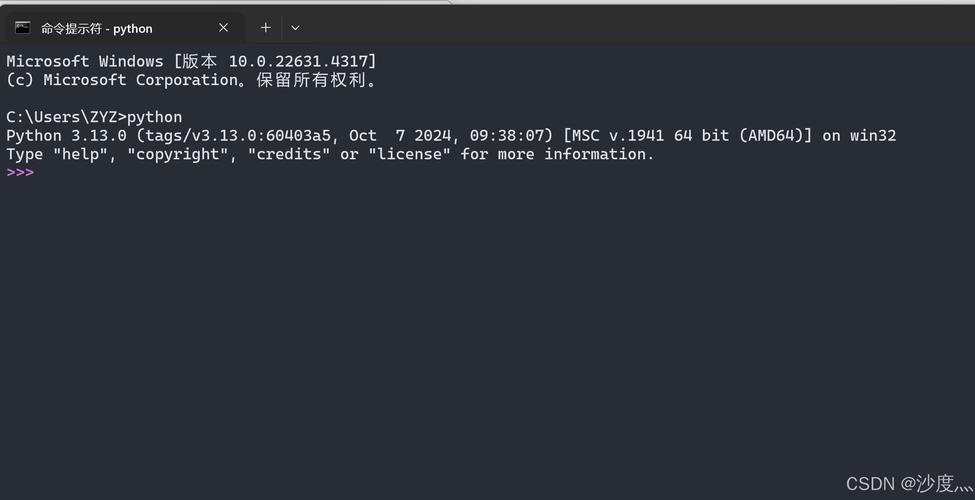
Step 1: Update Your Package Lists This ensures you're downloading the most up-to-date software.
sudo apt update
Step 2: Install Python 3 This installs the core Python interpreter.
sudo apt install python3
Step 3: Verify the Installation Check that Python 3 was installed correctly and see which version you have.
python3 --version
You should see output like Python 3.10.12 or a similar version number.
Step 4: Install pip (The Package Installer)
pip is crucial for managing your project's dependencies.
sudo apt install python3-pip
Step 5: Verify pip
Check that pip is working.
pip3 --version
Step 6: (Optional but Recommended) Install venv
This creates isolated project environments, which is a best practice.
sudo apt install python3-venv
Step 7: Create and Use a Virtual Environment This is how you'd use it for a new project.
# Create a new directory for your project and navigate into it
mkdir my_project
cd my_project
# Create a virtual environment named 'venv'
python3 -m venv venv
# Activate the virtual environment
source venv/bin/activate
# Your command prompt will now change to show (venv) at the beginning
# Now you can install packages for this project only
pip install requests
# When you're done, deactivate the environment
deactivate
Troubleshooting: "Command Not Found"
If you run python3 --version and get an error like command not found, it means the installation didn't add the Python executable to your system's PATH.
Solution:
- Make sure the installation was successful:
sudo apt install python3
- Find where Python was installed. It's usually in
/usr/bin/.which python3
This should output
/usr/bin/python3. - If
whichcan't find it, you may need to add the directory to yourPATHvariable, or you may have a typo in your command. Double-check that you typedpython3correctly (lowercase, no spaces).