“查找”可以分为几种情况:
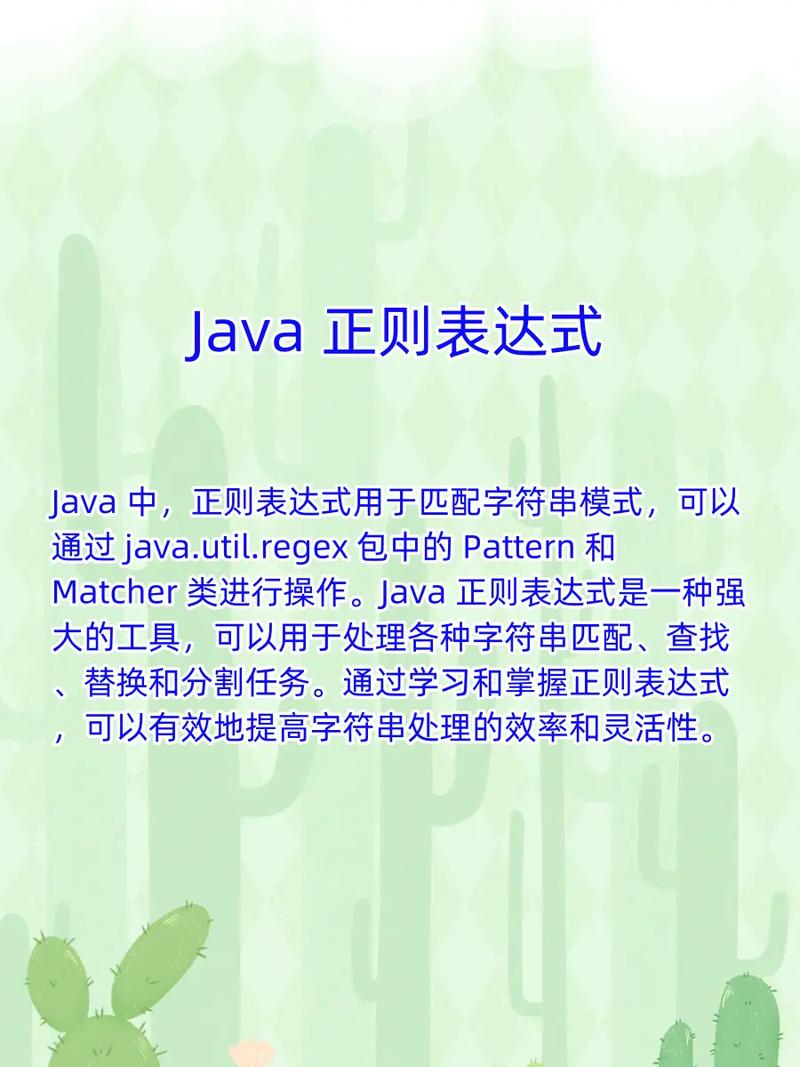
(图片来源网络,侵删)
- 查找第一个匹配项:使用
Matcher.find()。 - 查找所有匹配项:循环调用
Matcher.find()。 - 查找精确匹配:使用
Matcher.matches()。 - 查找从开头开始的匹配:使用
Matcher.lookingAt()。
下面我们通过代码示例逐一讲解。
核心类简介
在开始之前,先简单了解一下两个核心类:
java.util.regex.Pattern:正则表达式的编译表示,它是一个不可变的类,用于定义你要匹配的模式,通常使用静态方法Pattern.compile(String regex)来创建一个Pattern实例。java.util.regex.Matcher:对输入字符串进行匹配操作的引擎,它提供了各种方法来执行匹配、查找和替换操作,每个Matcher实例都与一个特定的Pattern和一个特定的输入字符串(CharSequence)关联。
查找第一个匹配项 (Matcher.find())
find() 方法尝试在输入字符串中查找与模式匹配的下一个子序列,如果找到一个匹配,它返回 true,Matcher 的状态会更新为指向该匹配项。
示例:在一段文本中查找第一个单词
(图片来源网络,侵删)
import java.util.regex.Matcher;
import java.util.regex.Pattern;
public class FindFirstExample {
    public static void main(String[] args) {
        String text = "Hello world, this is a regular expression example.";
        // 正则表达式:匹配一个或多个字母
        String regex = "\\w+";
        // 1. 编译正则表达式
        Pattern pattern = Pattern.compile(regex);
        // 2. 创建 Matcher 对象,将模式应用于文本
        Matcher matcher = pattern.matcher(text);
        // 3. 查找第一个匹配项
        if (matcher.find()) {
            // 如果找到,获取匹配的文本
            String firstMatch = matcher.group();
            // 获取匹配的起始和结束索引
            int start = matcher.start();
            int end = matcher.end();
            System.out.println("找到第一个匹配项: \"" + firstMatch + "\"");
            System.out.println("起始位置: " + start);
            System.out.println("结束位置: " + end); // 结束位置是匹配字符之后的位置
        } else {
            System.out.println("未找到匹配项。");
        }
    }
}
输出:
找到第一个匹配项: "Hello"
起始位置: 0
结束位置: 5
查找所有匹配项 (循环调用 find())
这是最常见的需求,只需在一个 while 循环中重复调用 find() 方法,直到它返回 false,即可遍历字符串中所有匹配的子序列。
示例:查找文本中的所有单词
import java.util.regex.Matcher;
import java.util.regex.Pattern;
public class FindAllExample {
    public static void main(String[] args) {
        String text = "One two three, four five 6.";
        // 正则表达式:匹配一个或多个字母
        String regex = "[a-zA-Z]+";
        Pattern pattern = Pattern.compile(regex);
        Matcher matcher = pattern.matcher(text);
        System.out.println("所有匹配的单词:");
        while (matcher.find()) {
            // group() 方法返回当前匹配的子字符串
            System.out.println("找到: " + matcher.group() +
                               " (位置: " + matcher.start() + " - " + (matcher.end() - 1) + ")");
        }
    }
}
输出:
(图片来源网络,侵删)
所有匹配的单词:
找到: One (位置: 0 - 2)
找到: two (位置: 4 - 6)
找到: three (位置: 8 - 12)
找到: four (位置: 14 - 17)
找到: five (位置: 19 - 22)
精确匹配 (Matcher.matches())
matches() 方法尝试将整个输入字符串与模式进行匹配,只有当整个字符串完全符合模式时,它才返回 true。
示例:验证一个字符串是否是有效的手机号码
import java.util.regex.Matcher;
import java.util.regex.Pattern;
public class MatchesExample {
    public static void main(String[] args) {
        // 假设手机号码规则是 11 位数字,以 1 开头
        String phoneRegex = "^1\\d{10}$";
        Pattern pattern = Pattern.compile(phoneRegex);
        String phone1 = "13812345678";
        String phone2 = "12345678901"; // 无效号码
        String phone3 = "1381234567";   // 位数不对
        String phone4 = "abc13812345678"; // 包含其他字符
        testPhone(pattern, phone1);
        testPhone(pattern, phone2);
        testPhone(pattern, phone3);
        testPhone(pattern, phone4);
    }
    public static void testPhone(Pattern pattern, String phone) {
        Matcher matcher = pattern.matcher(phone);
        if (matcher.matches()) {
            System.out.println("\"" + phone + "\" 是一个有效的手机号码。");
        } else {
            System.out.println("\"" + phone + "\" 不是一个有效的手机号码。");
        }
    }
}
输出:
"13812345678" 是一个有效的手机号码。
"12345678901" 不是一个有效的手机号码。
"1381234567" 不是一个有效的手机号码。
"abc13812345678" 不是一个有效的手机号码。
从开头开始的匹配 (Matcher.lookingAt())
lookingAt() 方法尝试从输入字符串的开头开始匹配模式,它不像 matches() 那样要求匹配整个字符串,但如果开头不匹配,它就会立即返回 false。
示例:检查字符串是否以 "http://" 开头
import java.util.regex.Matcher;
import java.util.regex.Pattern;
public class LookingAtExample {
    public static void main(String[] args) {
        String text1 = "http://www.example.com/path";
        String text2 = "ftp://www.example.com/path";
        String regex = "http://";
        Pattern pattern = Pattern.compile(regex);
        Matcher matcher1 = pattern.matcher(text1);
        Matcher matcher2 = pattern.matcher(text2);
        System.out.println("检查文本1: \"" + text1 + "\"");
        if (matcher1.lookingAt()) {
            System.out.println("  -> 开头匹配成功!匹配内容: " + matcher1.group());
        } else {
            System.out.println("  -> 开头匹配失败。");
        }
        System.out.println("\n检查文本2: \"" + text2 + "\"");
        if (matcher2.lookingAt()) {
            System.out.println("  -> 开头匹配成功!匹配内容: " + matcher2.group());
        } else {
            System.out.println("  -> 开头匹配失败。");
        }
    }
}
输出:
检查文本1: "http://www.example.com/path"
  -> 开头匹配成功!匹配内容: http://
检查文本2: "ftp://www.example.com/path"
  -> 开头匹配失败。
总结与对比
| 方法 | 描述 | 匹配范围 | 返回 true 的条件 |
|---|---|---|---|
find() |
查找下一个匹配的子序列。 | 字符串的任意部分 | 在字符串中找到任意位置匹配的模式。 |
matches() |
将整个输入字符串与模式匹配。 | 整个字符串 | 整个输入字符串完全符合模式。 |
lookingAt() |
从输入字符串的开头进行匹配。 | 字符串的开头部分 | 字符串的开头部分符合模式。 |
简化的 String 方法
对于简单的查找和替换,String 类本身提供了一些便捷方法,它们内部也使用了 java.util.regex:
boolean String.matches(String regex): 等价于Pattern.matches(regex, this)。String String.replaceAll(String regex, String replacement): 替换所有匹配项。String String.replaceFirst(String regex, String replacement): 替换第一个匹配项。String[] String.split(String regex): 根据正则表达式分割字符串。
示例:
String text = "apple,banana,orange";
// 使用 String 的便捷方法
String[] fruits = text.split(",");
for (String fruit : fruits) {
    System.out.println(fruit); // 输出 apple, banana, orange
}
boolean isNumeric = "12345".matches("\\d+");
System.out.println("isNumeric: " + isNumeric); // 输出 true
最佳实践
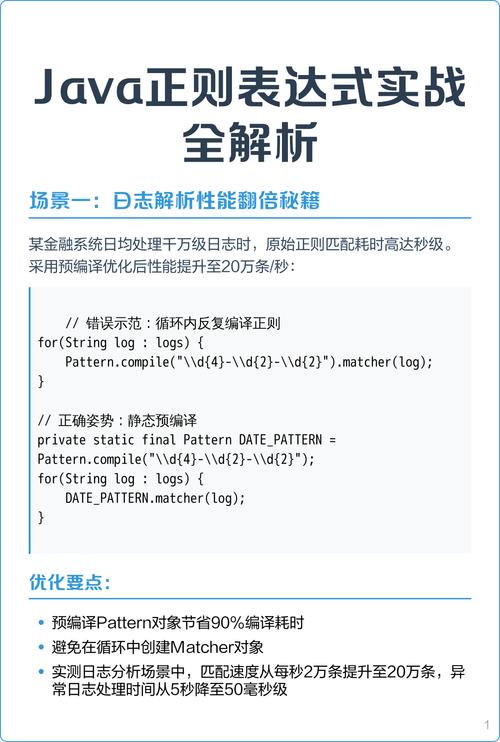
- 预编译模式:如果你需要对同一个正则表达式进行多次匹配(在一个循环中处理多个字符串),请务必预先编译
Pattern对象并重复使用它,这样可以显著提高性能,因为编译正则表达式是一个相对昂贵的操作。 - 捕获组:使用括号 在正则表达式中创建捕获组。
matcher.group(0)返回整个匹配的文本,matcher.group(1)返回第一个捕获组的内容,以此类推。 - 处理异常:虽然
Pattern.compile()可能抛出PatternSyntaxException,但对于大多数应用程序,这是一个编程时错误,应该在开发阶段就解决,而不是在运行时捕获。
希望这个详细的解释能帮助你完全理解 Java 中正则表达式的“查找”操作!