Of course! Let's dive deep into Python's csv dialect.
What is a CSV Dialect?
In the context of Python's csv module, a dialect is simply a set of parameters that defines how a particular CSV (Comma-Separated Values) file is formatted.
Think of it like a dialect of a language. While the core language (CSV) is the same, different regions or systems have their own "accents" or rules:
- What character separates the values? (, ,
\t) - How are values enclosed? (, )
- What character is used to escape special characters?
- Should a newline be written as
\nor\r\n?
A csv dialect bundles all these formatting choices into a single, reusable object. This makes your code cleaner, more readable, and less error-prone than passing a long list of parameters to every csv function call.
The Default Dialect: excel
When you import the csv module, it comes pre-configured with a default dialect called excel. This is the most common format for CSV files used in Microsoft Excel and other spreadsheet software.
Here are its default parameters:
| Parameter | Default Value | Description |
|---|---|---|
delimiter |
The character that separates fields. | |
quotechar |
The character used for quoting fields. | |
quoting |
csv.QUOTE_MINIMAL |
When to quote fields. MINIMAL means quote only fields containing special characters like the delimiter or quotechar. |
lineterminator |
'\r\n' |
The string used to end a line. This is why Excel CSVs often open correctly on Windows. |
escapechar |
None |
The character used to escape the quotechar if it appears within a quoted field. If None, the quotechar is doubled (e.g., ). |
skipinitialspace |
False |
Whether to ignore whitespace immediately following the delimiter. |
How to Work with Dialects
There are two primary ways to work with dialects: using the built-in excel dialect and creating your own custom dialects.
Using the Default excel Dialect
You don't need to do anything special to use it. If you don't specify a dialect, excel is used by default.
import csv
# Sample data
data = [
    ['Name', 'City', 'Age'],
    ['Alice', 'New York', 30],
    ['Bob', 'London', 25],
    ['Charlie', 'Paris', 35]
]
# Writing a file using the default 'excel' dialect
with open('default_dialect.csv', 'w', newline='') as f:
    writer = csv.writer(f) # No dialect specified, uses 'excel'
    writer.writerows(data)
print("Created 'default_dialect.csv' using the default 'excel' dialect.")
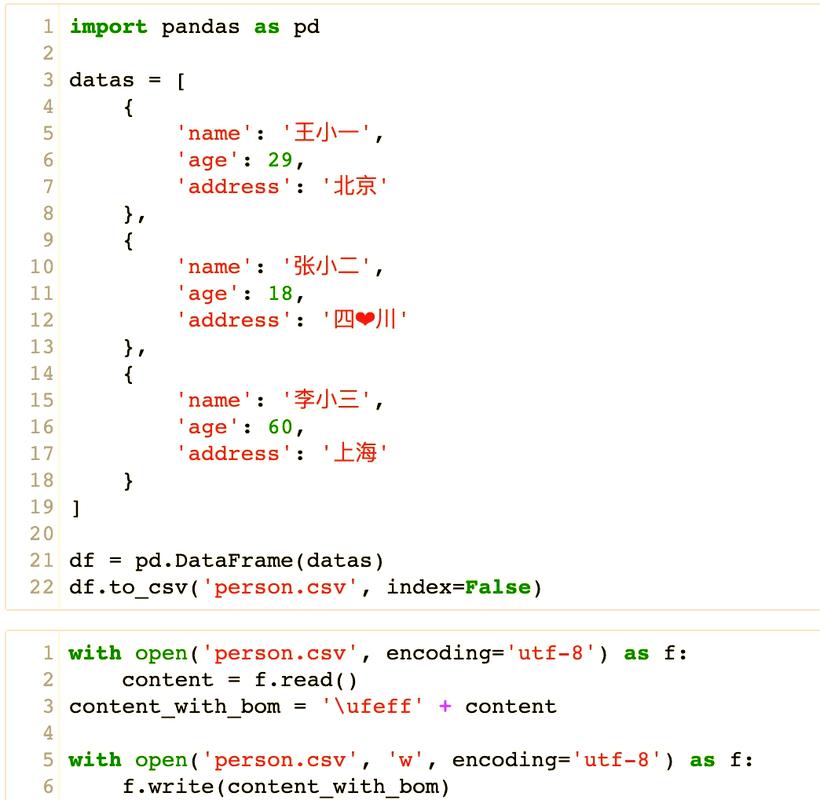
This will produce a file named default_dialect.csv that looks like this:
Name,City,Age
Alice,New York,30
Bob,London,25
Charlie,Paris,35
Creating and Using a Custom Dialect
You can create your own dialect using csv.register_dialect(). This is extremely useful when you're working with files from a specific system that uses a non-standard format.
Let's create a custom dialect for a file that uses semicolons as delimiters and single quotes for quoting.
Example: Registering a Custom Dialect
import csv
# Register a new dialect named 'my_semicolon_format'
csv.register_dialect(
    'my_semicolon_format',
    delimiter=';',      # Use semicolon as a separator
    quotechar="'",      # Use single quotes for quoting
    quoting=csv.QUOTE_ALL, # Quote all fields
    lineterminator='\n' # Use standard Unix-style newlines
)
# Sample data
data = [
    ['Product ID', 'Description', 'Price'],
    ['A-101', 'A "great" product', 19.99],
    ['B-202', 'Another;product', 24.50]
]
# Writing a file using our custom dialect
with open('custom_dialect.csv', 'w', newline='') as f:
    writer = csv.writer(f, dialect='my_semicolon_format')
    writer.writerows(data)
print("Created 'custom_dialect.csv' using the 'my_semicolon_format' dialect.")
This will produce custom_dialect.csv with the following content:
'Product ID';'Description';'Price'
'A-101';'A "great" product';19.99
'B-202';'Another;product';24.5
Notice how the semicolon in "Another;product" is handled correctly because the entire field is quoted. Also, the double quote inside the first description is escaped by being enclosed in single quotes.
Listing and Inspecting Dialects
You can see all registered dialects and their parameters.
import csv
# List all registered dialects
print("Registered Dialects:", csv.list_dialects())
# Output: Registered Dialects: ['excel', 'excel-tab', 'my_semicolon_format']
# Inspect the parameters of a specific dialect
print("\nParameters for 'excel' dialect:")
params = csv.get_dialect('excel')
for param in params:
    print(f"- {param}: {params[param]}")
print("\nParameters for 'my_semicolon_format' dialect:")
params = csv.get_dialect('my_semicolon_format')
for param in their respective order:
    print(f"- {param}: {params[param]}")
Unregistering a Dialect
If you're done with a custom dialect, you can remove it to clean up the namespace.
import csv
# Check if it's registered
print("Before unregister:", 'my_semicolon_format' in csv.list_dialects()) # True
# Unregister the dialect
csv.unregister_dialect('my_semicolon_format')
# Check again
print("After unregister:", 'my_semicolon_format' in csv.list_dialects()) # False
Common Built-in Dialects
The csv module also comes with a few other pre-registered dialects:
-
excel-tab: Identical toexcel, but uses a tab character (\t) as the delimiter. This is useful for creating TSV (Tab-Separated Values) files.with open('data.tsv', 'w', newline='') as f: writer = csv.writer(f, dialect='excel-tab') writer.writerows(data) -
unix_dialect: Uses a comma as the delimiter, but defaults to\nas the line terminator andQUOTE_ALLas the quoting rule. This is a common format on Linux/Unix systems.with open('data_unix.csv', 'w', newline='') as f: writer = csv.writer(f, dialect='unix_dialect') writer.writerows(data)
When to Use Dialects
You should use dialects whenever you need to:
- Read or write files from a specific, non-standard source. If a system always outputs CSVs with as a delimiter, register a
system_xdialect once and reuse it. - Improve code readability.
csv.writer(f, dialect='my_app_format')is much clearer thancsv.writer(f, delimiter='|', quotechar='#', ...). - Ensure consistency across your application. By centralizing the definition of your CSV format, you avoid typos and inconsistencies if you need to write many files with the same rules.
- Process multiple files with the same custom format. Register the dialect once, then loop through a list of files, using the same dialect for each one.