Of course! This is a very common point of confusion for developers new to the Java ecosystem. Let's break down what Eclipse, Java, and Java EE are, and how they all fit together.
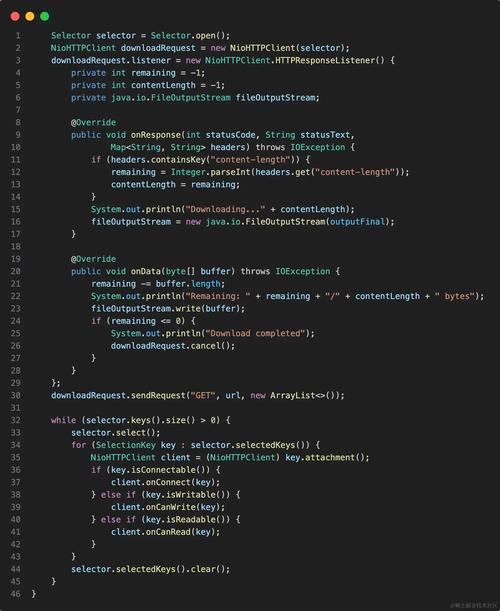
Think of it with a simple analogy:
- Java is like the English language. It's a set of rules, vocabulary, and grammar for writing a program.
- Eclipse is like a word processor (like Microsoft Word). It's a tool (an Integrated Development Environment or IDE) that helps you write, edit, organize, and run your programs written in the Java language.
- Java EE (now known as Jakarta EE) is like a style guide for writing a specific type of book (e.g., a technical manual). It provides a standard set of tools and best practices for building large, complex, and robust applications, typically for servers.
Java (The Core Language)
- What it is: Java is a general-purpose, class-based, object-oriented programming language. It's the foundation.
- Key Concepts:
- "Write Once, Run Anywhere" (WORA): Java code is compiled into an intermediate format called bytecode, which can then run on any device that has a Java Virtual Machine (JVM). This makes it highly portable.
- Platform Independent: You don't need to recompile your code for Windows, macOS, or Linux; as long as a JVM is installed, it will run.
- What it's used for: Everything! From small desktop applications and mobile apps (Android), to the backend logic of massive websites and enterprise systems.
Eclipse (The Tool/IDE)
- What it is: Eclipse is a free, open-source Integrated Development Environment (IDE). It's a software application that provides comprehensive facilities to programmers for software development.
- Key Features:
- Code Editor: A powerful editor with syntax highlighting, code completion, and error checking.
- Compiler: It uses the Java compiler (from the JDK) to turn your source code into bytecode.
- Debugger: Allows you to step through your code line-by-line to find and fix bugs.
- Build Tools: Integrates with tools like Maven and Gradle to manage project dependencies and automate the build process.
- Extensibility (The "Eclipse Platform"): This is the most important concept. The core of Eclipse is a "platform" that can be extended with "plugins." You can install plugins to turn Eclipse into a tool for developing anything: C/C++, PHP, Python, and, most famously, Java.
In short: Eclipse is the workshop where you build things using the Java language.
Java EE (The Enterprise Edition) - Now Jakarta EE
This is where the confusion often lies. Java EE is not a replacement for Java; it's a superset of Java that adds a huge library of pre-built, standardized tools specifically for building server-side applications.
-
What it is: Java EE (Enterprise Edition) is a collection of specifications (APIs) and tools that provide a standard way to create, deploy, and manage multi-tiered, web-based, and enterprise applications.
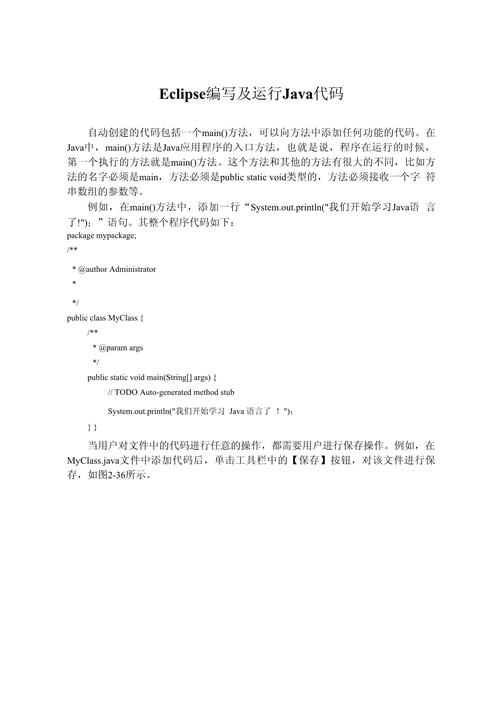 (图片来源网络,侵删)
 -
The Big Change: Java EE → Jakarta EE
- In 2025, Oracle transferred the ownership of the Java EE specification to the Eclipse Foundation.
- To make it a community-driven, open standard, all specifications were renamed from
javax.*tojakarta.*. - So,
javax.servlet.http.HttpServletis nowjakarta.servlet.http.HttpServlet. - This is now called Jakarta EE. For modern projects, you should use Jakarta EE.
-
Core Components (Specifications) of Jakarta EE:
- Servlets: The fundamental building block for any web application. A servlet is a Java class that receives a request from a web browser and sends back a response (like HTML).
- JSP (JavaServer Pages): Allows you to embed Java code directly into HTML pages to create dynamic web content.
- EJB (Enterprise JavaBeans): A framework for creating reusable, scalable, and secure business logic components that run on a server. (Less common in modern microservices architectures but still part of the spec).
- JPA (Java Persistence API): A standard way to interact with a database. It allows you to map your Java objects to database tables, making database operations much easier.
- JMS (Java Message Service): For asynchronous communication between different parts of an application using messages.
- JTA (Java Transaction API): For managing transactions (e.g., ensuring a database update and a file write both succeed or both fail together).
In short: Jakarta EE is a comprehensive toolkit built on top of Java, designed for building large, robust, and scalable server applications.
How They All Work Together: A Practical Example
Let's say you want to build a simple web application that shows a list of products from a database.
- Install Java (JDK): You first need the Java Development Kit (JDK). This includes the compiler, the JVM, and the core Java libraries. This is the "language" itself.
- Install Eclipse IDE for Enterprise Java and Web Developers: You download the specific version of Eclipse that comes with the necessary plugins for web development (like a server connector, a JSP editor, etc.). This is your "word processor."
- Create a "Dynamic Web Project" in Eclipse: This project type is pre-configured to use Jakarta EE (or Java EE) specifications.
- Write Your Code:
- You write a Servlet (
ProductServlet.java) to handle requests to the URL/products. It uses the JPA API to connect to the database, fetch a list of products, and then forward that data to a JSP page. - You write a JSP page (
products.jsp) that uses JSTL (a standard JSP library) to loop through the list of products and display them as an HTML table.
- You write a Servlet (
- Deploy and Run: You configure a web server (like Apache Tomcat, which is a "Jakarta EE Compatible" server) inside Eclipse. You then run your project on this server. When you visit
http://localhost:8080/yourapp/productsin your browser, the server executes your servlet, which in turn generates the HTML page and sends it back to you.
Summary Table
| Term | What it is | Analogy | Purpose |
|---|---|---|---|
| Java | A programming language and core platform. | The English language. | To write any kind of software. |
| Eclipse | An Integrated Development Environment (IDE). | A word processor. | A tool to write, manage, and debug code efficiently. |
| Jakarta EE | A set of specifications for building enterprise applications. | A style guide for technical manuals. | To build large, robust, multi-tiered web/server applications. |