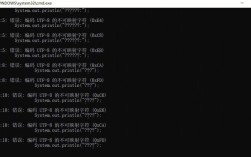
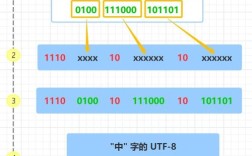
Java GBK 文件转 UTF-8
在 Java 中将 GBK 编码的文件转换为 UTF-8 编码,可以通过以下几种方法实现:
(图片来源网络,侵删)
使用 InputStreamReader 和 OutputStreamWriter
import java.io.*;
public class GbkToUtf8Converter {
    public static void convert(String inputPath, String outputPath) throws IOException {
        try (InputStreamReader reader = new InputStreamReader(
                new FileInputStream(inputPath), "GBK");
             OutputStreamWriter writer = new OutputStreamWriter(
                new FileOutputStream(outputPath), "UTF-8")) {
            char[] buffer = new char[1024];
            int length;
            while ((length = reader.read(buffer)) != -1) {
                writer.write(buffer, 0, length);
            }
        }
    }
    public static void main(String[] args) {
        String inputFile = "input_gbk.txt";
        String outputFile = "output_utf8.txt";
        try {
            convert(inputFile, outputFile);
            System.out.println("文件转换完成!");
        } catch (IOException e) {
            System.err.println("文件转换失败: " + e.getMessage());
        }
    }
}
使用 BufferedReader 和 BufferedWriter
import java.io.*;
public class GbkToUtf8Converter {
    public static void convert(String inputPath, String outputPath) throws IOException {
        try (BufferedReader reader = new BufferedReader(
                new InputStreamReader(new FileInputStream(inputPath), "GBK"));
             BufferedWriter writer = new BufferedWriter(
                new OutputStreamWriter(new FileOutputStream(outputPath), "UTF-8"))) {
            String line;
            while ((line = reader.readLine()) != null) {
                writer.write(line);
                writer.newLine();
            }
        }
    }
    public static void main(String[] args) {
        String inputFile = "input_gbk.txt";
        String outputFile = "output_utf8.txt";
        try {
            convert(inputFile, outputFile);
            System.out.println("文件转换完成!");
        } catch (IOException e) {
            System.err.println("文件转换失败: " + e.getMessage());
        }
    }
}
使用 Files 类 (Java 7+)
import java.io.*;
import java.nio.charset.*;
import java.nio.file.*;
public class GbkToUtf8Converter {
    public static void convert(String inputPath, String outputPath) throws IOException {
        // 读取GBK文件内容
        String content = new String(Files.readAllBytes(Paths.get(inputPath)), "GBK");
        // 写入UTF-8文件
        Files.write(Paths.get(outputPath), content.getBytes("UTF-8"));
    }
    public static void main(String[] args) {
        String inputFile = "input_gbk.txt";
        String outputFile = "output_utf8.txt";
        try {
            convert(inputFile, outputFile);
            System.out.println("文件转换完成!");
        } catch (IOException e) {
            System.err.println("文件转换失败: " + e.getMessage());
        }
    }
}
注意事项
- 异常处理:所有方法都需要处理
IOException,确保文件操作的安全性。 - 大文件处理:对于大文件,建议使用方法一或方法二,因为它们使用缓冲区逐块处理,而不是一次性读取整个文件。
- 编码名称:确保使用正确的编码名称,"GBK" 是标准名称,有时也可能写作 "GB2312" 或 "GB18030"。
- 文件路径:确保输入文件存在,输出文件路径有写入权限。
- 字符集:Java 中的字符集名称是大小写不敏感的,但推荐使用标准名称。
选择哪种方法取决于你的具体需求,对于大多数情况,方法一或方法二都是不错的选择。
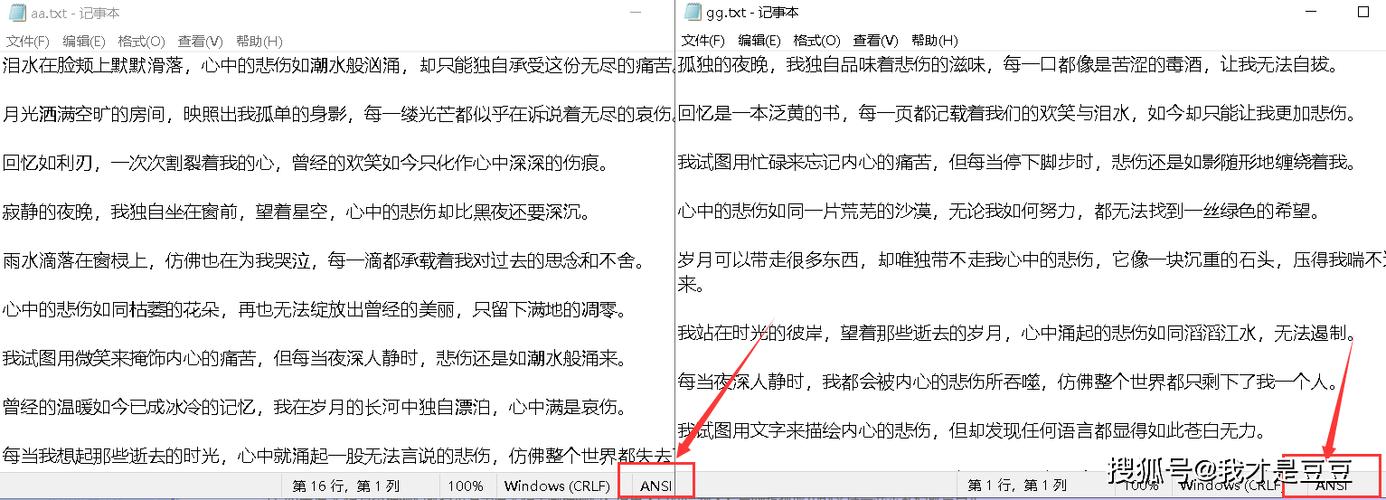
(图片来源网络,侵删)