Of course! Here’s a comprehensive guide on how to handle Base64 encoding and decoding in Java, covering the modern java.util approach and the legacy sun.misc approach, along with explanations and examples.
What is Base64?
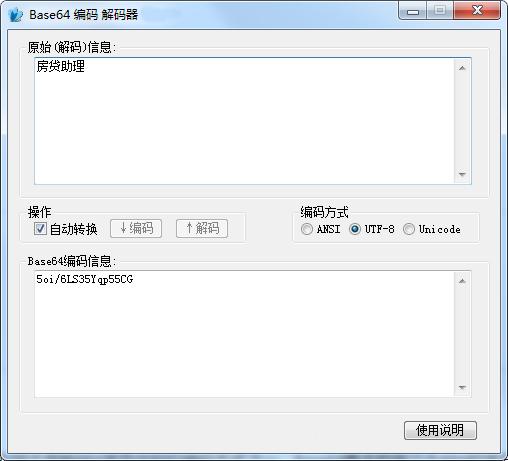
Base64 is an encoding scheme that represents binary data in an ASCII string format. It's commonly used for:
- Encoding binary data for text-based transport: Sending images, files, or other binary data over protocols like HTTP or in XML/JSON.
- Embedding data in text formats: Including small images directly in HTML or CSS (e.g., data URIs).
- Obfuscating data: Not for security, but to make text less readable.
It works by taking 3 bytes (24 bits) of binary data and representing them as 4 ASCII characters. If the input isn't a multiple of 3, padding with characters is added.
The Modern Standard (Java 8+): java.util.Base64
Since Java 8, the recommended and standard way to handle Base64 is with the java.util.Base64 class. It's part of the core Java libraries, is platform-independent, and is the best choice for all new projects.
This class provides two main encoders and two main decoders:
- Basic Encoder/Decoder: Uses the standard Base64 alphabet. It does not add any line breaks and is the most common type.
- URL Encoder/Decoder: Uses a URL-safe alphabet. It replaces with and with
_to avoid these characters having special meaning in URLs. It also does not add line breaks. - MIME Encoder/Decoder: Also uses the standard alphabet but is designed for MIME (email) standards. It adds line breaks at regular intervals (typically 76 characters) to ensure the encoded text remains readable in email clients.
Example: Basic Encoding and Decoding
This is the most common use case.
import java.nio.charset.StandardCharsets;
import java.util.Base64;
public class Base64Example {
    public static void main(String[] args) {
        String originalString = "Hello, World! This is a test of Base64 encoding.";
        // 1. ENCODING
        // Get the Base64 encoder
        Base64.Encoder encoder = Base64.getEncoder();
        // Convert the string to bytes and encode it
        byte[] bytesToEncode = originalString.getBytes(StandardCharsets.UTF_8);
        String encodedString = encoder.encodeToString(bytesToEncode);
        System.out.println("Original String: " + originalString);
        System.out.println("Encoded String:  " + encodedString);
        // 2. DECODING
        // Get the Base64 decoder
        Base64.Decoder decoder = Base64.getDecoder();
        // Decode the Base64 string back to bytes
        byte[] decodedBytes = decoder.decode(encodedString);
        // Convert the bytes back to a string
        String decodedString = new String(decodedBytes, StandardCharsets.UTF_8);
        System.out.println("Decoded String:  " + decodedString);
    }
}
Output:
Original String: Hello, World! This is a test of Base64 encoding.
Encoded String:  SGVsbG8sIFdvcmxkISBUaGlzIGlzIGEgdGVzdCBvZiBCYXNlNjQgZW5jb2Rpbmcu
Decoded String:  Hello, World! This is a test of Base64 encoding.
Example: URL-Safe Encoding and Decoding
Use this when your Base64 string will be used in a URL or a filename.
import java.nio.charset.StandardCharsets;
import java.util.Base64;
public class Base64UrlExample {
    public static void main(String[] args) {
        String originalString = "https://www.example.com/path?query=value";
        // 1. ENCODING
        Base64.Encoder urlEncoder = Base64.getUrlEncoder();
        byte[] bytesToEncode = originalString.getBytes(StandardCharsets.UTF_8);
        String encodedString = urlEncoder.encodeToString(bytesToEncode);
        System.out.println("Original URL: " + originalString);
        System.out.println("URL-Safe Encoded String: " + encodedString);
        // 2. DECODING
        Base64.Decoder urlDecoder = Base64.getUrlDecoder();
        byte[] decodedBytes = urlDecoder.decode(encodedString);
        String decodedString = new String(decodedBytes, StandardCharsets.UTF_8);
        System.out.println("Decoded String: " + decodedString);
    }
}
Output:
Original URL: https://www.example.com/path?query=value
URL-Safe Encoded String: aHR0cHM6Ly93d3cuZXhhbXBsZS5jb20vcGF0aC9xdWVyeT12YWx1ZQ==
Decoded String: https://www.example.com/path?query=value
The Legacy Approach: sun.misc.BASE64Encoder and sun.misc.BASE64Decoder
Before Java 8, the standard library didn't include Base64 utilities. Sun Microsystems (the original creators of Java) provided these classes in the sun.misc package. You should avoid using these in new code.
Why you should avoid them:
- Not Part of the Standard API: They are internal implementation details of the Oracle/OpenJDK JVM. They are not guaranteed to exist in other JVM implementations (like IBM's or Eclipse's) and could be removed or changed in future versions without notice.
- Slower: The
java.util.Base64implementation is significantly more performant. - Poor API Design: The
encodemethod writes to anOutputStream, which is less convenient than returning aString.
Example: Legacy Usage
import sun.misc.BASE64Decoder;
import sun.misc.BASE64Encoder;
public class LegacyBase64Example {
    public static void main(String[] args) {
        String originalString = "This is a legacy example.";
        // 1. ENCODING
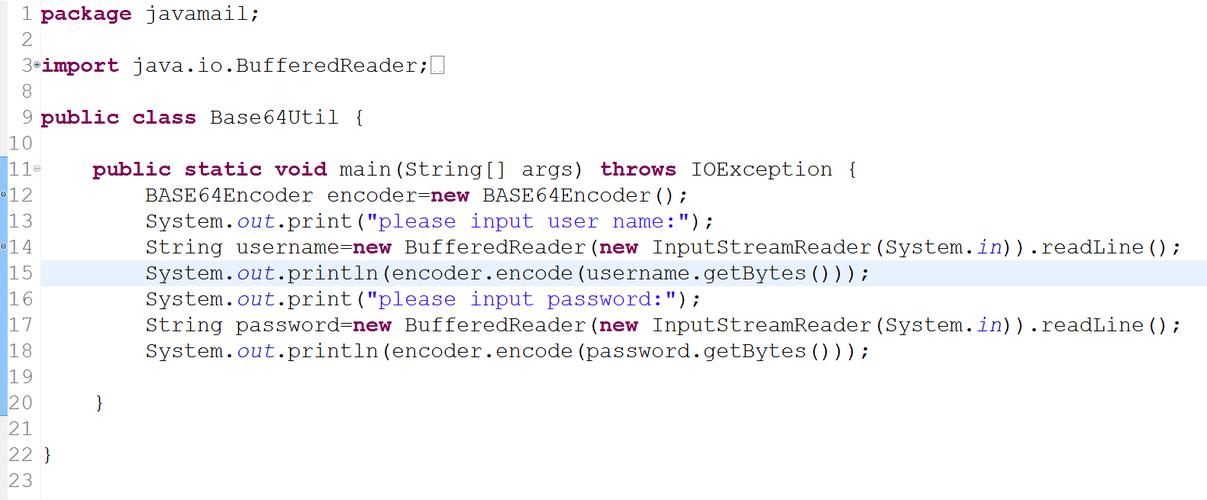
        BASE64Encoder encoder = new BASE64Encoder();
        byte[] bytesToEncode = originalString.getBytes(StandardCharsets.UTF_8);
        // Note: encode() writes to an OutputStream, so we use a ByteArrayOutputStream
        String encodedString = encoder.encode(bytesToEncode);
        System.out.println("Original String: " + originalString);
        System.out.println("Encoded String (Legacy): " + encodedString);
        // 2. DECODING
        BASE64Decoder decoder = new BASE64Decoder();
        try {
            byte[] decodedBytes = decoder.decodeBuffer(encodedString);
            String decodedString = new String(decodedBytes, StandardCharsets.UTF_8);
            System.out.println("Decoded String (Legacy): " + decodedString);
        } catch (java.io.IOException e) {
            e.printStackTrace();
        }
    }
}
To compile this, you might need to add the flag -Xlint:unchecked to ignore warnings about using a non-standard API.
Handling Binary Data (e.g., Images)
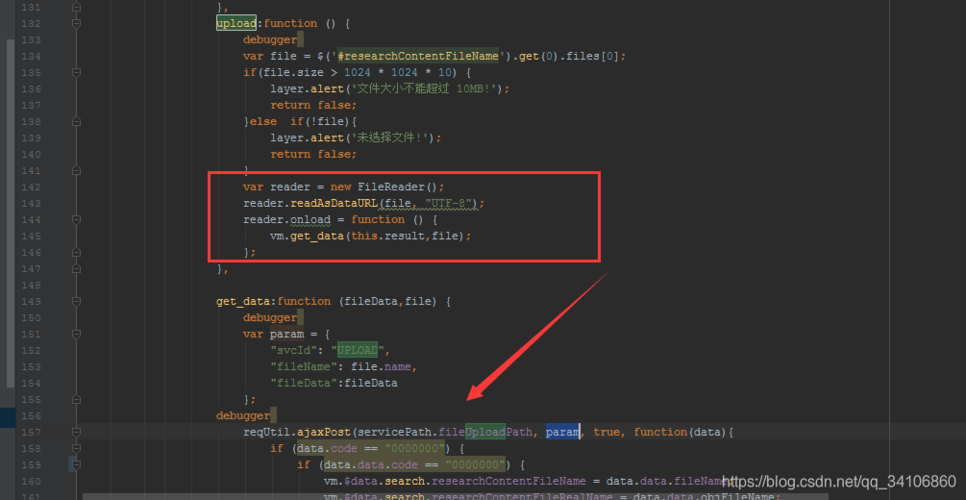
The process is identical; you just start with a byte[] array instead of a String.
import java.io.IOException;
import java.nio.file.Files;
import java.nio.file.Paths;
import java.util.Base64;
public class Base64ImageExample {
    public static void main(String[] args) throws IOException {
        // Read an image file into a byte array
        String imagePath = "path/to/your/image.png";
        byte[] imageBytes = Files.readAllBytes(Paths.get(imagePath));
        // Encode the image bytes to a Base64 string
        Base64.Encoder encoder = Base64.getEncoder();
        String base64Image = encoder.encodeToString(imageBytes);
        System.out.println("Base64 Image String (first 100 chars): " + base64Image.substring(0, 100) + "...");
        // --- Decoding ---
        // Decode the Base64 string back to bytes
        Base64.Decoder decoder = Base64.getDecoder();
        byte[] decodedImageBytes = decoder.decode(base64Image);
        // You can now write these bytes back to a file
        String outputPath = "path/to/your/decoded_image.png";
        Files.write(Paths.get(outputPath), decodedImageBytes);
        System.out.println("Image decoded and saved to: " + outputPath);
    }
}
Summary: Which One Should I Use?
| Feature | java.util.Base64 (Java 8+) |
sun.misc.BASE64Encoder (Legacy) |
|---|---|---|
| Recommendation | Use this for all new code. | Avoid. Only for maintaining old code. |
| Availability | Standard API, guaranteed on all Java 8+ JVMs. | Internal, not guaranteed. May not exist. |
| Performance | High. Optimized. | Slower. |
| API | Clean, modern, with encodeToString() and decode(). |
Older, requires OutputStream for encoding. |
| Types | Provides Basic, URL, and MIME variants. | Only provides basic encoding. |
| Exception Handling | IllegalArgumentException for bad input. |
IOException for decoding, which is less appropriate. |
Final advice: Always prefer java.util.Base64. It's the correct, modern, and standard way to handle Base64 in Java.