Of course! Let's dive deep into Python's threading module. This is a fundamental concept for writing concurrent applications.
What is a Thread?
Think of a program as a single sequence of instructions. A thread is the smallest unit of execution within a process. A process can have multiple threads, all running in the same memory space.
Key Analogy:
- Process: A factory. It has its own resources, machinery, and workspace.
- Thread: A worker in the factory. Multiple workers can work in the same factory (share the same resources) on different tasks at the same time.
Why Use Threads?
- Concurrency: To perform multiple operations at once. For example, a web server can handle multiple client requests simultaneously.
- Responsiveness: In a graphical user interface (GUI), a long-running task (like downloading a file) can be run in a separate thread, preventing the entire application from freezing.
- Parallelism: On multi-core processors, multiple threads can truly run in parallel, each on a different core, speeding up CPU-bound tasks.
The threading Module in Python
Python provides a built-in threading module to create and manage threads. The two main ways to use it are:
- By subclassing
threading.Thread(more object-oriented) - By passing a target function (more common and simpler)
Let's explore both.
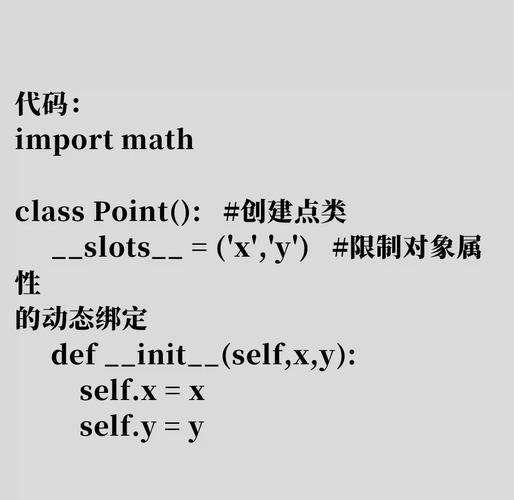
Method 1: Subclassing threading.Thread
You create a new class that inherits from Thread and override the run() method. The code you want to execute in the new thread goes inside the run() method.
import threading
import time
# 1. Define a class that inherits from threading.Thread
class MyThread(threading.Thread):
    def __init__(self, name):
        # Call the constructor of the parent class
        super().__init__()
        self.name = name
    # 2. Override the run() method
    def run(self):
        print(f"Thread {self.name}: starting")
        time.sleep(2)  # Simulate a long-running task
        print(f"Thread {self.name}: finished")
# Create and start the threads
thread1 = MyThread("Alpha")
thread2 = MyThread("Beta")
print("Main     : starting threads")
# The start() method calls the run() method in a new thread
thread1.start()
thread2.start()
# The main program continues to execute
print("Main     : waiting for threads to complete")
# The join() method blocks the main thread until the thread has finished
thread1.join()
thread2.join()
print("Main     : all done")
Output (order might vary slightly):
Main     : starting threads
Thread Alpha: starting
Thread Beta: starting
Main     : waiting for threads to complete
Thread Alpha: finished
Thread Beta: finished
Main     : all done
Method 2: Passing a Target Function (More Common)
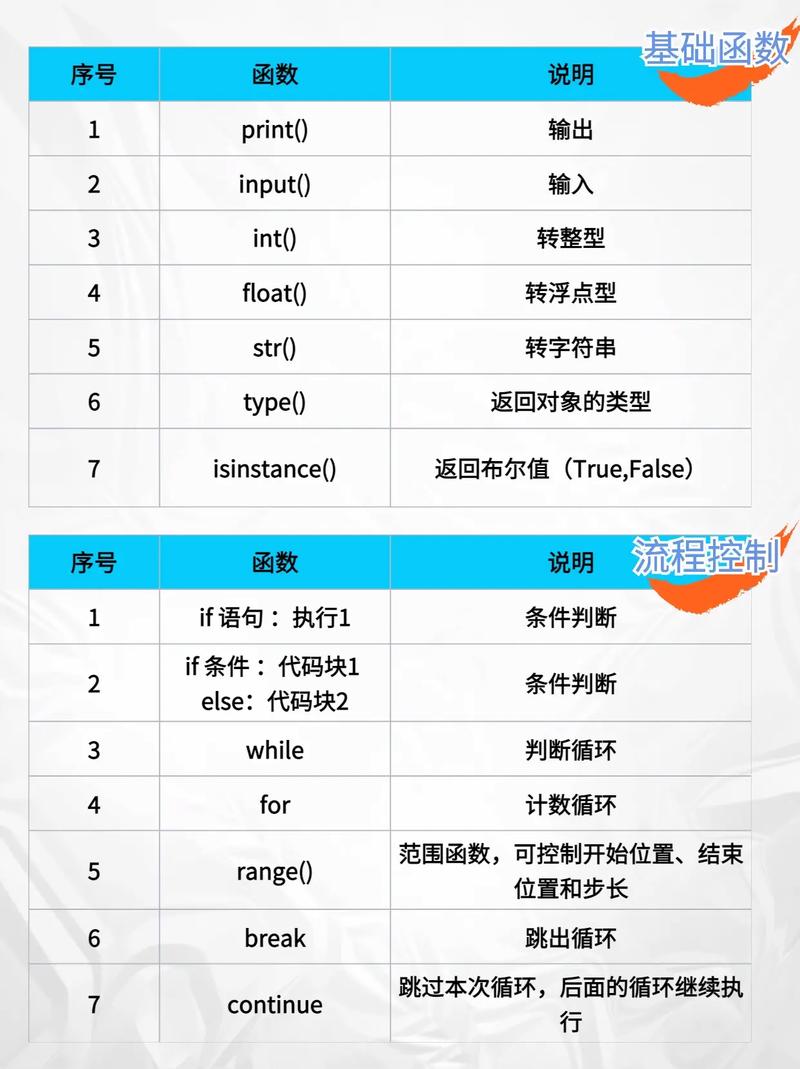
This approach is often simpler and more flexible. You create a Thread object and pass it a function to execute in its run() method.
import threading
import time
# This is the function that will run in the new thread
def worker(num):
    """Thread worker function"""
    thread_name = threading.current_thread().name
    print(f"{thread_name}: Starting work on task {num}")
    time.sleep(2) # Simulate work
    print(f"{thread_name}: Finished task {num}")
# Create and start the threads
print("Main     : starting threads")
# Create a thread, passing the target function and its arguments
t1 = threading.Thread(target=worker, args=(1,), name="Worker-1")
t2 = threading.Thread(target=worker, args=(2,), name="Worker-2")
t1.start()
t2.start()
# The main program continues
print("Main     : waiting for threads to complete")
t1.join()
t2.join()
print("Main     : all done")
Output:
Main     : starting threads
Worker-1: Starting work on task 1
Worker-2: Starting work on task 2
Main     : waiting for threads to complete
Worker-1: Finished task 1
Worker-2: Finished task 2
Main     : all done
Key Methods and Properties of the Thread Class
| Method/Property | Description |
|---|---|
start() |
Starts the thread by calling the run() method. |
run() |
The method that contains the code for the thread. You override this in a subclass or pass a target function. |
join([timeout]) | Blocks the calling thread until the thread whosejoin()method is called is terminated, or until the optionaltimeout` occurs. This is crucial for synchronization. |
|
is_alive() |
Returns True if the thread is still running. |
name |
A string name for the thread. You can set it in the constructor (name="MyThread") or access it. |
ident |
A unique integer "thread identifier" for this thread. |
daemon |
A boolean flag. If True, the thread is a "daemon thread". The main program will exit even if daemon threads are still running. |
Synchronization: The Global Interpreter Lock (GIL)
This is the most important concept to understand about Python threading.
What is the GIL? The GIL is a mutex (a lock) that protects access to Python objects, preventing multiple native threads from executing Python bytecode at the same time within a single process.
What does this mean for you?
- For CPU-bound tasks: The GIL prevents true parallelism on multi-core processors. Only one thread can execute Python code at a time. This makes
threadinga poor choice for tasks that are heavy on computation (e.g., complex math, video processing). - For I/O-bound tasks: The GIL is released when a thread is waiting for I/O (like reading a file, making a network request, or waiting for user input). This means while one thread is waiting, another thread can run. This makes
threadingexcellent for I/O-bound tasks.
Example of a Race Condition (Why you need locks)
If multiple threads try to modify the same variable without synchronization, you can get a "race condition," leading to unpredictable and incorrect results.
import threading
# A shared variable
counter = 0
def increment_counter():
    global counter
    for _ in range(1_000_000):
        counter += 1 # This is NOT an atomic operation!
threads = []
for i in range(2):
    thread = threading.Thread(target=increment_counter)
    threads.append(thread)
    thread.start()
for thread in threads:
    thread.join()
print(f"Expected counter: 2,000,000")
print(f"Actual counter:   {counter}") # This will likely NOT be 2,000,000
Output (will vary):
Expected counter: 2,000,000
Actual counter:   1498321
The reason is that counter += 1 involves three steps: read, modify, write. If two threads interleave these steps, they can overwrite each other's changes.
Synchronization with Lock
To fix race conditions, you use a Lock. A Lock ensures that only one thread can execute a specific block of code at a time.
import threading
counter = 0
# Create a Lock object
lock = threading.Lock()
def increment_counter():
    global counter
    for _ in range(1_000_000):
        # Acquire the lock before modifying the shared resource
        with lock:
            counter += 1
            # The 'with' statement automatically releases the lock
            # even if an error occurs inside the block
threads = []
for i in range(2):
    thread = threading.Thread(target=increment_counter)
    threads.append(thread)
    thread.start()
for thread in threads:
    thread.join()
print(f"Expected counter: 2,000,000")
print(f"Actual counter:   {counter}") # This will be 2,000,000
When to Use threading vs. multiprocessing
| Feature | threading |
multiprocessing |
|---|---|---|
| Best For | I/O-bound tasks (network calls, file I/O) | CPU-bound tasks (math, data processing) |
| Parallelism | No (due to GIL), but provides concurrency | Yes (true parallelism on multi-core CPUs) |
| Memory | Threads share memory space. Low overhead. | Processes have separate memory. Higher overhead. |
| Communication | Easy (shared variables, but be careful with locks) | More complex (requires Queues, Pipes, etc.) |
| Creation Cost | Cheap and fast to create. | Slower and more resource-intensive to create. |
Summary
- Use
threadingwhen your program needs to wait for external resources (I/O). - Use
multiprocessingwhen your program needs to perform heavy computations (CPU). - Always be aware of shared resources and use synchronization primitives like
Lockto prevent race conditions. - The
join()method is your best friend for coordinating threads and ensuring the main program waits for them to finish.