Of course! Handling long strings in Python is a common task, and there are several effective ways to do it, each with its own use case. Let's break down the most common methods.
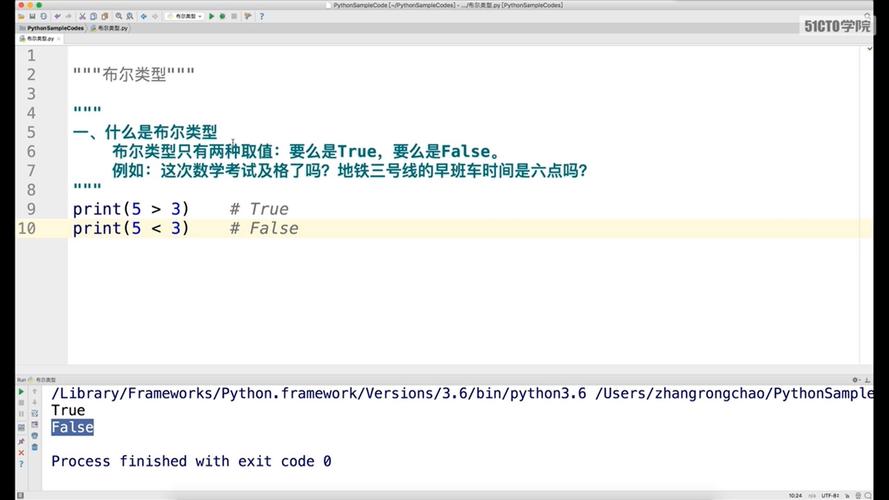
Multi-line Strings with Triple Quotes (""" or ''')
This is the most straightforward way to define a string that spans multiple lines. The newline characters (\n) are automatically included.
How it works: You simply enclose your string in three single or double quotes.
Example:
# Using double quotes
long_string = """This is a long string
that spans multiple lines.
The newline characters are
automatically included."""
print(long_string)
Output:
This is a long string
that spans multiple lines.
The newline characters are
automatically included.
Important Note: The string includes the leading newline after the opening and the trailing newline before the closing . To avoid this, you can place the closing quotes on the same line as the last character.
# Avoiding leading/trailing newlines
long_string_clean = """This is a long string
that spans multiple lines
without extra newlines at the start or end."""
print(long_string_clean)
Use Case: Perfect for docstrings, embedding SQL queries, HTML, or any text content where you want to preserve the exact formatting.
String Concatenation Using
You can build a long string by "concatenating" (joining) smaller strings together using the operator.
How it works: Combine string literals or variables.

Example:
part1 = "This is the first part of the string. "
part2 = "This is the second part. "
part3 = "And this is the final part."
long_string = part1 + part2 + part3
print(long_string)
Output:
This is the first part of the string. This is the second part. And this is the final part.Use Case: Good for building strings from variables or small pieces. However, it's not ideal for joining a large list of strings, as it creates many intermediate string objects in memory, which can be inefficient.
String Joining with str.join()
This is the most efficient and Pythonic way to combine a list (or any iterable) of strings into one long string. It's much faster than repeated concatenation with .
How it works: You call the .join() method on a "separator" string, and pass the list of strings as an argument. The separator is placed between each element of the list.
Example:
parts = [
    "This is the first part of the string. ",
    "This is the second part. ",
    "And this is the final part."
]
# Use a space as the separator
long_string = " ".join(parts)
print(long_string)
Output:
This is the first part of the string. This is the second part. And this is the final part.Joining without a separator:
lines = ["First line", "Second line", "Third line"]
paragraph = "\n".join(lines)
print(paragraph)
Output:
First line
Second line
Third line
Use Case: The go-to method for combining a list of strings. It's highly optimized and readable.
Using Parentheses for Implicit Line Continuation
Python allows you to break long lines of code (including string assignments) by using parentheses . The lines are treated as a single logical line.
How it works: The string is broken across multiple lines within parentheses, and Python automatically joins them.
Example:
long_string = (
    "This is a very long string that we are breaking into multiple "
    "pieces for readability. Python's parser will automatically "
    "join these pieces together into a single string."
)
print(long_string)
Output:
This is a very long string that we are breaking into multiple pieces for readability. Python's parser will automatically join these pieces together into a single string.Notice there are no extra spaces or newlines added between the parts. This is great for readability in your code.
Use Case: Excellent for breaking up long string literals (like SQL queries or JSON) to fit within an 80- or 100-character line limit, improving code readability.
Formatted String Literals (f-strings) for Dynamic Content
If your long string contains variables, f-strings (Python 3.6+) are the modern, readable way to embed them.
How it works: Prefix the string with f and place variables inside curly braces .
Example:
name = "Alice"
user_id = 12345
last_login = "2025-10-27"
# Combining static text with dynamic variables
status_report = (
    f"User Report for {name}:\n"
    f"  - User ID: {user_id}\n"
    f"  - Last Login: {last_login}\n"
    f"  - Account Status: Active"
)
print(status_report)
Output:
User Report for Alice:
  - User ID: 12345
  - Last Login: 2025-10-27
  - Account Status: Active
This method combines the readability of the parenthesis method with the power of dynamic variable substitution.
Summary: Which Method to Use?
| Method | Best For | Pros | Cons |
|---|---|---|---|
| Triple Quotes () | Multi-line text blocks (docstrings, SQL, HTML). | Preserves formatting, simple syntax. | Can include unwanted leading/trailing newlines. |
| String Concatenation () | A few simple string variables. | Easy to understand. | Inefficient for many strings; creates many temporary objects. |
str.join() |
Combining a list or tuple of strings. | Most efficient, very fast, Pythonic. | Requires the strings to be in an iterable first. |
| Parentheses | Breaking a single long string for readability. | Clean, readable, no extra characters added. | Primarily for code formatting, not for multi-line content. |
| f-strings | Embedding variables into a long string. | Readable, modern, efficient for dynamic content. | Requires Python 3.6+. |
General Recommendation:
- For static multi-line text, use triple quotes.
- For combining a list of strings, always use
str.join(). - For breaking a long line in your code, use parentheses.
- For strings with variables, use f-strings.