Of course! hasNextInt() is a fundamental method in Java for reading integer input, primarily used with the Scanner class. Let's break it down in detail.
What is hasNextInt()?
In simple terms, hasNextInt() checks if the next token of the input can be interpreted as a valid integer.
It's a "look-ahead" method. It doesn't actually consume or remove the token from the input stream; it just checks if it's there and if it's an integer. This is incredibly useful for creating robust programs that don't crash if the user enters something unexpected.
Key Characteristics
-
Returns a
boolean:trueif the next token is a valid integer.falseif the next token is not a valid integer (e.g., "hello", "12.5", an empty line) or if there is no more input.
-
Does Not Consume Input:
 (图片来源网络,侵删)
- This is its most important feature. If
hasNextInt()returnstrue, the integer is still waiting in the input stream to be read by a method likenextInt().
- This is its most important feature. If
-
Skips Leading Whitespace:
- Like most
Scannermethods, it automatically ignores any leading whitespace (spaces, tabs, newlines) before checking for the integer.
- Like most
How to Use It (with Examples)
The primary use case is in a loop to handle user input gracefully.
Example 1: The Classic while Loop
This is the most common and recommended pattern for reading a sequence of integers from the user.
import java.util.Scanner;
import java.util.InputMismatchException; // Good practice to handle potential issues
public class ReadIntegers {
    public static void main(String[] args) {
        Scanner scanner = new Scanner(System.in);
        int sum = 0;
        int count = 0;
        System.out.println("Enter integers (enter any non-integer to finish):");
        // Loop as long as there is a valid integer available to read
        while (scanner.hasNextInt()) {
            // If we are here, it's safe to call nextInt()
            int number = scanner.nextInt();
            sum += number;
            count++;
        }
        if (count > 0) {
            double average = (double) sum / count;
            System.out.println("You entered " + count + " integers.");
            System.out.println("The sum is: " + sum);
            System.out.println("The average is: " + average);
        } else {
            System.out.println("No valid integers were entered.");
        }
        // Always close the scanner to prevent resource leaks
        scanner.close();
    }
}
How it works:
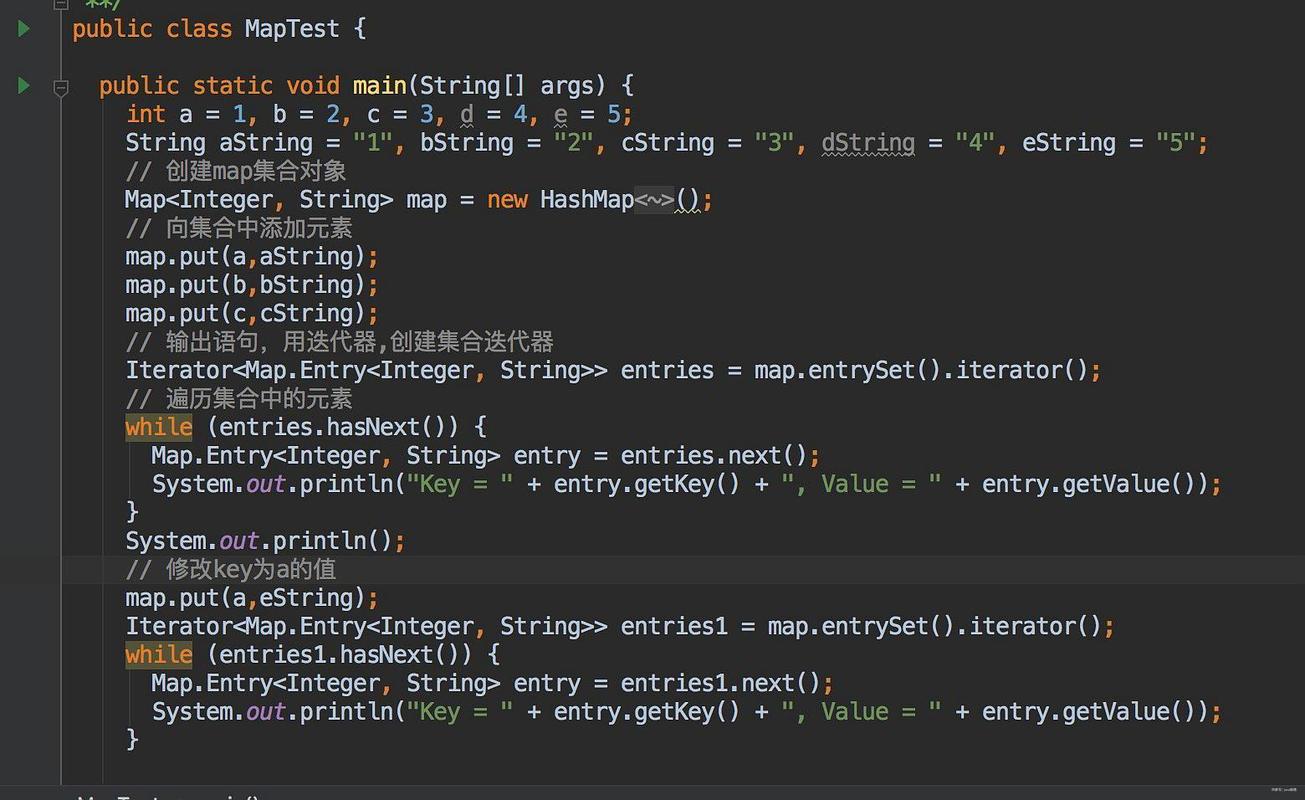
- The
while (scanner.hasNextInt())condition is checked. - If the user types
10and presses Enter,hasNextInt()returnstrue. - The code inside the loop executes:
int number = scanner.nextInt();. This reads the10and consumes it. - The loop continues. The user types
20.hasNextInt()istrueagain. - The loop reads
20. - The user types
hello.hasNextInt()returnsfalse. - The loop terminates, and the program proceeds to calculate the average.
Example 2: Handling Invalid Input Without Crashing
A common mistake is to call nextInt() directly in a loop without checking. If the user enters a non-integer, the program throws an InputMismatchException and crashes. hasNextInt() prevents this.
import java.util.Scanner;
public class SafeInput {
    public static void main(String[] args) {
        Scanner scanner = new Scanner(System.in);
        int number = -1; // Initialize to a value that indicates "not read yet"
        System.out.print("Please enter an integer: ");
        // Check if the next token is an integer BEFORE trying to read it
        if (scanner.hasNextInt()) {
            number = scanner.nextInt();
            System.out.println("Success! You entered: " + number);
        } else {
            System.out.println("Error: That was not a valid integer.");
        }
        scanner.close();
    }
}
Sample Run 1 (Valid Input):
Please enter an integer: 42
Success! You entered: 42
Sample Run 2 (Invalid Input):
Please enter an integer: fifty
Error: That was not a valid integer.
Common Pitfall: The "Stuck" Scanner
If you mix calls to nextLine() and nextInt(), you can run into a problem where the Scanner seems to "skip" input.
// --- PROBLEMATIC CODE ---
Scanner scanner = new Scanner(System.in);
System.out.print("Enter your age: ");
int age = scanner.nextInt(); // Reads the integer, but the newline is left in the buffer
System.out.print("Enter your name: ");
String name = scanner.nextLine(); // Reads the leftover newline, so it skips user input
System.out.println("Hello, " + name); // Prints "Hello, " (empty)
How hasNextInt() helps:
You can use hasNextInt() to check if the input is valid before you even try to read it, which can be part of a more robust solution to this problem.
// --- ROBUST SOLUTION ---
Scanner scanner = new Scanner(System.in);
System.out.print("Enter your age: ");
// Loop until a valid integer is entered
while (!scanner.hasNextInt()) {
    System.out.println("Invalid input. Please enter a whole number for your age:");
    scanner.next(); // IMPORTANT: Discard the invalid input to prevent an infinite loop
}
int age = scanner.nextInt(); // Now it's safe to read
scanner.nextLine(); // Consume the leftover newline
System.out.print("Enter your name: ");
String name = scanner.nextLine(); // This now works correctly
System.out.println("Hello, " + name + ". You are " + age + " years old.");
Summary Table: hasNextInt() vs. nextInt()
| Method | Return Type | What It Does | Consumes Input? | Throws Exception on Invalid Input? |
|---|---|---|---|---|
hasNextInt() |
boolean |
Checks if the next token is an integer. | No | No (just returns false) |
nextInt() |
int |
Reads and consumes the next token as an integer. | Yes | Yes (InputMismatchException) |
Conclusion
hasNextInt() is an essential tool for any Java program that needs to read integer input from a user or a file. It promotes defensive programming by allowing you to validate input before attempting to process it, leading to more robust, user-friendly, and crash-resistant applications. Always prefer using it in a while loop when you expect a sequence of integers.