Of course! The phrase "Python TCL installed" can mean a few different things, so I'll cover the most common interpretations, from the most likely to the least likely.
The Most Likely Meaning: tkinter (The GUI Library)
This is almost certainly what you're looking for. TCL (Tool Command Language) is a scripting language, and Tk is a graphical user interface (GUI) toolkit for it. When you install Python, a Python-specific "wrapper" for Tk called tkinter is included by default.
-
What it is:
tkinteris Python's standard, built-in library for creating desktop GUI applications. It provides an object-oriented interface to the Tk GUI toolkit. -
Why it's important: It's the most common way to build simple desktop apps with Python without needing to install any external dependencies.
-
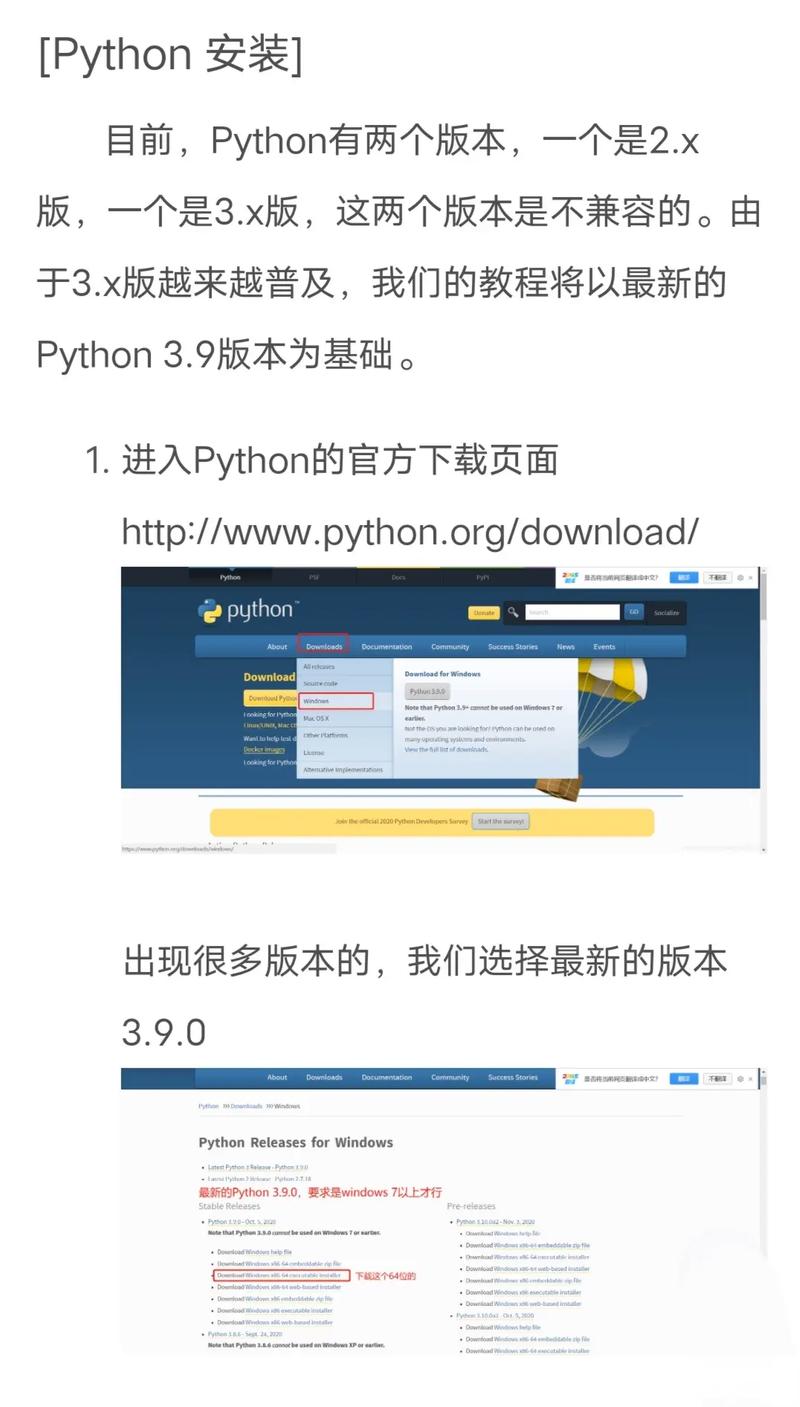
How to check if it's installed: Since it comes with most Python installations, you can just try to import it in a Python interpreter or script.
 (图片来源网络,侵删)
try: import tkinter print("tkinter is installed and available.") # You can even create a simple window to prove it # root = tkinter.Tk() # root.title("Hello Tkinter") # root.mainloop() except ImportError: print("tkinter is NOT installed.") -
How to install it (if it's missing): The method depends on your operating system.
-
On Debian/Ubuntu: The
tkintermodule is in a separate package that you need to install usingapt.sudo apt update sudo apt install python3-tk
-
On macOS (using Homebrew): If you installed Python via Homebrew, it should have been included. If not, you can reinstall it with the
tkinterflag.brew reinstall python3 --with-tcl-tk
-
On Windows: The standard Python installer from
python.orgincludestkinterby default. If you used a minimal installer or a custom one and unchecked it, you will need to download the full installer again and ensure "tcl/tk and IDLE" is checked.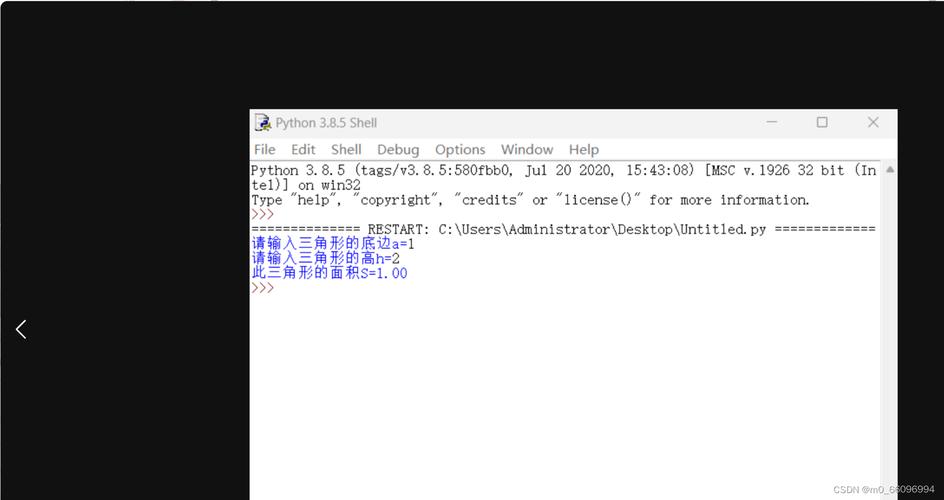 (图片来源网络,侵删)
-
The Second Meaning: Running TCL Commands from Python
Sometimes, you might want to execute a TCL script or run individual TCL commands directly within your Python program. This is a more advanced use case.
-
What it is: This involves using Python's built-in
subprocessmodule to call thetclsh(TCL shell) executable, or using a dedicated Python library that acts as an interface to a TCL interpreter. -
How to do it with
subprocess: This is the most common way. You need to have the TCL interpreter (tclsh) installed on your system first.import subprocess # The TCL command to run (e.g., print "Hello from TCL") tcl_command = 'puts "Hello from the TCL interpreter inside Python!"' try: # Run the command using tclsh # The shell=True is needed for some systems, but can be a security risk. # It's better to pass the command as a list of arguments if possible. result = subprocess.run(['tclsh', '-c', tcl_command], capture_output=True, text=True, check=True) print("TCL Command Output:") print(result.stdout) except FileNotFoundError: print("Error: 'tclsh' command not found. Please ensure TCL is installed and in your system's PATH.") except subprocess.CalledProcessError as e: print(f"TCL command failed with error code {e.returncode}") print(f"Error output: {e.stderr}") -
How to do it with a dedicated library: Libraries like
PyTclprovide a more integrated way to interact with TCL. This is less common because it requires TCL to be installed and a separate Python library to be added.# First, you'd need to install the library pip install PyTcl
Then you could use it in your Python code.
The Third Meaning: Is the TCL Language Itself Installed?
This is a system-level question. You might need to know if the TCL interpreter (tclsh) is available on your machine, independent of Python.
-
How to check: Open your terminal or command prompt and type:
tclsh
If the TCL interpreter starts, you'll see a prompt. You can type
exitto leave it. If you get an error like'tclsh' is not recognized..., then it is not installed. -
How to install it: This is an OS-level package, not a Python package.
-
On Debian/Ubuntu:
sudo apt update
sudo apt install tcl
-
On macOS (using Homebrew):
brew install tcl
-
On Windows: Download the installer from the official TCL ActiveTcl page.
-
Summary Table
| What you probably mean... | Is it for Python? | How to check | How to install (if missing) |
|---|---|---|---|
tkinter (GUI Library) |
Yes, it's a Python module. | import tkinter |
sudo apt install python3-tk (Debian/Ubuntu) |
brew reinstall python3 --with-tcl-tk (macOS) |
|||
| Re-run Python installer and check "tcl/tk" (Windows) | |||
| Running TCL from Python | Yes, via subprocess or a library. |
subprocess.run(['tclsh', '--version']) |
Install the TCL system package (sudo apt install tcl) |
| Is TCL on my system? | No, it's a separate programming language. | tclsh in your terminal |
sudo apt install tcl (Debian/Ubuntu) |
For 99% of users, the first row about tkinter is the answer you're looking for.