
Java 图片压缩并转为 Base64
在 Java 中,你可以使用多种方法将图片进行压缩并转换为 Base64 编码字符串,以下是几种常见的实现方式:
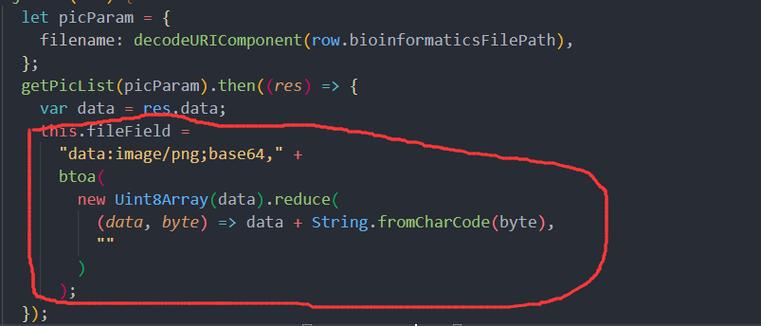
(图片来源网络,侵删)
使用 Java 原生 API
import javax.imageio.ImageIO;
import java.awt.*;
import java.awt.image.BufferedImage;
import java.io.ByteArrayOutputStream;
import java.io.File;
import java.io.IOException;
import java.util.Base64;
public class ImageCompressor {
    public static String compressAndEncodeToBase64(String imagePath, float quality) throws IOException {
        // 读取图片
        BufferedImage originalImage = ImageIO.read(new File(imagePath));
        // 计算新尺寸(按比例缩小)
        int width = originalImage.getWidth();
        int height = originalImage.getHeight();
        int newWidth = 800; // 设置目标宽度
        int newHeight = (int) ((double) height / width * newWidth);
        // 创建缩略图
        BufferedImage resizedImage = new BufferedImage(newWidth, newHeight, BufferedImage.TYPE_INT_RGB);
        Graphics2D g = resizedImage.createGraphics();
        g.setRenderingHint(RenderingHints.KEY_INTERPOLATION, RenderingHints.VALUE_INTERPOLATION_BILINEAR);
        g.drawImage(originalImage, 0, 0, newWidth, newHeight, null);
        g.dispose();
        // 压缩并转换为字节数组
        ByteArrayOutputStream baos = new ByteArrayOutputStream();
        ImageIO.write(resizedImage, "jpg", baos);
        // 转换为Base64
        byte[] imageBytes = baos.toByteArray();
        return Base64.getEncoder().encodeToString(imageBytes);
    }
    public static void main(String[] args) {
        try {
            String base64Image = compressAndEncodeToBase64("input.jpg", 0.7f);
            System.out.println("Base64 Image: " + base64Image.substring(0, 50) + "...");
        } catch (IOException e) {
            e.printStackTrace();
        }
    }
}
使用 Thumbnailator 库(更简单)
首先添加依赖(Maven):
<dependency>
    <groupId>net.coobird</groupId>
    <artifactId>thumbnailator</artifactId>
    <version>0.4.20</version>
</dependency>
然后使用:
import net.coobird.thumbnailator.Thumbnails;
import java.io.ByteArrayOutputStream;
import java.io.File;
import java.io.IOException;
import java.util.Base64;
public class ImageCompressorWithThumbnailator {
    public static String compressAndEncodeToBase64(String imagePath, int width, float quality) throws IOException {
        // 压缩图片并获取字节数组
        ByteArrayOutputStream baos = new ByteArrayOutputStream();
        Thumbnails.of(new File(imagePath))
                .width(width)
                .outputQuality(quality)
                .toOutputStream(baos);
        // 转换为Base64
        byte[] imageBytes = baos.toByteArray();
        return Base64.getEncoder().encodeToString(imageBytes);
    }
    public static void main(String[] args) {
        try {
            String base64Image = compressAndEncodeToBase64("input.jpg", 800, 0.7f);
            System.out.println("Base64 Image: " + base64Image.substring(0, 50) + "...");
        } catch (IOException e) {
            e.printStackTrace();
        }
    }
}
从字节数组直接压缩(适用于已加载的图片)
import javax.imageio.ImageIO;
import java.awt.*;
import java.awt.image.BufferedImage;
import java.io.ByteArrayOutputStream;
import java.io.IOException;
import java.util.Base64;
public class ImageCompressorFromBytes {
    public static String compressAndEncodeToBase64(byte[] imageBytes, int maxWidth, float quality) throws IOException {
        // 从字节数组读取图片
        BufferedImage originalImage = ImageIO.read(new java.io.ByteArrayInputStream(imageBytes));
        // 计算新尺寸
        int width = originalImage.getWidth();
        int height = originalImage.getHeight();
        int newHeight = (int) ((double) height / width * maxWidth);
        // 创建缩略图
        BufferedImage resizedImage = new BufferedImage(maxWidth, newHeight, BufferedImage.TYPE_INT_RGB);
        Graphics2D g = resizedImage.createGraphics();
        g.setRenderingHint(RenderingHints.KEY_INTERPOLATION, RenderingHints.VALUE_INTERPOLATION_BILINEAR);
        g.drawImage(originalImage, 0, 0, maxWidth, newHeight, null);
        g.dispose();
        // 压缩并转换为字节数组
        ByteArrayOutputStream baos = new ByteArrayOutputStream();
        ImageIO.write(resizedImage, "jpg", baos);
        // 转换为Base64
        return Base64.getEncoder().encodeToString(baos.toByteArray());
    }
}
注意事项
- 质量参数:质量范围通常是 0.0 到 1.0,值越小压缩率越高但质量越差
- 格式选择:JPG 适合照片,PNG 适合图形和需要透明背景的图片
- 内存考虑:大图片处理时要注意内存使用,可能需要分块处理
- 异常处理:实际应用中应添加更完善的异常处理
方法可以根据你的具体需求选择使用,Thumbnailator 方法通常是最简单和高效的。
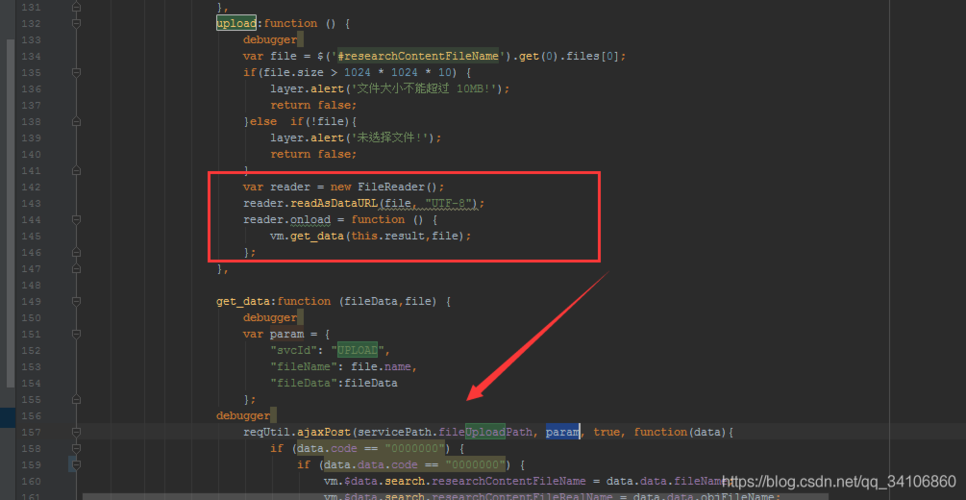
(图片来源网络,侵删)


