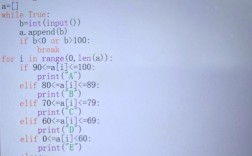
Of course! The for...in loop is one of the most fundamental and frequently used tools in Python. It's designed to iterate over the elements of any iterable object (like a list, tuple, string, dictionary, etc.).

Let's break it down from the basics to more advanced usage.
The Basic Syntax
The general structure is very readable:
for variable in iterable:
    # Code to execute for each item
    # This code block is indented
forandinare keywords in Python.variableis a temporary name you give to the current item in the loop. You can name it whatever you like (e.g.,item,fruit,number,char).iterableis the object you want to loop over (e.g., a list, a string, a range).- The indented block of code is the "body" of the loop. It runs once for each item in the iterable.
Common Examples with Different Iterables
The power of the for...in loop is its versatility. It works seamlessly with many built-in Python data types.
a) Looping through a List (Most Common)
This is the classic use case. You perform an action on each item in a list.
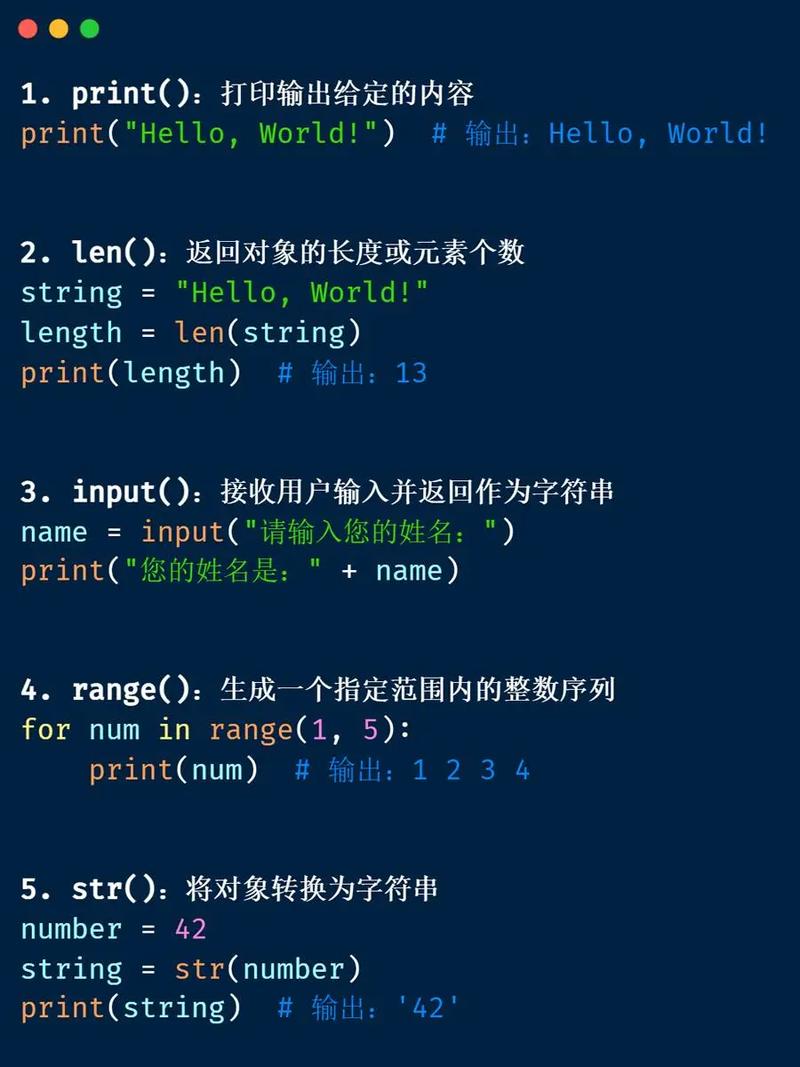
# A list of fruits
fruits = ["apple", "banana", "cherry"]
print("My favorite fruits are:")
for fruit in fruits:
    print(fruit)
# Output:
# My favorite fruits are:
# apple
# banana
# cherry
b) Looping through a String
In Python, a string is an iterable sequence of characters. The loop will run for each character.
message = "Hello"
print("Each character in the message:")
for char in message:
    print(char)
# Output:
# Each character in the message:
# H
# e
# l
# l
# o
c) Looping through a Tuple
Tuples are like immutable lists, and you can loop over them in the exact same way.
coordinates = (10.0, 20.0)
print("The coordinates are:")
for coord in coordinates:
    print(coord)
# Output:
# The coordinates are:
# 10.0
# 20.0
d) Looping through a Dictionary
Dictionaries are a bit special. By default, looping over a dictionary iterates over its keys.
student = {"name": "Alice", "age": 25, "major": "Computer Science"}
print("Keys in the student dictionary:")
for key in student:
    print(key)
# Output:
# Keys in the student dictionary:
# name
# age
# major
If you want to iterate over the values, use .values(). If you want both keys and values at the same time, use .items().
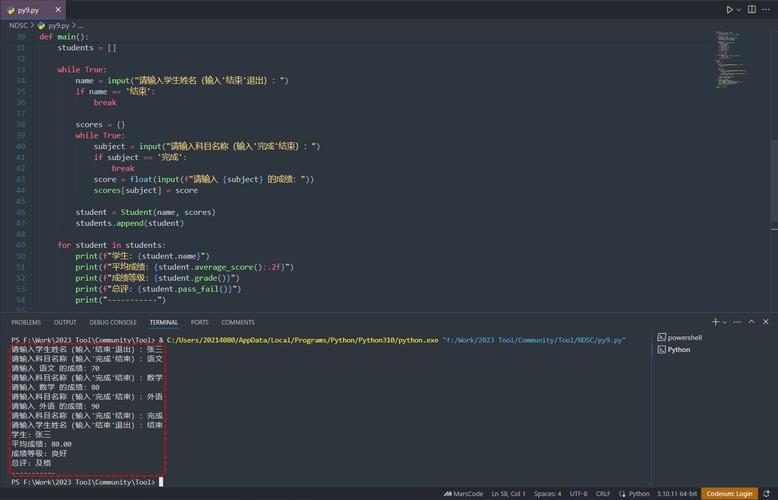
# Iterating over values
print("\nValues in the student dictionary:")
for value in student.values():
    print(value)
# Output:
# Values in the student dictionary:
# Alice
# 25
# Computer Science
# Iterating over key-value pairs (most useful)
print("\nStudent details (key: value):")
for key, value in student.items(): # This is called "tuple unpacking"
    print(f"{key}: {value}")
# Output:
# Student details (key: value):
# name: Alice
# age: 25
# major: Computer Science
The range() Function
When you want to loop a specific number of times, the range() function is your best friend. It generates a sequence of numbers, which is then used by the for...in loop.
a) range(stop): Generates numbers from 0 up to (but not including) stop.
# Prints numbers 0, 1, 2, 3, 4
for i in range(5):
    print(i)
# Output:
# 0
# 1
# 2
# 3
# 4
b) range(start, stop): Generates numbers from start up to (but not including) stop.
# Prints numbers 2, 3, 4, 5
for i in range(2, 6):
    print(i)
# Output:
# 2
# 3
# 4
# 5
c) range(start, stop, step): Generates numbers from start up to stop, incrementing by step.
# Prints even numbers from 0 up to 8 (10 is not included)
for i in range(0, 10, 2):
    print(i)
# Output:
# 0
# 2
# 4
# 6
# 8
Loop Control Statements
You can change the flow of a loop using break and continue.
break: Exits the loop immediately, no matter what.continue: Skips the rest of the code in the current iteration and jumps to the next one.
Example with break
Find the first even number in a list and stop.
numbers = [1, 3, 5, 2, 4, 8, 7]
for num in numbers:
    if num % 2 == 0:
        print(f"Found the first even number: {num}")
        break # Exit the loop
Example with continue
Print only the odd numbers.
numbers = [1, 2, 3, 4, 5, 6, 7, 8, 9, 10]
for num in numbers:
    if num % 2 == 0:
        continue # Skip this number and go to the next iteration
    print(num)
# Output:
# 1
# 3
# 5
# 7
# 9
The enumerate() Function
Sometimes you need both the index and the value of an item as you loop. The enumerate() function is perfect for this. It returns a tuple containing a count (from 0) and the value from the iterable.
fruits = ["apple", "banana", "cherry"]
# The old, manual way (less Pythonic)
# index = 0
# for fruit in fruits:
#     print(f"{index}: {fruit}")
#     index += 1
# The Pythonic way using enumerate()
for index, fruit in enumerate(fruits):
    print(f"{index}: {fruit}")
# Output:
# 0: apple
# 1: banana
# 2: cherry
You can also specify the starting index for enumerate().
for index, fruit in enumerate(fruits, start=1):
    print(f"{index}: {fruit}")
# Output:
# 1: apple
# 2: banana
# 3: cherry
The pass Statement
The pass statement is a null operation; it does nothing. It is useful when a statement is required syntactically, but you have nothing to do. It's often used as a placeholder in loops or functions that are not yet implemented.
# A loop that does nothing for now, but might have logic later
for item in some_list:
    # TODO: Add logic to process item
    pass
# This code will run without an error
print("Loop finished.")
Summary Table
| Task | Method | Example |
|---|---|---|
| Loop through items | for item in my_list: |
for fruit in fruits: |
| Loop by index | for i in range(len(my_list)): (less common) |
for i in range(len(fruits)): |
| Loop by index & item | for i, item in enumerate(my_list): |
for i, fruit in enumerate(fruits): |
| Loop N times | for i in range(N): |
for i in range(5): |
| Loop a dictionary's keys | for key in my_dict: |
for key in student: |
| Loop a dictionary's values | for value in my_dict.values(): |
for value in student.values(): |
| Loop a dictionary's items | for key, value in my_dict.items(): |
for key, value in student.items(): |