
Of course! This is a fundamental and important topic in Python. Let's break down the relationship between JSON, Python, and Unicode, covering the key concepts and common pitfalls.
The Core Idea: JSON is Unicode by Default
The most important thing to understand is that the JSON specification requires all strings to be in Unicode.
This means that when you parse a JSON string in Python, you are always getting a standard Python str object, which is inherently Unicode. You will never get a bytes object or a str object with a non-Unicode encoding like 'latin-1' from a valid JSON string.
This simplifies things greatly, as Python 3's str type is the perfect representation for a JSON string.
Key Scenarios and How to Handle Them
Here are the common situations you'll encounter and the best practices for each.
Loading JSON from a String (json.loads)
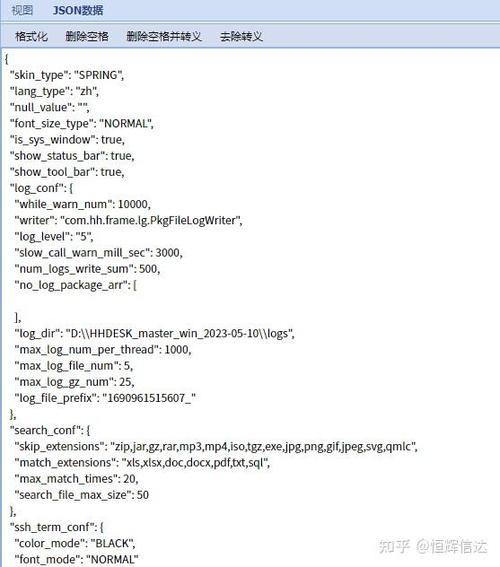
This is the most straightforward case. You have a JSON-formatted Python string, and you want to convert it into a Python dictionary or list.
import json
# A JSON string with various characters (ASCII, accented, emoji)
json_string = '{"name": "José", "city": "München", "emoji": "🐍"}'
# Parse the string into a Python dictionary
data = json.loads(json_string)
# The resulting Python objects are standard types
print(f"Type of 'data': {type(data)}")
print(f"Type of 'data[\"name\"]': {type(data['name'])}")
print(f"Value of 'name': {data['name']}")
print(f"Value of 'emoji': {data['emoji']}")
# The 'str' object is Unicode, so you can print it directly
# (Your terminal must support Unicode for this to display correctly)
print(f"Printing the string: {data['city']}")
Output:
Type of 'data': <class 'dict'>
Type of 'data["name"]': <class 'str'>
Value of 'name': José
Value of 'emoji': 🐍
Printing the string: München
Key Takeaway: json.loads() always returns Python str objects. No decoding is needed on your part.
Loading JSON from a File (json.load)
This is where confusion often arises. The JSON file itself is just a sequence of bytes. To read it, Python needs to know how to decode those bytes into a Unicode string.
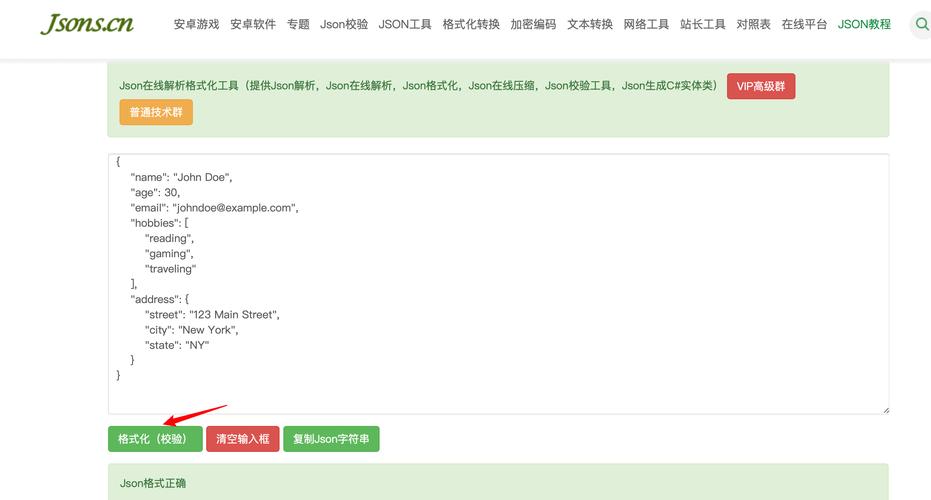
The Golden Rule: You must open the file in text mode and specify the correct encoding. The standard and recommended encoding for JSON is UTF-8.
✅ The Correct Way (UTF-8)
import json
# Assume 'data.json' contains: {"message": "Hello, 世界!"}
# And the file is saved with UTF-8 encoding.
# Open the file in text mode with UTF-8 encoding
with open('data.json', 'r', encoding='utf-8') as f:
    data = json.load(f)
print(data)
print(f"Message: {data['message']}")
❌ The Common Pitfall (Binary Mode)
If you open the file in binary mode ('rb'), json.load() will fail because it expects a text stream, not a bytes stream.
# This will raise a TypeError!
# with open('data.json', 'rb') as f:
#     data = json.load(f)  # TypeError: the JSON object must be str, not 'bytes'
❌ Another Pitfall (Wrong Encoding)
If you open the file in text mode but with the wrong encoding (e.g., 'latin-1' when it's actually UTF-8), you'll get a UnicodeDecodeError or, worse, you'll get mojibake (corrupted text).
# This will likely cause an error or produce corrupted data
# with open('data.json', 'r', encoding='latin-1') as f:
#     data = json.load(f)
#     print(data) # Might print something like: {'message': 'Hello, 世界!'}
Key Takeaway: Always use open('file.json', 'r', encoding='utf-8') when loading JSON from a file.
Dumping JSON to a String (json.dumps)
This is the reverse process: converting a Python object (like a dictionary) into a JSON-formatted string.
import json
python_dict = {
    "name": "François",
    "items": ["café", "naïve"],
    "unicode_char": "∞"
}
# Convert the Python object to a JSON string
json_string = json.dumps(python_dict)
print(f"Type of result: {type(json_string)}")
print(f"JSON string: {json_string}")
Output:
Type of result: <class 'str'>
JSON string: {"name": "François", "items": ["café", "naïve"], "unicode_char": "∞"}
Key Takeaway: json.dumps() produces a Python str object (a Unicode string). No encoding is needed on your part at this stage.
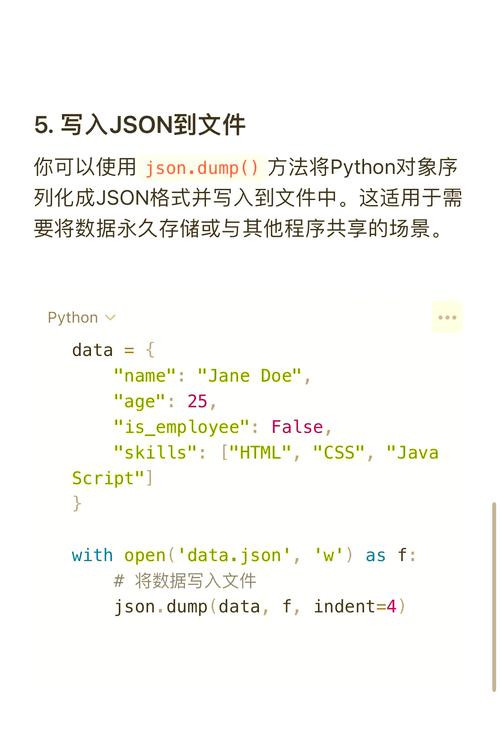
Dumping JSON to a File (json.dump)
This is where you need to specify an encoding. You are converting your Python Unicode string into a sequence of bytes to be written to the file.
The Golden Rule: You must open the file in text mode and specify the desired encoding. UTF-8 is the standard and highly recommended choice.
import json
python_dict = {"artist": "Björk", "song": "Hyperballad"}
# Open the file in text mode for writing, specifying UTF-8 encoding
with open('output.json', 'w', encoding='utf-8') as f:
    json.dump(python_dict, f, indent=4)
# Check the contents of the file
# The file 'output.json' will contain:
# {
#     "artist": "Björk",
#     "song": "Hyperballad"
# }
❌ The Common Pitfall (Binary Mode)
If you open the file in binary mode ('wb'), json.dump() expects you to handle the encoding yourself. You would need to first get the JSON string and then manually encode it.
# This is the "hard way" and not recommended unless you have a specific reason.
python_dict = {"artist": "Björk", "song": "Hyperballad"}
# Get the JSON string first
json_string = json.dumps(python_dict)
# Then open in binary mode and encode manually
with open('output_binary.json', 'wb') as f:
    f.write(json_string.encode('utf-8'))
This is more complex and error-prone. Stick to text mode with encoding='utf-8' for json.dump.
Dealing with Non-Unicode Text (The "Before" Python 3 World)
You might encounter JSON strings that contain non-ASCII characters but are represented as escaped ASCII sequences (e.g., José becomes Jos\u00e9). This is common when dealing with APIs or data from systems that need to ensure ASCII-only transport.
The json module handles this automatically for you.
import json
# A JSON string where non-ASCII characters are escaped
escaped_json_string = '{"name": "Jos\\u00e9", "city": "M\\u00fcnchen"}'
# json.loads correctly decodes the escape sequences
data = json.loads(escaped_json_string)
print(data['name']) # Output: José
print(data['city'])  # Output: München
The json module is smart enough to parse these escape sequences and give you the correct Unicode str object.
Summary Table
| Task | Function | File Mode | Encoding Argument | Key Point |
|---|---|---|---|---|
| Load from String | json.loads() |
N/A | N/A | Always returns str (Unicode). |
| Load from File | json.load() |
Text ('r') |
Required ('utf-8') |
Must specify encoding to decode bytes. |
| Dump to String | json.dumps() |
N/A | N/A | Always returns str (Unicode). |
| Dump to File | json.dump() |
Text ('w') |
Required ('utf-8') |
Must specify encoding to encode bytes. |
Final Best Practices
- Assume UTF-8: For all JSON file I/O, default to
encoding='utf-8'. It's the web standard and handles the entire Unicode character set. - Use Text Mode: Always open JSON files in text mode (
'r'for read,'w'for write). Let thejsonlibrary and Python handle the encoding/decoding. - Trust
json.loads(): Don't try to pre-decode a JSON string. Pass it directly tojson.loads()and it will give you the correctstrobjects. - Trust
json.dump(): When writing to a file, open it in text mode withencoding='utf-8'and pass your Python object directly tojson.dump(). It will handle the encoding for you.











