Of course! Converting a JSON object into a tree structure is a common and powerful way to work with hierarchical data in Java. Here’s a comprehensive guide covering different approaches, from manual parsing to using popular libraries.
Why Convert JSON to a Tree?
A tree structure is excellent for:
- Traversing: Easily visiting every node in the JSON document.
- Querying: Finding nodes by their path (e.g.,
store.book[0].author). - Manipulating: Adding, removing, or modifying parts of the JSON data.
- Visualizing: Representing the data in a hierarchical view.
Approach 1: The Manual Way (Using org.json Library)
This approach gives you full control and helps you understand the underlying process. We'll use the simple and popular org.json library.
Add the Dependency
If you're using Maven, add this to your pom.xml:
<dependency>
    <groupId>org.json</groupId>
    <artifactId>json</artifactId>
    <version>20251013</version>
</dependency>
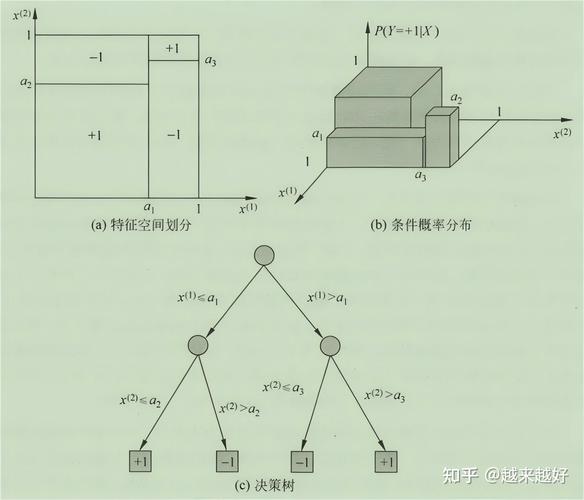
Define the Tree Node Class
First, let's create a simple class to represent a node in our tree.
import java.util.Map;
import java.util.List;
public class JsonNode {
    private String key;      // The key of the node (e.g., "name", "store")
    private Object value;    // The value (String, Number, Boolean, or a List/Map of child nodes)
    private List<JsonNode> children; // For arrays and objects
    // Constructor for a leaf node (String, Number, Boolean)
    public JsonNode(String key, Object value) {
        this.key = key;
        this.value = value;
        this.children = null;
    }
    // Constructor for a parent node (Object or Array)
    public JsonNode(String key, List<JsonNode> children) {
        this.key = key;
        this.value = null;
        this.children = children;
    }
    // Getters and a useful toString for printing the tree
    public String getKey() { return key; }
    public Object getValue() { return value; }
    public List<JsonNode> getChildren() { return children; }
    @Override
    public String toString() {
        return toStringWithIndent(0);
    }
    private String toStringWithIndent(int indent) {
        StringBuilder sb = new StringBuilder();
        String indentation = "  ".repeat(indent);
        sb.append(indentation).append("- Key: '").append(key).append("'");
        if (value != null) {
            sb.append(", Value: ").append(value);
        } else if (children != null) {
            sb.append(", Type: ").append(children.isEmpty() ? "Array" : "Object");
            sb.append("\n");
            for (JsonNode child : children) {
                sb.append(child.toStringWithIndent(indent + 1));
                sb.append("\n");
            }
        }
        return sb.toString();
    }
}
The Recursive Conversion Logic
The core of the solution is a recursive method that can handle JSON objects, arrays, and primitive types.
import org.json.JSONArray;
import org.json.JSONObject;
import java.util.ArrayList;
import java.util.List;
import java.util.Map;
public class JsonTreeConverter {
    public static JsonNode convertJsonToTree(String jsonString) {
        JSONObject jsonObject = new JSONObject(jsonString);
        return convertJsonObject(jsonObject, "root");
    }
    private static JsonNode convertJsonObject(JSONObject jsonObj, String key) {
        // An object is a parent node. Its children are its key-value pairs.
        List<JsonNode> children = new ArrayList<>();
        for (String childKey : jsonObj.keySet()) {
            Object childValue = jsonObj.get(childKey);
            JsonNode childNode = parseValue(childKey, childValue);
            children.add(childNode);
        }
        return new JsonNode(key, children);
    }
    private static JsonNode convertJsonArray(JSONArray jsonArray, String key) {
        // An array is a parent node. Its children are its elements.
        List<JsonNode> children = new ArrayList<>();
        for (int i = 0; i < jsonArray.length(); i++) {
            Object element = jsonArray.get(i);
            // The "key" for an array element is its index.
            JsonNode childNode = parseValue(String.valueOf(i), element);
            children.add(childNode);
        }
        return new JsonNode(key, children);
    }
    private static JsonNode parseValue(String key, Object value) {
        if (value instanceof JSONObject) {
            return convertJsonObject((JSONObject) value, key);
        } else if (value instanceof JSONArray) {
            return convertJsonArray((JSONArray) value, key);
        } else {
            // It's a primitive value (String, Number, Boolean, null)
            return new JsonNode(key, value);
        }
    }
}
Putting It All Together
Let's test it with a sample JSON string.
public class Main {
    public static void main(String[] args) {
        String jsonString = "{\n" +
                "  \"store\": {\n" +
                "    \"book\": [\n" +
                "      {\n" +
                "        \"category\": \"reference\",\n" +
                "        \"author\": \"Nigel Rees\",\n" +
                "        \"title\": \"Sayings of the Century\",\n" +
                "        \"price\": 8.95\n" +
                "      },\n" +
                "      {\n" +
                "        \"category\": \"fiction\",\n" +
                "        \"author\": \"Evelyn Waugh\",\n" +
                "        \"title\": \"Sword of Honour\",\n" +
                "        \"price\": 12.99\n" +
                "      }\n" +
                "    ],\n" +
                "    \"bicycle\": {\n" +
                "      \"color\": \"red\",\n" +
                "      \"price\": 19.95\n" +
                "    }\n" +
                "  },\n" +
                "  \"expensive\": 10\n" +
                "}";
        JsonNode rootNode = JsonTreeConverter.convertJsonToTree(jsonString);
        System.out.println("--- JSON Tree Structure ---");
        System.out.println(rootNode);
    }
}
Expected Output:
--- JSON Tree Structure ---
- Key: 'root', Type: Object
  - Key: 'store', Type: Object
    - Key: 'book', Type: Array
      - Key: '0', Type: Object
        - Key: 'category', Value: reference
        - Key: 'author', Value: Nigel Rees
        - Key: 'title', Value: Sayings of the Century
        - Key: 'price', Value: 8.95
      - Key: '1', Type: Object
        - Key: 'category', Value: fiction
        - Key: 'author', Value: Evelyn Waugh
        - Key: 'title', Value: Sword of Honour
        - Key: 'price', Value: 12.99
    - Key: 'bicycle', Type: Object
      - Key: 'color', Value: red
      - Key: 'price', Value: 19.95
  - Key: 'expensive', Value: 10
Approach 2: Using Jackson (More Powerful & Common)
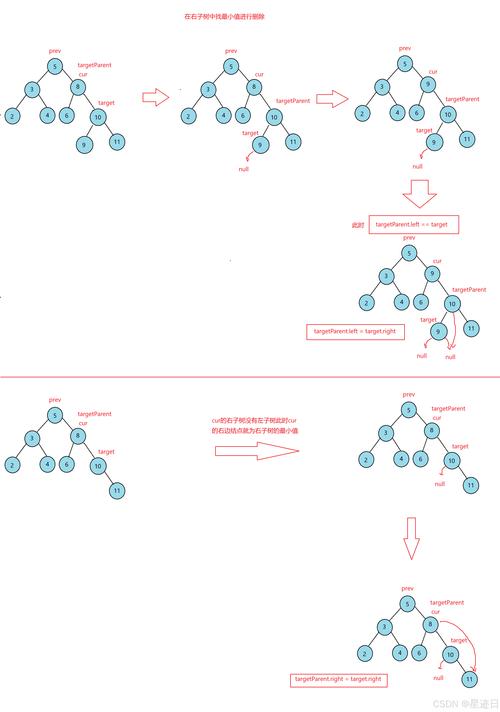
Jackson is the de-facto standard for JSON processing in Java. It's more robust and feature-rich. The tree model in Jackson is called JsonNode and it's built-in.
Add the Dependency
Maven:
<dependency>
    <groupId>com.fasterxml.jackson.core</groupId>
    <artifactId>jackson-databind</artifactId>
    <version>2.15.2</version>
</dependency>
The Jackson Way
Jackson does most of the work for you. You just read the JSON into its tree model.
import com.fasterxml.jackson.databind.JsonNode;
import com.fasterxml.jackson.databind.ObjectMapper;
import com.fasterxml.jackson.databind.node.ObjectNode;
import java.io.File;
import java.io.IOException;
import java.util.Iterator;
import java.util.Map;
public class JacksonTreeExample {
    public static void main(String[] args) {
        String jsonString = "{\n" +
                "  \"store\": {\n" +
                "    \"book\": [\n" +
                "      { \"category\": \"reference\", \"author\": \"Nigel Rees\", \"title\": \"Sayings of the Century\", \"price\": 8.95 },\n" +
                "      { \"category\": \"fiction\", \"author\": \"Evelyn Waugh\", \"title\": \"Sword of Honour\", \"price\": 12.99 }\n" +
                "    ],\n" +
                "    \"bicycle\": { \"color\": \"red\", \"price\": 19.95 }\n" +
                "  },\n" +
                "  \"expensive\": 10\n" +
                "}";
        ObjectMapper mapper = new ObjectMapper();
        try {
            // 1. Parse the JSON string into Jackson's tree model (JsonNode)
            JsonNode rootNode = mapper.readTree(jsonString);
            // 2. Now you can navigate the tree easily
            System.out.println("--- Accessing Specific Values ---");
            JsonNode storeNode = rootNode.path("store");
            System.out.println("Found store node: " + storeNode);
            JsonNode firstBook = rootNode.path("store").path("book").get(0);
            System.out.println("First book title: " + firstBook.path("title").asText());
            System.out.println("First book price: " + firstBook.path("price").asDouble());
            // 3. Traversing the entire tree
            System.out.println("\n--- Traversing the Entire Tree ---");
            traverseJsonNode(rootNode, 0);
        } catch (IOException e) {
            e.printStackTrace();
        }
    }
    public static void traverseJsonNode(JsonNode node, int indentLevel) {
        String indent = "  ".repeat(indentLevel);
        if (node.isObject()) {
            System.out.println(indent + "Object:");
            Iterator<Map.Entry<String, JsonNode>> fields = node.fields();
            while (fields.hasNext()) {
                Map.Entry<String, JsonNode> field = fields.next();
                System.out.print(indent + "  - Key: '" + field.getKey() + "', ");
                traverseJsonNode(field.getValue(), indentLevel + 1);
            }
        } else if (node.isArray()) {
            System.out.println(indent + "Array:");
            for (JsonNode element : node) {
                traverseJsonNode(element, indentLevel + 1);
            }
        } else if (node.isValueNode()) {
            // String, Number, Boolean, Null
            System.out.println("Value: " + node.asText());
        }
    }
}
Jackson's JsonNode Features:
- Navigation: Use
.path("key")(safe, returns a "missing node" if not found) or.get("key")(returnsnullif not found) for objects. Use.get(index)for arrays. - Type Checking: Use methods like
.isTextual(),.isNumber(),.isObject(),.isArray()to check the node type before casting or getting values. - Value Extraction: Use
.asText(),.asInt(),.asDouble(),.asBoolean()to get values as specific Java types. - Modification: You can modify the tree! For example, you can add a new field to an object:
((ObjectNode) rootNode).put("new_field", "a new value");
Comparison and Recommendation
| Feature | Manual (org.json) |
Jackson (JsonNode) |
|---|---|---|
| Ease of Use | More code to write, requires manual recursion. | Very easy. Built-in parser does the work. |
| Flexibility | Total control over the JsonNode class. |
High, but tied to Jackson's API. |
| Features | Basic. | Excellent: powerful traversal, filtering, mapping, and modification. |
| Performance | Good for simple cases. | Generally faster and more optimized. |
| Ecosystem | Lightweight. | The standard for most Java applications (Spring, etc.). |
Recommendation:
- For small projects, learning exercises, or when you need a very lightweight dependency, the manual approach is great.
- For any serious application, enterprise software, or when you need advanced features, Jackson is the clear winner. It's more robust, performant, and is the industry standard.