Of course! Converting a List to a String is a very common task in Java. There are several ways to do it, each with its own pros and cons.
Here’s a complete guide covering the most popular methods, from the classic loop to modern Java features.
Let's use this sample List for all our examples:
import java.util.Arrays;
import java.util.List;
List<String> fruits = Arrays.asList("Apple", "Banana", "Cherry", "Date");
Method 1: Using String.join() (Recommended for Java 8+)
This is the most concise and readable way to join elements of a List into a single String, especially if you want a specific delimiter.
How it works: The String.join() static method takes a delimiter and an Iterable (like a List).
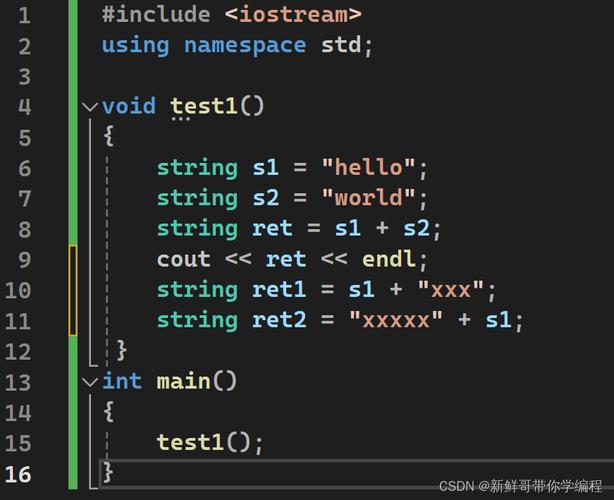
Example:
String result = String.join(", ", fruits);
System.out.println(result);
// Output: Apple, Banana, Cherry, Date
Pros:
- Very readable and concise.
- Part of the standard Java library, no extra dependencies.
- Handles
nullelements by printing the string"null".
Cons:
- Only works for
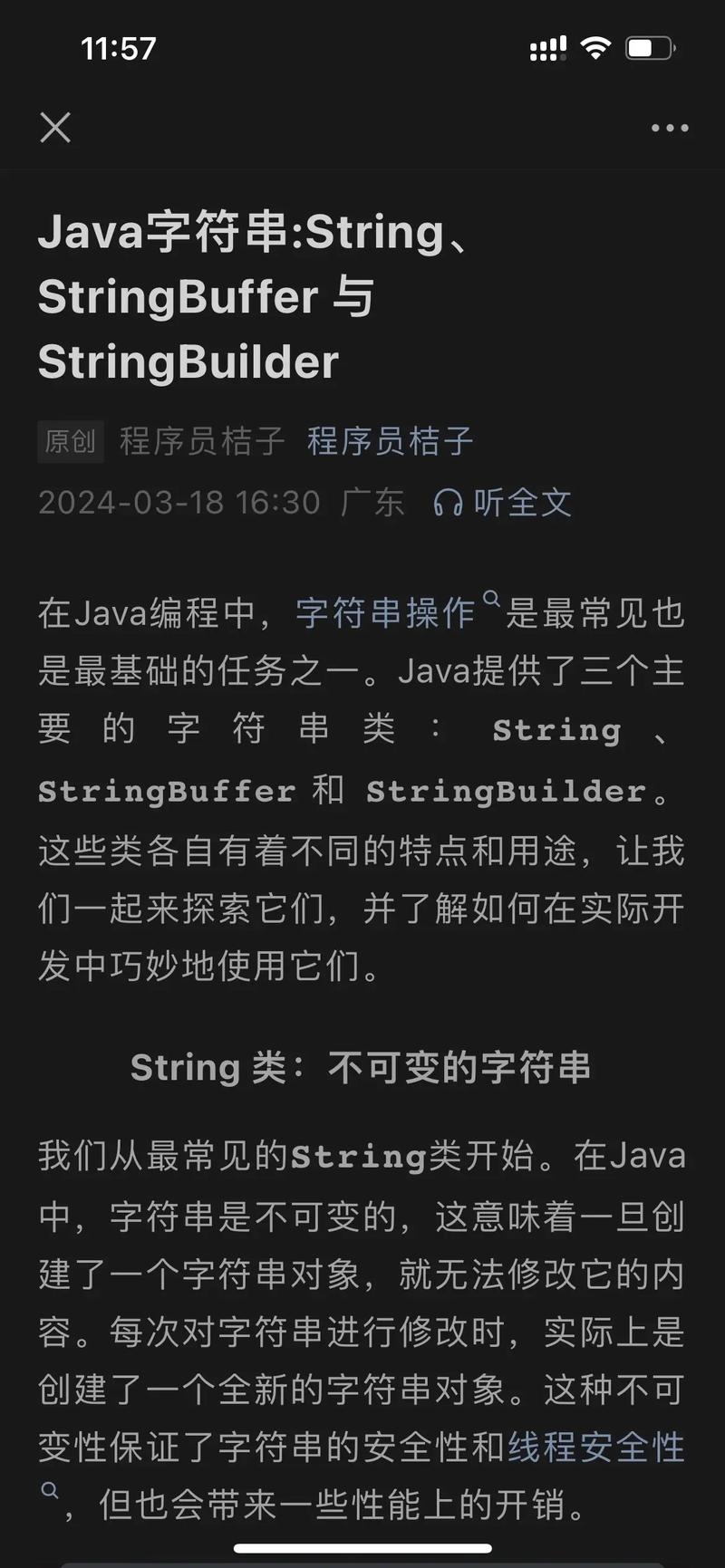
CharSequenceelements (likeString). If your list contains other objects (e.g.,Integer), you'll need to convert them toStringfirst.
Example with a List of Integers:
List<Integer> numbers = Arrays.asList(1, 2, 3, 10);
// This will NOT work directly: String.join(", ", numbers);
// You must convert the elements to String first.
String result = String.join(", ", numbers.stream().map(String::valueOf).toArray(String[]::new));
System.out.println(result);
// Output: 1, 2, 3, 10
Method 2: Using StringJoiner (Java 8+)
StringJoiner is the class that String.join() uses under the hood. It's useful if you need more control, like adding a prefix or suffix.
How it works: You create a StringJoiner instance, configure it with a delimiter, prefix, and suffix, and then add all elements from the list.
Example:
import java.util.StringJoiner;
StringJoiner joiner = new StringJoiner(", ", "[", "]");
for (String fruit : fruits) {
    joiner.add(fruit);
}
String result = joiner.toString();
System.out.println(result);
// Output: [Apple, Banana, Cherry, Date]
Pros:
- Offers more flexibility (prefix, suffix).
- Can be built incrementally.
- Also handles
nullelements gracefully.
Cons:
- Slightly more verbose than
String.join()for simple cases.
Method 3: Using Java 8 Streams (Collectors.joining)
This is the most powerful and flexible method, especially if you need to perform transformations on the elements before joining them.
How it works: You create a stream from the list, map the elements if needed, and then use the Collectors.joining() terminal operation.
Example (Simple Joining):
import java.util.stream.Collectors;
String result = fruits.stream()
                      .collect(Collectors.joining(", "));
System.out.println(result);
// Output: Apple, Banana, Cherry, Date
Example (With Prefix, Suffix, and Transformation):
This is where streams really shine. Let's say we have a list of Fruit objects and we want to join their names in uppercase.
class Fruit {
    String name;
    Fruit(String name) { this.name = name; }
    public String getName() { return name; }
}
List<Fruit> fruitObjects = Arrays.asList(
    new Fruit("Apple"), new Fruit("Banana"), new Fruit("Cherry")
);
String result = fruitObjects.stream()
                            .map(Fruit::getName)      // Extract the name
                            .map(String::toUpperCase) // Transform to uppercase
                            .collect(Collectors.joining(" | ", "Fruits: [", "]"));
System.out.println(result);
// Output: Fruits: [APPLE | BANANA | CHERRY]
Pros:
- Extremely flexible. Allows for transformations, filtering, and complex formatting.
- Can handle any object type by mapping it to a
String. - The standard way to process collections in modern Java.
Cons:
- Can be overkill for a simple join.
- Slightly more verbose for basic use cases.
Method 4: The Classic for-each Loop
This is the fundamental approach that works in all versions of Java. It's great for beginners or when you need maximum control and don't want to use streams.
How it works: Create a StringBuilder, loop through the list, and append each element followed by a delimiter. You must handle the trailing delimiter manually.
Example:
StringBuilder sb = new StringBuilder();
for (int i = 0; i < fruits.size(); i++) {
    sb.append(fruits.get(i));
    if (i < fruits.size() - 1) { // Add comma and space if not the last element
        sb.append(", ");
    }
}
String result = sb.toString();
System.out.println(result);
// Output: Apple, Banana, Cherry, Date
Pros:
- Works in any Java version.
- Very explicit and easy to understand the logic.
- Offers full control over the process.
Cons:
- Verbose. Requires manual handling of delimiters and edge cases (like an empty list).
- More error-prone (e.g., off-by-one errors).
Method 5: Using Guava's Joiner (External Library)
If you're already using the Google Guava library in your project, Joiner is an excellent, highly-optimized utility.
How it works: Create a Joiner instance with your delimiter and use its join() method.
Example:
// Add Guava dependency to your project (e.g., Maven)
// <dependency>
//   <groupId>com.google.guava</groupId>
//   <artifactId>guava</artifactId>
//   <version>32.1.2-jre</version>
// </dependency>
import com.google.common.base.Joiner;
String result = Joiner.on(", ").join(fruits);
System.out.println(result);
// Output: Apple, Banana, Cherry, Date
Pros:
- Very fast and efficient.
- Elegant and concise API.
- Excellent handling of
nullvalues (e.g., you can replace them with a default string likeJoiner.on(",").skipNulls().join(...)).
Cons:
- Requires an external dependency (Guava).
Summary and Recommendation
| Method | Best For | Java Version | Pros | Cons |
|---|---|---|---|---|
String.join() |
Simple joining of String lists. | Java 8+ | Most concise, readable, standard library. | Only for CharSequence elements. |
StringJoiner |
Joining with a prefix/suffix. | Java 8+ | Flexible, good for incremental building. | Verbose for simple cases. |
Collectors.joining() |
Complex transformations & formatting. | Java 8+ | Most powerful, flexible, works with any object. | Can be overkill for simple joins. |
for-each Loop |
Maximum control, no Java 8+. | All | Explicit, no dependencies. | Verbose, error-prone. |
Guava Joiner |
Projects already using Guava. | All | Fast, elegant, great null handling. | External dependency. |
Final Recommendation
- For most use cases in Java 8+: Use
String.join(). It's the perfect balance of simplicity and readability. - If you need to transform objects or add prefixes/suffixes: Use
Collectors.joining()with a Stream. - If you are not using Java 8+: Use the
for-eachloop with aStringBuilder. It's the most robust and standard approach.