Of course! The term "Java Message Service" (JMS) can refer to two things:
- The API: A Java standard (part of Jakarta EE) for creating, sending, receiving, and reading messages between applications.
- The Concept: A messaging paradigm where applications communicate asynchronously, decoupling the sender and receiver.
Let's break down both aspects, starting with the core concepts and then diving into the API, implementations, and a practical example.
Core Concepts of Messaging
Before diving into the code, it's crucial to understand why we use messaging.
Synchronous vs. Asynchronous Communication
-
Synchronous (e.g., HTTP REST Call): The client sends a request and waits for a response. The two applications are tightly coupled in time. If the receiver is down, the call fails immediately.
- Analogy: Making a phone call. You call someone, and you have to wait for them to pick up and respond before you can continue your conversation.
-
Asynchronous (JMS): The client sends a message to a queue/topic and immediately continues its own work. It doesn't wait for a response. The receiver processes the message whenever it's available. The sender and receiver are decoupled.
- Analogy: Sending a text message or an email. You send it and then go about your day. The recipient reads and replies to it when they can.
Key JMS Components
A JMS system consists of several key components:
- Provider: The messaging system implementation (e.g., Apache ActiveMQ, IBM MQ, RabbitMQ). It's the "post office" that manages messages, queues, and topics.
- Producer (or Sender): The application that creates and sends a message.
- Consumer (or Receiver): The application that receives and processes a message.
- Destination: The place where messages are delivered. There are two main types:
- Queue: A point-to-point model. Each message is delivered to one consumer. If there are multiple consumers, only one will receive the message. This is like a dedicated mailbox.
- Topic: A publish/subscribe model. Each message is delivered to every subscribed consumer. This is like a newspaper or a radio broadcast station.
The JMS API (Jakarta JMS)
The JMS API is a set of interfaces and classes that define how you interact with a messaging provider. The main interfaces are:

| Interface | Description |
|---|---|
ConnectionFactory |
A factory for creating connections to the JMS provider. You typically get this from JNDI or the provider's specific API. |
Connection |
Represents a communication link with the JMS provider. It's typically long-lived but can be resource-intensive. |
Session |
A single-threaded context for producing and consuming messages. It's the main factory for MessageProducer, MessageConsumer, and Message. |
Destination |
The super-interface for Queue and Topic. |
MessageProducer |
An object created by a Session for sending messages to a destination. |
MessageConsumer |
An object created by a Session for receiving messages from a destination. |
Message |
The object that contains the actual data being sent. It has several types (Text, Map, Object, etc.). |
Setting Up a JMS Provider (Example with Apache ActiveMQ)
Let's use Apache ActiveMQ, a popular open-source JMS provider.
- Download ActiveMQ: Get the latest binary from the official website.
- Run the Server: Navigate to the
bindirectory and runactivemq start(on Linux/macOS) oractivemq.bat(on Windows). - Verify: Open a web browser and go to
http://localhost:8161. The default username and password areadmin/admin. You should see the ActiveMQ admin console.
Practical Example: Point-to-Point with a Queue
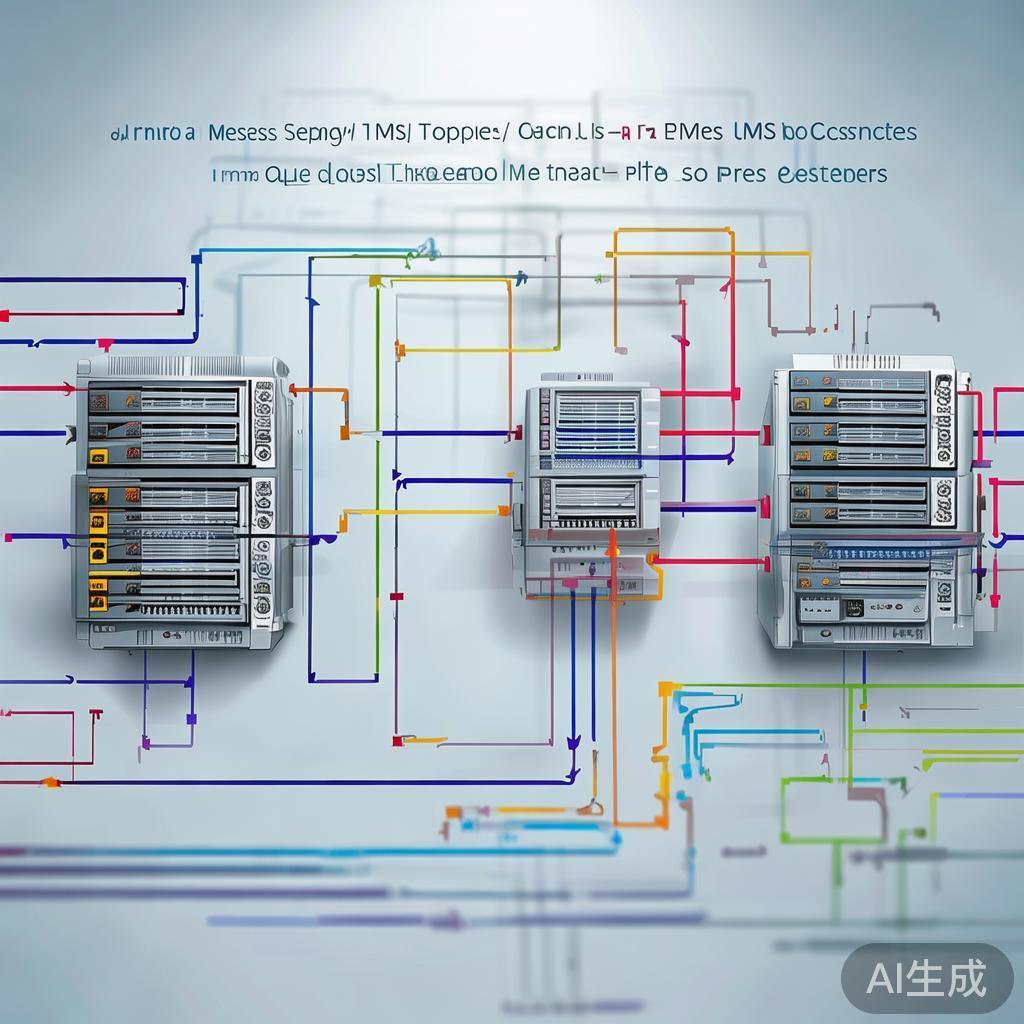
This example will demonstrate a producer sending a TextMessage to a queue and a consumer receiving it.
Step 1: Add Dependencies
You need the JMS API and the ActiveMQ client library. If you're using Maven, add these to your pom.xml:
<dependencies>
    <!-- JMS API (Jakarta EE) -->
    <dependency>
        <groupId>jakarta.jms</groupId>
        <artifactId>jakarta.jms-api</artifactId>
        <version>3.1.0</version>
    </dependency>
    <!-- ActiveMQ Client Library -->
    <dependency>
        <groupId>org.apache.activemq</groupId>
        <artifactId>activemq-client</artifactId>
        <version>6.1.2</version> <!-- Check for the latest version -->
    </dependency>
</dependencies>
Step 2: The Producer (Sender)
This class sends a simple text message to a queue named TEST.QUEUE.
import jakarta.jms.*;
import org.apache.activemq.ActiveMQConnectionFactory;
public class JmsProducer {
    private static final String BROKER_URL = "tcp://localhost:61616"; // Default ActiveMQ broker URL
    private static final String QUEUE_NAME = "TEST.QUEUE";
    public static void main(String[] args) {
        // 1. Create a connection factory
        ConnectionFactory connectionFactory = new ActiveMQConnectionFactory(BROKER_URL);
        // Use try-with-resources to ensure resources are closed
        try (Connection connection = connectionFactory.createConnection();
             Session session = connection.createSession(false, Session.AUTO_ACKNOWLEDGE)) {
            // 2. Create a destination (Queue)
            Destination destination = session.createQueue(QUEUE_NAME);
            // 3. Create a producer
            MessageProducer producer = session.createProducer(destination);
            // 4. Create a message
            TextMessage message = session.createTextMessage("Hello from JMS Producer!");
            // 5. Send the message
            System.out.println("Sending message: " + message.getText());
            producer.send(message);
            System.out.println("Message sent successfully!");
        } catch (JMSException e) {
            e.printStackTrace();
        }
    }
}
Step 3: The Consumer (Receiver)
This class listens for messages on the TEST.QUEUE.
import jakarta.jms.*;
import org.apache.activemq.ActiveMQConnectionFactory;
public class JmsConsumer implements MessageListener {
    private static final String BROKER_URL = "tcp://localhost:61616";
    private static final String QUEUE_NAME = "TEST.QUEUE";
    public static void main(String[] args) {
        ConnectionFactory connectionFactory = new ActiveMQConnectionFactory(BROKER_URL);
        try (Connection connection = connectionFactory.createConnection();
             Session session = connection.createSession(false, Session.AUTO_ACKNOWLEDGE)) {
            Destination destination = session.createQueue(QUEUE_NAME);
            MessageConsumer consumer = session.createConsumer(destination);
            // Set a message listener to handle messages asynchronously
            consumer.setMessageListener(new JmsConsumer());
            // Start the connection to begin receiving messages
            connection.start();
            System.out.println("Waiting for messages. Press Ctrl+C to exit.");
            // Keep the main thread alive to listen for messages
            // In a real app, this would be handled by an application server or a framework
            while (true) {
                Thread.sleep(1000);
            }
        } catch (JMSException | InterruptedException e) {
            e.printStackTrace();
        }
    }
    @Override
    public void onMessage(Message message) {
        // This method is called whenever a message is received
        if (message instanceof TextMessage) {
            try {
                TextMessage textMessage = (TextMessage) message;
                System.out.println("Received message: " + textMessage.getText());
            } catch (JMSException e) {
                e.printStackTrace();
            }
        } else {
            System.out.println("Received non-text message: " + message);
        }
    }
}
How to Run:
- Start your ActiveMQ server.
- Run the
JmsProducerclass. You will see "Message sent successfully!" in its console. - Run the
JmsConsumerclass. You will see "Waiting for messages..." in its console, and almost instantly, it will print "Received message: Hello from JMS Producer!".
You can run the producer multiple times, and each time you run the consumer, it will receive one of the pending messages.
Evolution: From JMS to JMS 2.0 and Jakarta EE
- JMS 1.0 (Classic): The original API. It was verbose and required a lot of boilerplate code (creating connections, sessions, etc.).
- JMS 2.0 (Java EE 7): Introduced a much simpler, "Common Client" API. It uses a
JMSContextobject that combines the functionality ofConnectionandSession, dramatically reducing boilerplate. - Jakarta JMS (EE 9+): After the Java EE project moved to the Eclipse Foundation and was renamed Jakarta EE, the package names were changed from
javax.jmstojakarta.jms.