Of course! Let's dive deep into how Java handles Unicode strings. This is a fundamental concept in Java, and understanding it is key to writing robust, internationalized applications.
The Core Idea: Java Strings are Unicode
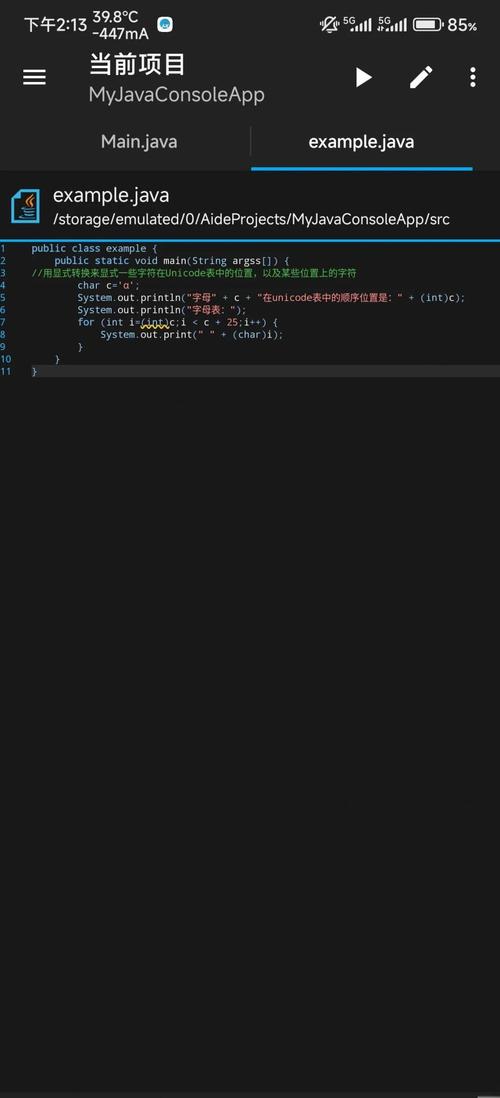
At its heart, a String in Java is not just an array of bytes. It is an immutable sequence of characters, where each character is represented by a 16-bit char value using the UTF-16 encoding scheme.
This is the most important takeaway: Java String objects are internally stored as UTF-16.
The char Data Type and the BMP
charsize: Acharin Java is a primitive type that occupies 2 bytes (16 bits).- Basic Multilingual Plane (BMP): The original Unicode standard defined a space of 65,536 (2¹⁶) unique characters, known as the Basic Multilingual Plane. This includes:
- Latin, Greek, Cyrillic alphabets
- Chinese, Japanese, and Korean (CJK) ideographs
- Emojis (most of them)
- Many special symbols.
Since a 16-bit char can perfectly represent any character in the BMP, for a long time, a one-to-one mapping existed between a Java char and a Unicode code point.
Example (BMP Character):
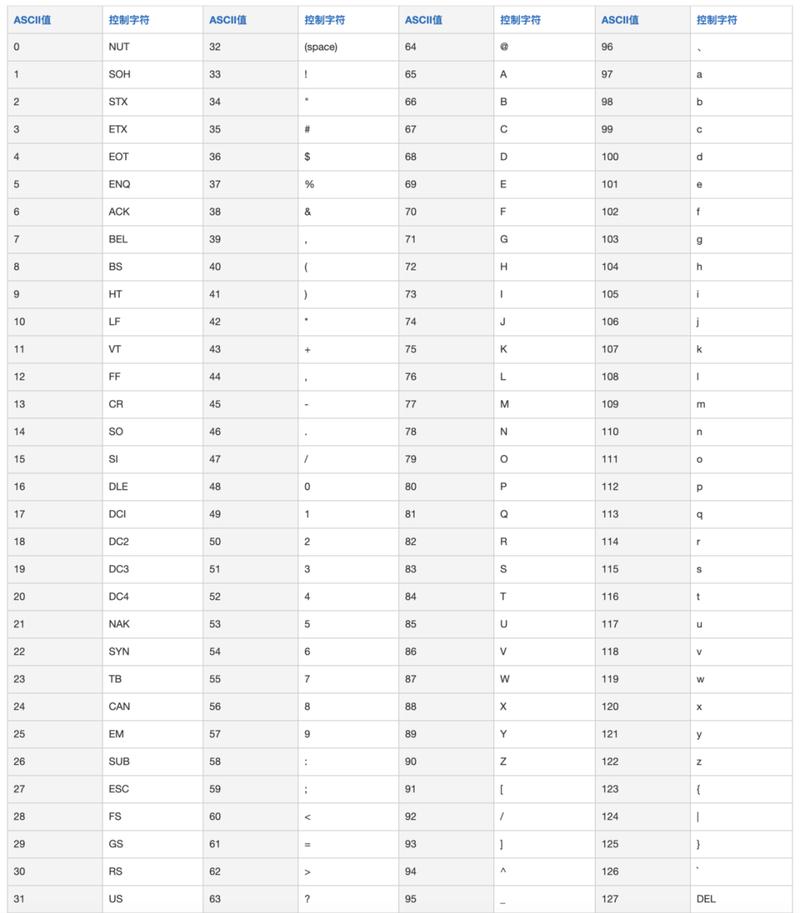
char euroSymbol = '€'; // The Euro sign is in the BMP
System.out.println(euroSymbol); // Prints €
System.out.println((int) euroSymbol); // Prints 8364, its Unicode code point
The Problem: Supplementary Characters (Beyond the BMP)
As the Unicode standard grew, it surpassed the 65,536-character limit of the BMP. To accommodate millions of new characters (historical scripts, rare symbols, etc.), the Unicode Consortium introduced supplementary characters.
These characters have code points that are greater than U+FFFF (i.e., they require more than 16 bits to represent).
How does Java (with its 16-bit char) handle this?
Java uses a clever mechanism called UTF-16 surrogate pairs.
- A single supplementary character is represented by two consecutive
charvalues. - The first
charis the high surrogate (in the range\uD800to\uDBFF). - The second
charis the low surrogate (in the range\uDC00to\uDFFF).
Example (Supplementary Character - Emoji):
The "Grinning Face" emoji (😊) has a Unicode code point of U+1F60A.
// The code point for the grinning face emoji
int codePoint = 0x1F60A;
// This character CANNOT be stored in a single char
// char emoji = '😊'; // This is actually TWO chars!
// To get the number of chars (code units) in the string
String emoji = "😊";
System.out.println("String length in chars: " + emoji.length()); // Prints 2, not 1!
// To get the actual number of characters (code points)
System.out.println("String length in code points: " + emoji.codePointCount(0, emoji.length())); // Prints 1
This distinction is crucial and a common source of bugs.
Key Classes and Methods for Unicode Handling
Because of the surrogate pair issue, you should almost never loop through a String using its char values. Instead, use code points.
String.codePointAt(int index)
Returns the Unicode code point (as an int) at the given index. It correctly handles surrogate pairs, looking ahead if necessary.
String emoji = "😊";
int codePoint = emoji.codePointAt(0);
System.out.println("Code Point: " + codePoint); // Prints 128522 (decimal for U+1F60A)
System.out.println("Hex: " + Integer.toHexString(codePoint)); // Prints 1f60a
String.codePointCount(int beginIndex, int endIndex)
Returns the number of Unicode code points in the specified range of the String.
String complex = "A😊B"; // A, emoji, B
System.out.println(complex.length()); // Prints 3 (chars: 'A', high surrogate, low surrogate, 'B')
System.out.println(complex.codePointCount(0, complex.length())); // Prints 2 (code points: 'A', emoji, 'B')
String.offsetByCodePoints(int index, int codePointOffset)
Offsets an index by a given number of code points, correctly navigating surrogate pairs.
Character class utility methods
The java.lang.Character class is full of static methods for checking character properties.
char c = 'a';
System.out.println(Character.isLetter(c));      // true
System.out.println(Character.isDigit(c));      // false
System.out.println(Character.isUpperCase(c));  // false
System.out.println(Character.isLowerCase(c));  // true
System.out.println(Character.isWhitespace(c)); // false
// For code points
int cp = 0x1F60A;
System.out.println(Character.isEmoji(cp)); // true (in recent Java versions)
String.getBytes() and Constructors
When you need to convert a String to a byte array (for storage or transmission), you must specify a character encoding. If you don't, you'll use the platform's default encoding, which can lead to data corruption.
❌ WRONG (Platform Dependent):
// The encoding used here depends on the OS (e.g., Windows-1252 on Windows, UTF-8 on Linux)
byte[] bytes = "Héllö".getBytes();
✅ CORRECT (Explicit UTF-8):
// Always specify the encoding!
byte[] utf8Bytes = "Héllö".getBytes(StandardCharsets.UTF_8);
byte[] utf16Bytes = "Héllö".getBytes(StandardCharsets.UTF_16);
Constructing a String from bytes: You must also specify the encoding to correctly interpret the bytes.
byte[] bytes = {(byte) 0xC3, (byte) 0xA9}; // These are the UTF-8 bytes for 'é'
String s = new String(bytes, StandardCharsets.UTF_8);
System.out.println(s); // Prints é
Practical Examples
Example 1: Reversing a String Correctly
A naive reversal that iterates by char will break supplementary characters.
// --- WRONG WAY ---
String emoji = "😊👍";
String wrongReversed = new StringBuilder(emoji).reverse().toString();
System.out.println("Original: " + emoji);
System.out.println("Wrong Reversed: " + wrongReversed); // Prints 👍😊 (visually, but the code points are in the wrong order)
// --- CORRECT WAY ---
public static String reverseCodePoints(String s) {
    int[] codePoints = s.codePoints().toArray();
    StringBuilder sb = new StringBuilder(s.length());
    for (int i = codePoints.length - 1; i >= 0; i--) {
        sb.appendCodePoint(codePoints[i]);
    }
    return sb.toString();
}
String correctReversed = reverseCodePoints(emoji);
System.out.println("Correct Reversed: " + correctReversed); // Prints 👍😊 (correctly)
Example 2: Counting Characters
String sentence = "I have a 😊 emoji!";
int charCount = sentence.length(); // Counts 16-bit chars
int codePointCount = sentence.codePointCount(0, sentence.length()); // Counts actual characters
System.out.println("Length in chars: " + charCount);       // 16
System.out.println("Length in code points: " + codePointCount); // 15
Summary Table
| Task | Method / Approach | Why? |
|---|---|---|
| Get number of 16-bit units | myString.length() |
Fast, but not the number of actual characters for strings with emojis/supplementary chars. |
| Get number of actual characters | myString.codePointCount(0, myString.length()) |
Correctly counts surrogate pairs as a single character. |
| Iterate over characters | myString.codePoints().forEach(...) or a for loop with codePointAt |
Essential for processing strings with supplementary characters correctly. |
| Get character at an index | myString.codePointAt(index) |
Returns the full code point, handling surrogate pairs automatically. |
| Convert String to bytes | myString.getBytes(StandardCharsets.UTF_8) |
Ensures consistent, platform-independent encoding. Avoids data loss. |
| Convert bytes to String | new String(bytes, StandardCharsets.UTF_8) |
Ensures bytes are interpreted correctly according to the specified encoding. |
Conclusion
- Java
Stringis Unicode-based: It uses UTF-16 to represent characters. charis 16-bit: This means a singlecharcan only hold