Of course! Here’s a comprehensive guide on how to work with UTC timestamps in Python, covering the most common methods and best practices.
What is a UTC Timestamp?
A UTC timestamp is a number that represents a specific point in time, measured in seconds (or milliseconds) since the Unix Epoch: January 1st, 1970, 00:00:00 UTC.
This format is great for:
- Storing in databases: It's a simple, universal number.
- API communication: It's language-agnostic and unambiguous.
- Calculating time differences: Simple arithmetic works on the numbers.
Method 1: The Modern & Recommended Way (datetime module)
Python's built-in datetime module is the standard and most robust way to handle dates and times. The key is to always use the timezone.utc attribute.
Getting the Current UTC Timestamp
This is the most common task. You get the current time in UTC and convert it to a timestamp.
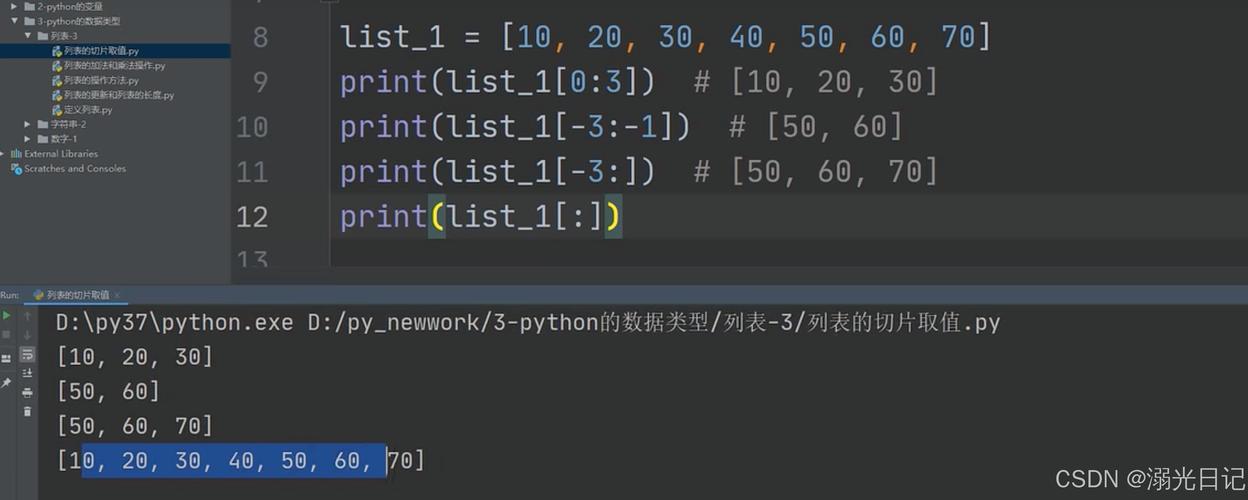
import datetime
# 1. Get the current time in UTC
utc_now = datetime.datetime.now(datetime.timezone.utc)
print(f"Current UTC datetime: {utc_now}")
# 2. Convert the UTC datetime object to a timestamp (seconds since epoch)
timestamp = utc_now.timestamp()
print(f"UTC Timestamp: {timestamp}")
print(f"Type: {type(timestamp)}")
Output:
Current UTC datetime: 2025-10-27 10:30:00.123456+00:00
UTC Timestamp: 1698388200.123456
Type: <class 'float'>
Creating a UTC Timestamp from a Specific Date
If you have a specific date and time, you can create a UTC timestamp directly.
import datetime
# Create a specific datetime object, explicitly setting it to UTC
# Note: tzinfo=... is crucial!
specific_utc_time = datetime.datetime(2025, 1, 1, 12, 0, 0, tzinfo=datetime.timezone.utc)
# Convert to timestamp
timestamp_from_specific_date = specific_utc_time.timestamp()
print(f"Specific UTC Datetime: {specific_utc_time}")
print(f"Timestamp from specific date: {timestamp_from_specific_date}")
Output:
Specific UTC Datetime: 2025-01-01 12:00:00+00:00
Timestamp from specific date: 1704110400.0
Converting a Timestamp Back to a UTC Datetime
You can easily convert a timestamp back into a human-readable datetime object.
import datetime
# A timestamp (e.g., from an API or database)
timestamp = 1698388200.123456
# Convert the timestamp to a UTC datetime object
utc_datetime_from_timestamp = datetime.datetime.fromtimestamp(timestamp, tz=datetime.timezone.utc)
print(f"Timestamp: {timestamp}")
print(f"UTC Datetime from timestamp: {utc_datetime_from_timestamp}")
Output:
Timestamp: 1698388200.123456
UTC Datetime from timestamp: 2025-10-27 10:30:00.123456+00:00
Method 2: The Quick & Simple Way (time module)
The time module is simpler but less flexible than datetime. It's useful for quick timestamp conversions but doesn't handle timezones as explicitly.
Getting the Current UTC Timestamp
This is very straightforward.
import time
# Get the current time in seconds since the epoch (UTC)
current_timestamp = time.time()
print(f"Current UTC Timestamp: {current_timestamp}")
print(f"Type: {type(current_timestamp)}")
Output:
Current UTC Timestamp: 1698388200.123456
Type: <class 'float'>
Converting a Timestamp to a UTC Struct_Time
time.localtime() uses the system's local timezone. To get UTC, you must use time.gmtime().
import time
timestamp = 1698388200.123456
# Convert a timestamp to a struct_time in UTC
utc_struct_time = time.gmtime(timestamp)
print(f"Timestamp: {timestamp}")
print(f"UTC struct_time: {utc_struct_time}")
print(f"Formatted time: {time.strftime('%Y-%m-%d %H:%M:%S UTC', utc_struct_time)}")
Output:
Timestamp: 1698388200.123456
UTC struct_time: time.struct_time(tm_year=2025, tm_mon=10, tm_mday=27, tm_hour=10, tm_min=30, tm_sec=0, tm_wday=4, tm_yday=300, tm_isdst=0)
Formatted time: 2025-10-27 10:30:00 UTC
Method 3: The Powerful Third-Party Way (pytz)
The pytz library is the historical standard for advanced timezone handling. While datetime.timezone (Python 3.2+) is now sufficient for most cases, pytz is still widely used and supports more historical timezone data.
First, install it:
pip install pytz
import datetime
import pytz
# Get the current time in UTC using pytz
utc_now_pytz = datetime.datetime.now(pytz.utc)
print(f"Current UTC with pytz: {utc_now_pytz}")
# You can also use timezone objects
tz_utc = pytz.utc
utc_now_pytz_alt = datetime.datetime.now(tz_utc)
print(f"Current UTC with pytz (alt): {utc_now_pytz_alt}")
Output:
Current UTC with pytz: 2025-10-27 10:30:00.123456+00:00
Current UTC with pytz (alt): 2025-10-27 10:30:00.234567+00:00
Summary: Which Method to Use?
| Task | Recommended Method | Why? |
|---|---|---|
| Get current UTC timestamp | datetime.datetime.now(datetime.timezone.utc).timestamp() |
Modern, explicit, and part of the standard library. |
| Create timestamp from a date | datetime.datetime(..., tzinfo=datetime.timezone.utc).timestamp() |
Clear, unambiguous, and handles timezones correctly. |
| Convert timestamp to datetime | datetime.datetime.fromtimestamp(ts, tz=datetime.timezone.utc) |
The reverse of the above, maintaining UTC context. |
| Quick timestamp conversion | time.time() and time.gmtime() |
Very simple for basic needs, but less flexible. |
| Complex timezone work | datetime + pytz (if needed) |
pytz has more historical data, but datetime is often enough. |
Best Practices & Common Pitfalls
-
Always Be Explicit with Timezones: The biggest mistake is working with "naive"
datetimeobjects (ones without atzinfo). This leads to bugs when code runs on servers in different timezones. Always usedatetime.timezone.utcor another valid timezone. -
Use
datetimefor Arithmetic: If you need to add or subtract time, convert your timestamp to adatetimeobject first. Thetimedeltaobject makes this easy and safe.import datetime start_time = datetime.datetime.now(datetime.timezone.utc) # ... do some work ... end_time = datetime.datetime.now(datetime.timezone.utc) duration = end_time - start_time print(f"Duration: {duration}") print(f"Duration in seconds: {duration.total_seconds()}") -
Store Timestamps as Integers or Floats: When saving to a database or sending in an API, store the raw
timestampnumber (an integer for seconds, a float for milliseconds). This is the most universal format. Only convert to a string for display purposes.