Of course! In Python, the term "module type" isn't a single, built-in type like int or list. Instead, it refers to the fundamental concept of a module and the type object that represents it.
Let's break it down into three key parts:
- What is a Module? (The Concept)
- The
types.ModuleTypeObject (The Formal Type) - How to Check and Use Module Types
What is a Module? (The Concept)
In Python, a module is simply a file containing Python code. This code can define functions, classes, and variables. The filename (with a .py extension) becomes the module's name.
Modules are the primary way to organize and structure your code. They allow you to:
- Namespace your code: Prevent name clashes between different parts of your project.
- Reuse code: Import functions and classes from one module into another.
- Keep your code organized: Break down a large application into smaller, manageable files.
Example:
Imagine you have a file named math_utils.py.
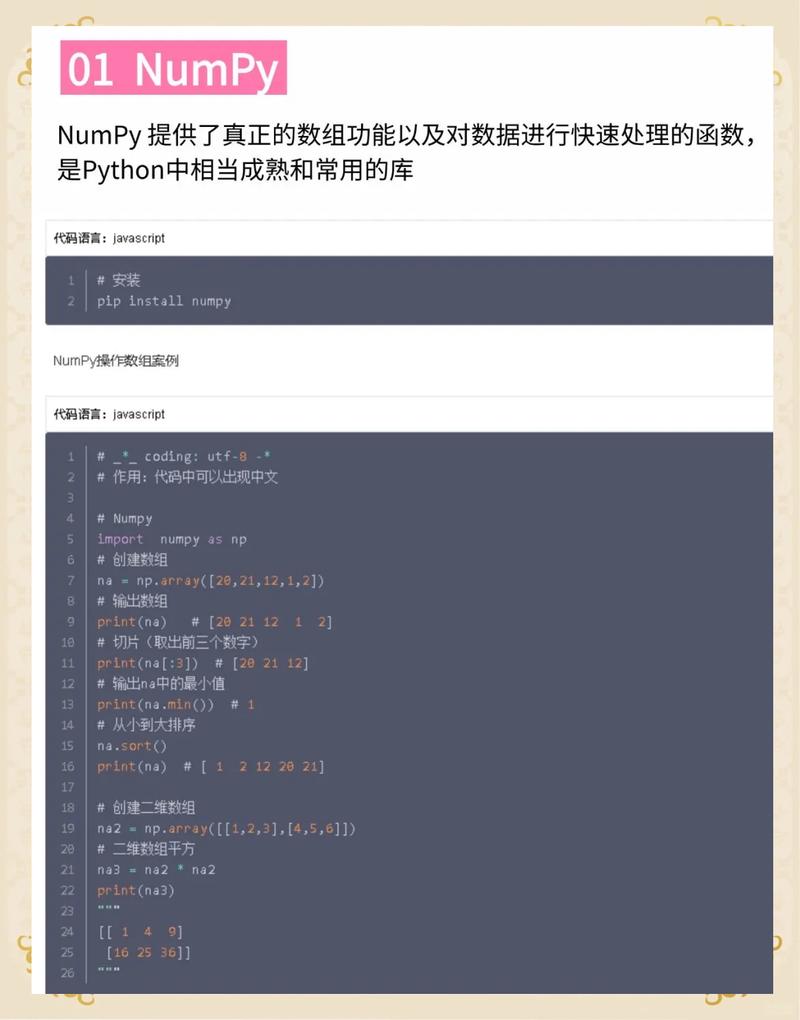
math_utils.py
# This is a module
PI = 3.14159
def square(number):
    """Returns the square of a number."""
    return number * number
def circle_area(radius):
    """Calculates the area of a circle."""
    return PI * radius * radius
Now, in another file, you can "import" this module to use its contents.
main.py
import math_utils
# Accessing a variable from the module
print(f"The value of PI is: {math_utils.PI}")
# Accessing a function from the module
area = math_utils.circle_area(10)
print(f"The area of a circle with radius 10 is: {area}")
In this example, math_utils is the module. When you import math_utils, Python loads the file math_utils.py and creates a module object in memory. All the names defined in that file (PI, square, circle_area) become attributes of this module object.
The types.ModuleType Object (The Formal Type)
Every module object in Python is an instance of the types.ModuleType class. This class is the formal "type" of a module.
You can think of types.ModuleType as the blueprint or the class from which all module objects are created.
How to see it:
Let's check the type of the math module, which is a built-in module.
import math
import types
print(type(math))
# Output: <class 'module'>
# You can also compare it directly to the types.ModuleType class
print(isinstance(math, types.ModuleType))
# Output: True
As you can see, the math object is an instance of types.ModuleType.
Creating a Module Dynamically:
You can even create your own module objects at runtime using types.ModuleType. This is an advanced technique but very useful for things like plugin systems or dynamic code loading.
import types
import sys
# Create a new, empty module object
my_dynamic_module = types.ModuleType("my_dynamic_module")
# Add attributes (functions, variables) to it
my_dynamic_module.version = "1.0"
my_dynamic_module.author = "Python User"
def greet(name):
    print(f"Hello, {name} from the dynamic module!")
my_dynamic_module.greet = greet
# Add the new module to sys.modules so it can be imported
sys.modules["my_dynamic_module"] = my_dynamic_module
# Now you can import and use it just like a regular file-based module
import my_dynamic_module
print(my_dynamic_module.version)
my_dynamic_module.greet("Alice")
How to Check and Use Module Types
Checking if an Object is a Module
The most common way to check if an object is a module is with isinstance().
import math
import os
import types
# Check a built-in module
print(isinstance(math, types.ModuleType))  # Output: True
# Check a module from the standard library
print(isinstance(os, types.ModuleType))   # Output: True
# Check a non-module object
print(isinstance(42, types.ModuleType))   # Output: False
print(isinstance([1, 2, 3], types.ModuleType)) # Output: False
Accessing Module Attributes
Once you have a module object, you can inspect its contents.
dir(module): Lists all the names (functions, classes, variables) defined in the module.module.__name__: A string containing the module's name.module.__file__: The path to the file from which the module was loaded. (This will beNonefor built-in modules likemath).
import math
# Get a list of all names in the math module
print(dir(math))
# Output: ['__doc__', '__file__', '__loader__', '__name__', '__package__', '__spec__', 'acos', 'acosh', 'asin', 'asinh', 'atan', 'atan2', 'atanh', 'ceil', 'comb', 'copysign', 'cos', 'cosh', 'degrees', 'dist', 'e', 'erf', 'erfc', 'exp', 'expm1', 'fabs', 'factorial', 'floor', 'fmod', 'frexp', 'fsum', 'gamma', 'gcd', 'hypot', 'inf', 'isclose', 'isfinite', 'isinf', 'isnan', 'isqrt', 'lcm', 'ldexp', 'lgamma', 'log', 'log10', 'log1p', 'log2', 'modf', 'pi', 'pow', 'prod', 'radians', 'remainder', 'sin', 'sinh', 'sqrt', 'tan', 'tanh', 'tau', 'trunc']
# Access the module's name
print(math.__name__) # Output: math
# Access the file it was loaded from
print(math.__file__) # Output: /path/to/your/python/installation/lib/python3.x/libmath.so (or similar)
Summary
| Term | Meaning | Example |
|---|---|---|
| Module | A file containing Python code (.py file) that provides functionality. |
my_app.py |
| Module Object | The object created in memory when you import a module. It holds the module's attributes. |
my_app (after import my_app) |
| Module Type | The class that all module objects are instances of. | types.ModuleType |
isinstance(obj, types.ModuleType) |
The standard way to check if an object is a module. | isinstance(my_app, types.ModuleType) returns True. |