
Of course! The term "create engine" in Python most commonly refers to SQLAlchemy, a powerful and popular toolkit for working with databases. I'll cover that in detail, and also mention other contexts where you might hear "engine."
SQLAlchemy: The Most Common Meaning
In SQLAlchemy, an Engine is the core interface to the database. It's responsible for managing the connection pool and providing a Connection object for executing SQL statements.
Think of it as the "main entry point" or the "heart" of your database connection.
Key Concepts
- Engine: The central object. It manages the connection pool and provides a starting point for database operations.
- Connection Pool: A cache of database connections. Instead of creating a new connection for every query, SQLAlchemy reuses connections from the pool, which is much more efficient.
- Dialect: The "driver" that knows how to communicate with a specific type of database (e.g., PostgreSQL, MySQL, SQLite). You specify the dialect in the connection string.
- Connection String (or URI): A single string that contains all the information needed to connect to a database. The format is
dialect+driver://username:password@host:port/database_name.
How to Create a SQLAlchemy Engine
Here’s a step-by-step guide with examples for different databases.
Step 1: Install SQLAlchemy
If you don't have it installed, open your terminal or command prompt and run:
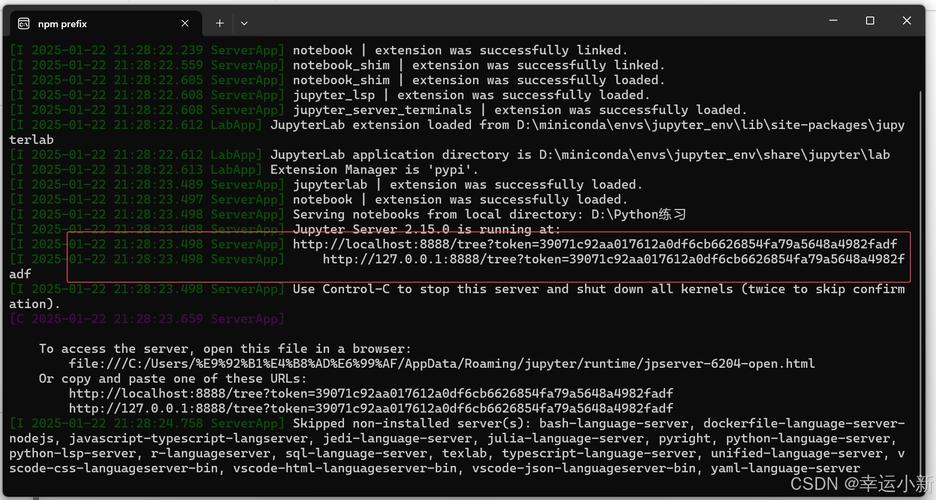
pip install SQLAlchemy
Step 2: Write the Python Code
The main function to create an engine is create_engine().
Example 1: In-Memory SQLite (Easiest for Beginners)
This is a great starting point because it doesn't require a separate database server. The database is stored in memory and is destroyed when the script ends.
from sqlalchemy import create_engine, text
# The connection string for an in-memory SQLite database
# 'sqlite:///' is for a file-based database
# 'sqlite:///:memory:' is for a temporary in-memory database
DATABASE_URL = "sqlite:///:memory:"
# Create the engine
engine = create_engine(DATABASE_URL)
print("Engine created successfully!")
print(f"Engine object: {engine}")
# You can test the connection
with engine.connect() as connection:
    result = connection.execute(text("SELECT 'Hello, Database!'"))
    print(f"Test query result: {result.scalar_one()}")
Example 2: File-Based SQLite
This creates a database file named my_app.db in your current directory.
from sqlalchemy import create_engine, text
# The connection string for a file-based SQLite database
DATABASE_URL = "sqlite:///my_app.db" # Note the three slashes '///'
# Create the engine
engine = create_engine(DATABASE_URL)
print("Engine created for a file-based SQLite database.")
print(f"Engine object: {engine}")
# Test the connection
with engine.connect() as connection:
    result = connection.execute(text("SELECT 'Data saved to my_app.db!'"))
    print(f"Test query result: {result.scalar_one()}")
Example 3: PostgreSQL (A Common Production Database)
For PostgreSQL, you'll need a driver like psycopg2-binary. You should install it first:
pip install psycopg2-binary
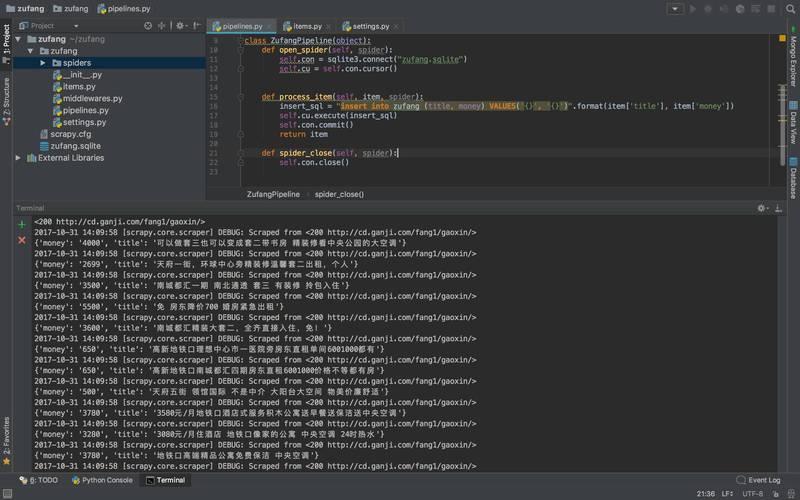
The connection string includes the username, password, host, port, and database name.
from sqlalchemy import create_engine, text
# The connection string for PostgreSQL
# Replace with your actual database credentials
DATABASE_URL = "postgresql+psycopg2://myuser:mypassword@localhost:5432/mydatabase"
# Create the engine
# The echo=True flag will print all generated SQL to the console, which is great for debugging.
engine = create_engine(DATABASE_URL, echo=True)
print("PostgreSQL engine created successfully!")
# Test the connection
try:
    with engine.connect() as connection:
        result = connection.execute(text("SELECT version()"))
        db_version = result.scalar_one()
        print(f"Connected to PostgreSQL! Version: {db_version}")
except Exception as e:
    print(f"Could not connect to the database: {e}")
Example 4: MySQL (Another Common Database)
For MySQL, you'll need a driver like mysqlclient or PyMySQL.
pip install mysqlclient
from sqlalchemy import create_engine, text
# The connection string for MySQL using the mysqlclient driver
# Replace with your actual database credentials
DATABASE_URL = "mysql+mysqlclient://myuser:mypassword@localhost:3306/mydatabase"
# Create the engine
engine = create_engine(DATABASE_URL)
print("MySQL engine created successfully!")
# Test the connection
try:
    with engine.connect() as connection:
        result = connection.execute(text("SELECT VERSION()"))
        db_version = result.scalar_one()
        print(f"Connected to MySQL! Version: {db_version}")
except Exception as e:
    print(f"Could not connect to the database: {e}")
What to Do After Creating the Engine?
Creating the engine is just the first step. The engine itself doesn't do much. It's a factory for connections. Here's the typical workflow:
- Create the Engine (as shown above).
- Use a
ConnectionorSessionto interact with the database. - Execute SQL (either raw SQL or ORM queries).
- Commit (for
INSERT,UPDATE,DELETE) or Rollback if something goes wrong. - Close the connection or session.
Here's a more complete example showing how to create a table and insert data.
from sqlalchemy import (
    create_engine,
    text,
    Column,
    Integer,
    String,
    MetaData,
    Table
)
# --- 1. Create Engine (using SQLite for simplicity) ---
DATABASE_URL = "sqlite:///example.db"
engine = create_engine(DATABASE_URL, echo=True) # echo=True shows the SQL
# --- 2. Define the table structure ---
metadata = MetaData()
users_table = Table(
    'users',
    metadata,
    Column('id', Integer, primary_key=True),
    Column('name', String(50)),
    Column('email', String(100))
)
# --- 3. Create the table in the database (if it doesn't exist) ---
# The `create_all` method generates the table creation SQL and executes it.
metadata.create_all(engine)
print("\nTable 'users' created (if it didn't exist).")
# --- 4. Use a connection to insert data ---
# Using a 'with' statement ensures the connection is automatically closed.
with engine.connect() as connection:
    # Start a transaction
    with connection.begin():
        print("\nInserting data...")
        # Using text() to create a SQL statement object
        insert_stmt = text("INSERT INTO users (name, email) VALUES (:name, :email)")
        # Execute the statement with parameters (safe from SQL injection)
        connection.execute(insert_stmt, [
            {"name": "Alice", "email": "alice@example.com"},
            {"name": "Bob", "email": "bob@example.com"}
        ])
        print("Data inserted.")
    # --- 5. Use a connection to query data ---
    print("\nQuerying data...")
    result = connection.execute(text("SELECT * FROM users"))
    # Fetch all rows
    for row in result:
        print(f"ID: {row.id}, Name: {row.name}, Email: {row.email}")
Other Meanings of "Engine" in Python
While SQLAlchemy is the most frequent context, here are a couple of others:
textwrap.TextWrapper
In the textwrap module, you create a TextWrapper object, which can be thought of as a "text processing engine" for formatting text.
import textwrap
# Create a "text engine" or wrapper
wrapper = textwrap.TextWrapper(width=50, break_long_words=False, replace_whitespace=False)
sample_text = ("This is a sample text that is quite long and "
               "will need to be wrapped to fit within the specified width.")
# Use the engine to wrap the text
wrapped_text = wrapper.fill(sample_text)
print(wrapped_text)
Template Engines (e.g., Jinja2)
In web development, a template engine is used to generate dynamic HTML or other text files. You "create" or "initialize" the engine.
from jinja2 import Environment, FileSystemLoader
# 1. Create the Jinja2 environment (the "engine")
# It specifies where to find the template files.
env = Environment(loader=FileSystemLoader('templates'))
# 2. Load a template from the environment
template = env.get_template('my_template.html')
# 3. Render the template with data
output = template.render(name="John Doe", items=["Apple", "Banana", "Cherry"])
print(output)
Summary
| Context | What it is | How to "Create" it |
|---|---|---|
| SQLAlchemy (Most Common) | The core database connection object that manages a connection pool. | from sqlalchemy import create_engineengine = create_engine("dialect://...") |
textwrap |
An object for formatting and wrapping text. | import textwrap`wrapper |











