什么是 MapReduce?
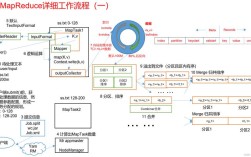
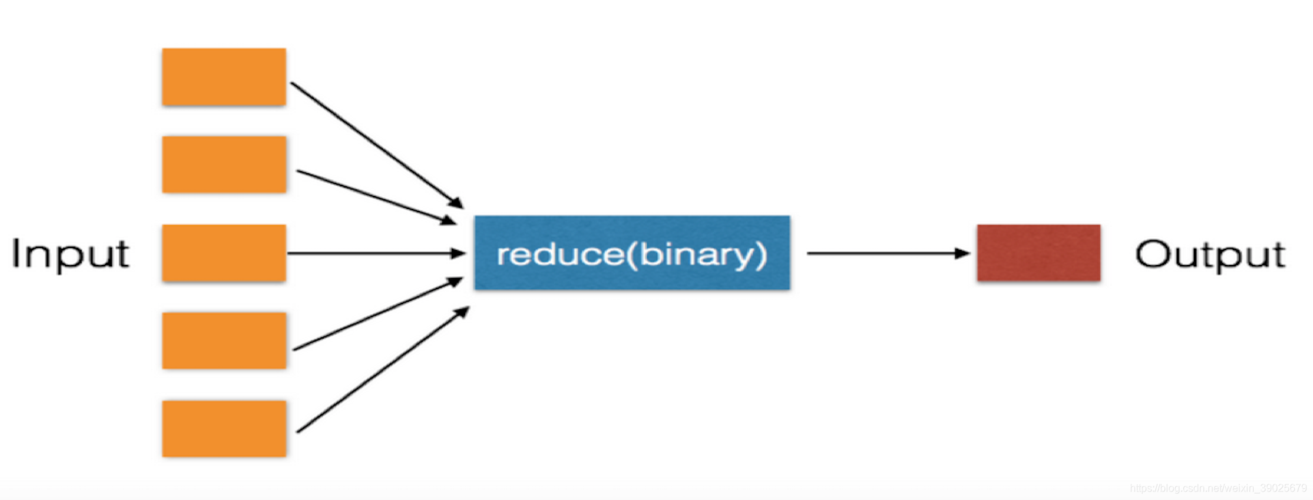
MapReduce 是一种用于大规模数据集处理的编程模型,它由两个核心阶段组成:
(图片来源网络,侵删)
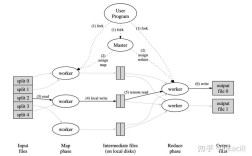
- Map (映射) 阶段:将输入数据分割成独立的“数据块”,然后对每个数据块应用一个映射函数,生成一系列中间键值对。
- Reduce (规约) 阶段:对 Map 阶段产生的中间键值对进行分组(将相同 key 的 value 汇聚到一起),然后对每个分组应用一个规约函数,最终输出结果。
这个模型非常适合分布式计算,因为它可以将 Map 和 Reduce 任务分配到多台机器上并行执行,从而处理单机无法承受的海量数据。
一个简单的例子:词频统计
词频统计是 MapReduce 最经典、最易于理解的入门示例,我们的目标是统计一篇文档中每个单词出现的总次数。
数据
假设我们有一个文本文件 input.txt如下:
hello world
hello python
map reduce is powerful
hello map
设计思路
-
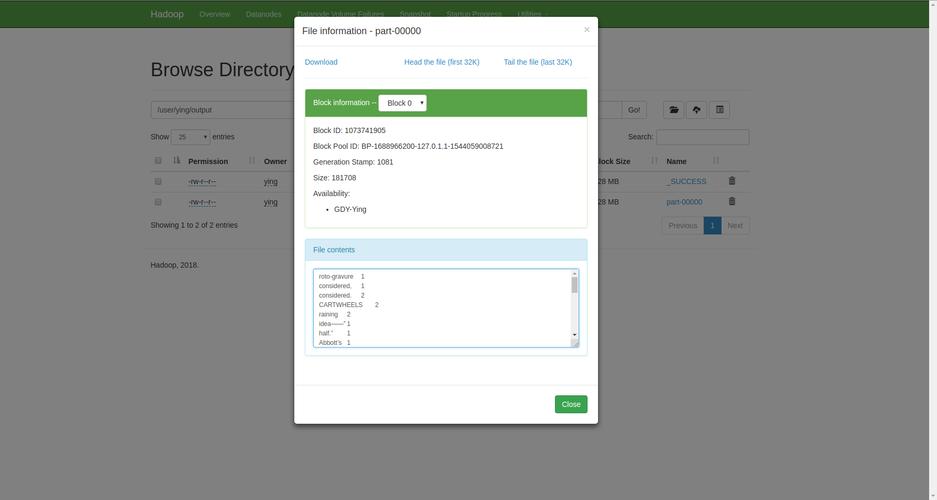
Map 阶段:
 (图片来源网络,侵删)
- 输入:文件中的一行文本。
- 处理:将这一行文本拆分成单词,并为每个单词生成一个键值对,
key是单词,value是1(表示这个词出现了一次)。 - 输出:
("hello", 1)("world", 1)("hello", 1)("python", 1)- ...等等
-
Shuffle and Sort (洗牌与排序) 阶段:
- 这是 MapReduce 框架自动完成的核心步骤,它会收集所有 Map 任务的输出,然后根据
key进行分组和排序。 - 输出:
[("hello", 1), ("hello", 1), ("hello", 1)][("python", 1)][("world", 1)][("map", 1), ("map", 1)]- ...等等
- 这是 MapReduce 框架自动完成的核心步骤,它会收集所有 Map 任务的输出,然后根据
-
Reduce 阶段:
- 输入:一个 key 和与这个 key 关联的所有 value 的列表(
("hello", [1, 1, 1]))。 - 处理:对 value 列表中的所有数字进行求和。
- 输出:
("hello", 3)("python", 1)("world", 1)("map", 2)- ...等等
- 输入:一个 key 和与这个 key 关联的所有 value 的列表(
Python 实现 (单机版本)
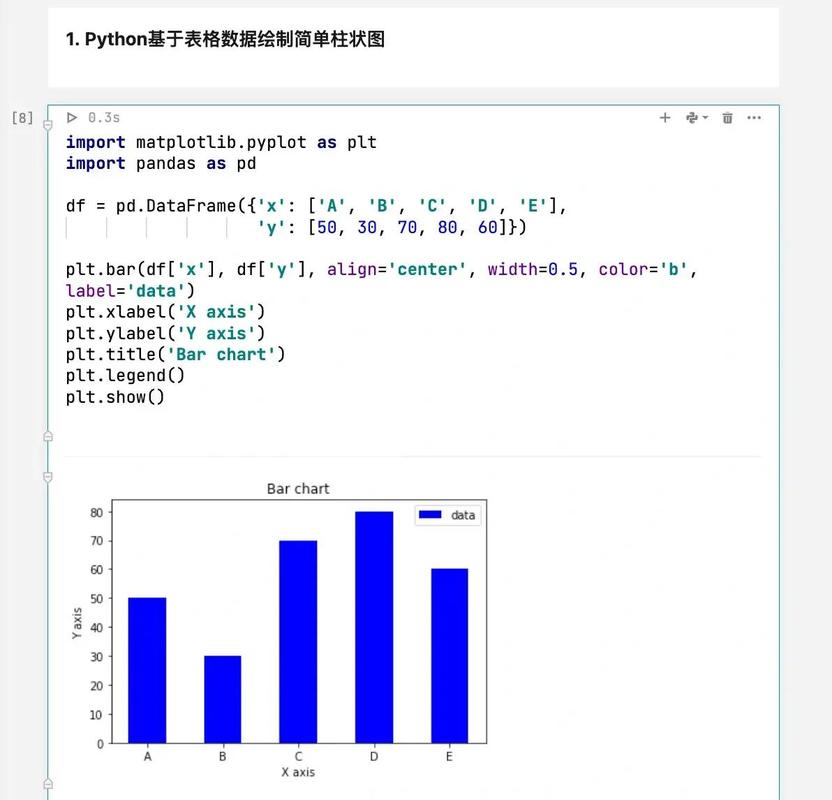
由于 Python 没有像 Hadoop 那样的内置 MapReduce 框架,我们可以手动模拟这个过程,这有助于我们理解 MapReduce 的工作原理。
我们将创建三个文件:
(图片来源网络,侵删)
input.txt: 我们的输入数据。mapper.py: Map 函数。reducer.py: Reduce 函数。
输入文件 input.txt
hello world
hello python
map reduce is powerful
hello map
Mapper mapper.py
这个脚本读取输入行,将其分割成单词,并输出 (word, 1)。
# mapper.py
import sys
# 读取标准输入 (stdin)
for line in sys.stdin:
    # 去除行首尾的空白字符(如换行符)
    line = line.strip()
    # 如果行是空的,则跳过
    if not line:
        continue
    # 将行分割成单词
    words = line.split()
    # 为每个单词输出一个键值对
    for word in words:
        # 输出格式为: key \t value
        print(f'{word}\t1')
Reducer reducer.py
这个脚本从标准输入读取 mapper 的输出,按 key 分组,并计算每个 key 的总和。
# reducer.py
import sys
# 当前正在处理的 word
current_word = None
current_count = 0
word = None
# 读取标准输入 (stdin)
for line in sys.stdin:
    # 去除行首尾的空白字符
    line = line.strip()
    # 跳过空行
    if not line:
        continue
    # 将输入行分割为 key 和 value
    # 输入格式是 "word\t1"
    word, count_str = line.split('\t', 1)
    try:
        # 将 value 字符串转换为整数
        count = int(count_str)
    except ValueError:
        # value 不是整数,则跳过此行
        continue
    # 这是 MapReduce 的 "shuffle and sort" 阶段模拟
    # 如果当前 word 与上一个 word 相同,则累加计数
    if current_word == word:
        current_count += count
    else:
        # 如果当前 word 与上一个 word 不同,则输出上一个 word 的结果
        if current_word:
            print(f'{current_word}\t{current_count}')
        # 更新 current_word 和 current_count
        current_word = word
        current_count = count
# 输出最后一个 word 的结果
if current_word == word:
    print(f'{current_word}\t{current_count}')
运行 MapReduce 任务
我们需要将这三个部分串联起来,在 Linux 或 macOS 的终端中,我们可以使用管道 () 来实现。
执行命令:
# 1. 读取 input.txt 文件
# 2. 将其内容通过管道传递给 mapper.py 脚本
# 3. mapper.py 的输出再通过管道传递给 reducer.py 脚本
# 4. 最终结果打印在终端上
cat input.txt | python3 mapper.py | python3 reducer.py
输出结果:
hello   3
is  1
map 2
powerful    1
python  1
reduce  1
world   1
这个结果就是我们期望的词频统计结果。
进阶:使用 multiprocessing 模拟并行
MapReduce 的真正威力在于并行处理,我们可以使用 Python 的 multiprocessing 库来模拟一个简单的并行 MapReduce。
这个例子会:
- 将输入文件分割成多个块。
- 为每个数据块启动一个独立的进程来执行 Map 任务。
- 收集所有 Map 任务的输出,进行排序和分组。
- 启动一个或多个 Reduce 进程来处理分组后的数据。
# parallel_mapreduce.py
import multiprocessing
import os
import sys
from collections import defaultdict
# --- Mapper 函数 (与之前相同) ---
def mapper(chunk):
    """处理一个数据块,返回一个键值对列表"""
    results = []
    for line in chunk.splitlines():
        line = line.strip()
        if not line:
            continue
        words = line.split()
        for word in words:
            results.append((word, 1))
    return results
# --- Reducer 函数 (与之前相同) ---
def reducer(word, counts):
    """处理一个单词及其所有计数值,返回最终结果"""
    return (word, sum(counts))
# --- 主流程 ---
def parallel_mapreduce(file_path, num_processes=None):
    """
    执行并行 MapReduce 任务
    :param file_path: 输入文件路径
    :param num_processes: 使用的进程数
    """
    if num_processes is None:
        num_processes = multiprocessing.cpu_count()
    # 1. 分割数据
    # 为了简单起见,我们按行分割,并大致均分给各个进程
    with open(file_path, 'r') as f:
        lines = f.readlines()
    chunk_size = len(lines) // num_processes
    chunks = []
    for i in range(num_processes):
        start = i * chunk_size
        end = (i + 1) * chunk_size if i < num_processes - 1 else len(lines)
        chunk = "".join(lines[start:end])
        chunks.append(chunk)
    # 2. 并行执行 Map 阶段
    with multiprocessing.Pool(processes=num_processes) as pool:
        map_results = pool.map(mapper, chunks)
    # 3. Shuffle and Sort (洗牌与排序)
    # 将所有 map 结果合并并按 key 分组
    intermediate_data = defaultdict(list)
    for result_list in map_results:
        for key, value in result_list:
            intermediate_data[key].append(value)
    # 4. 并行执行 Reduce 阶段
    # 将分组后的数据传递给 reducer
    # 注意:这里我们使用一个进程池来处理,但 Reduce 阶段通常是 I/O 密集型或计算复杂型,
    # 并行度取决于具体任务,对于词频统计,单线程 Reduce 就足够快。
    # 为了演示并行,我们仍然使用池。
    final_results = []
    with multiprocessing.Pool(processes=num_processes) as pool:
        # 使用 starmap 来传递多个参数
        # 我们需要将字典的 items 转换成一个元组列表
        items_to_process = list(intermediate_data.items())
        # 假设我们的 reducer 可以处理一个 (key, [values]) 的元组
        # 为了方便,我们修改一下 reducer 的调用方式
        # 让 reducer 直接接收一个 (key, list) 的元组
        def reducer_wrapper(item):
            word, counts = item
            return (word, sum(counts))
        final_results = pool.map(reducer_wrapper, items_to_process)
    # 5. 输出最终结果
    for word, count in sorted(final_results, key=lambda x: x[1], reverse=True):
        print(f'{word}\t{count}')
if __name__ == '__main__':
    if len(sys.argv) < 2:
        print("Usage: python parallel_mapreduce.py <input_file>")
        sys.exit(1)
    input_file = sys.argv[1]
    if not os.path.exists(input_file):
        print(f"Error: Input file '{input_file}' not found.")
        sys.exit(1)
    print(f"Running parallel MapReduce on '{input_file}' with {multiprocessing.cpu_count()} cores...")
    parallel_mapreduce(input_file)
如何运行进阶版本:
python3 parallel_mapreduce.py input.txt
输出结果:
Running parallel MapReduce on 'input.txt' with 8 cores...
hello   3
map 2
is  1
powerful    1
python  1
reduce  1
world   1
这个版本展示了如何利用多核 CPU 来并行处理 Map 阶段,这对于 CPU 密集型的任务非常有效。
- 核心思想:我们通过 Python 代码清晰地实现了 MapReduce 的核心思想:分而治之,将大问题分解成小问题(Map),然后汇总小问题的答案(Reduce)。
- 单机 vs. 分布式:上面的例子都是单机实现,真正的分布式 MapReduce(如 Hadoop)需要处理数据分发、任务调度、故障恢复等复杂问题,但核心的 Map 和 Reduce 逻辑是相通的。
- Python 生态:在 Python 生态中,如果你想在单机上处理大型数据集,可以使用
Dask或PySpark,它们提供了比multiprocessing更高级、更易用的 API,可以让你用类似 MapReduce 的风格编写代码,并自动进行并行化和优化。- PySpark: Apache Spark 的 Python API,是大数据处理的行业标准之一。
- Dask: 一个更轻量级的并行计算库,与 NumPy 和 Pandas 的兼容性非常好。
希望这个详细的教程能帮助你彻底理解 MapReduce 并用 Python 实现它!