Of course! Importing and using a DLL (Dynamic Link Library) in Python is a common task, especially when you need to interface with existing C/C++ code, system APIs, or performance-critical libraries.
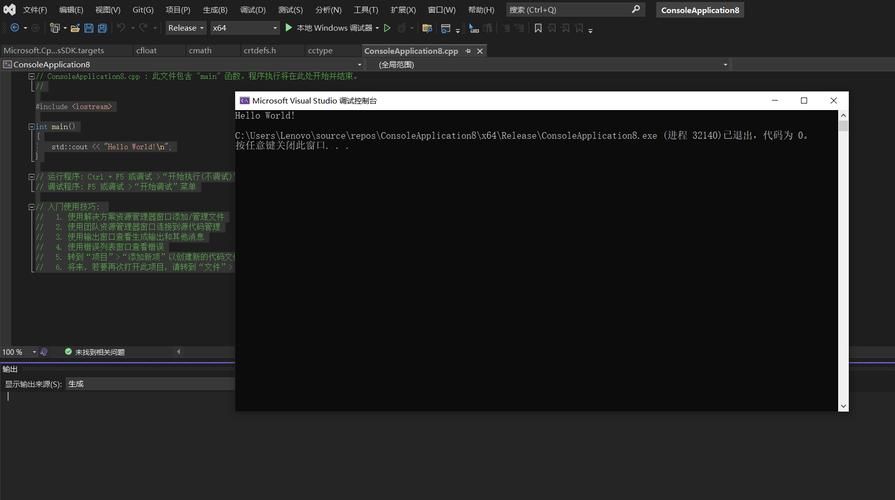
The primary and most recommended way to do this is by using Python's built-in ctypes module. It's powerful, flexible, and requires no external installations.
Here’s a comprehensive guide, starting with the basics and moving to more advanced topics.
The Core Idea: ctypes
The ctypes module allows you to call functions in shared libraries (DLLs on Windows, .so files on Linux, .dylib on macOS). The key steps are:
- Load the DLL: Use
ctypes.CDLL()orctypes.WinDLL()to load the library into memory. - Specify Function Signatures: Tell Python about the function's arguments and return types using attributes like
.argtypesand.restype. This is crucial for correct data conversion and memory safety. - Call the Function: Access the function as an attribute of the loaded library object and call it like a regular Python function.
Scenario 1: A Simple C++ DLL
Let's start with a classic example. We have a C++ DLL that exports two functions: one that adds two integers and another that concatenates two strings.
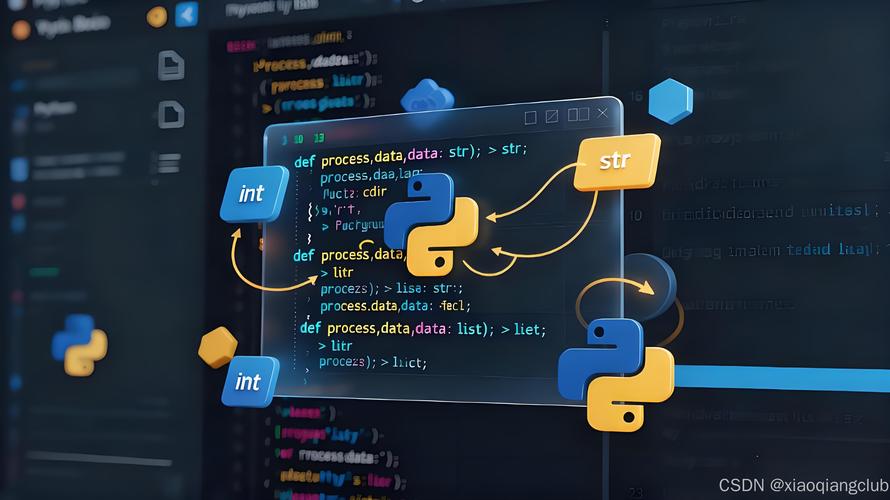
Step 1: Create the C++ Code (mylib.cpp)
// mylib.cpp
#include <windows.h> // For __declspec(dllexport)
#include <string>   // For std::string
// Use C-style linking to avoid C++ name mangling
#ifdef __cplusplus
extern "C" {
#endif
// Function to add two integers
__declspec(dllexport) int add(int a, int b) {
    return a + b;
}
// Function to concatenate two C-style strings
// The caller is responsible for freeing the returned string!
__declspec(dllexport) char* greet(const char* name) {
    std::string result = "Hello, ";
    result += name;
    // Allocate memory on the heap that the caller can free
    char* cstr = new char[result.length() + 1];
    strcpy(cstr, result.c_str());
    return cstr;
}
#ifdef __cplusplus
}
#endif
Step 2: Compile the DLL (using MinGW-g++ on Windows)
Open a command prompt and run:
g++ -shared -o mylib.dll mylib.cpp
This will create mylib.dll in the same directory.
Step 3: The Python Code (main.py)
Now, let's write the Python script to use this DLL.
import ctypes
import os
# --- 1. Load the DLL ---
# Get the path to the DLL to ensure it's found
dll_path = os.path.join(os.path.dirname(__file__), 'mylib.dll')
# Use CDLL for standard C calling convention (cdecl)
# WinDLL is for stdcall, used by many Windows APIs.
try:
    mylib = ctypes.CDLL(dll_path)
except OSError as e:
    print(f"Error loading DLL: {e}")
    print("Make sure mylib.dll is in the same directory as this script.")
    exit()
# --- 2. Define Function Signatures (CRITICAL!) ---
# For the 'add' function
# It takes two integers (ctypes.c_int) and returns an integer.
mylib.add.argtypes = [ctypes.c_int, ctypes.c_int]
mylib.add.restype = ctypes.c_int
# For the 'greet' function
# It takes a C-style string (ctypes.c_char_p) and returns a C-style string.
mylib.greet.argtypes = [ctypes.c_char_p]
mylib.greet.restype = ctypes.c_char_p # The DLL returns a pointer to a char
# --- 3. Call the Functions ---
# Call the 'add' function
a = 5
b = 10
result_add = mylib.add(a, b)
print(f"The sum of {a} and {b} is: {result_add}")
# Call the 'greet' function
name = "World"
# Python strings need to be encoded to bytes to pass as c_char_p
result_greet_ptr = mylib.greet(name.encode('utf-8'))
# The result is a pointer to a C string. We need to decode it.
# IMPORTANT: We must free the memory allocated by the C function!
greeting = ctypes.c_char_p(result_greet_ptr).value.decode('utf-8')
print(f"The greeting is: {greeting}")
# Free the memory allocated by C++
# The C++ function used 'new char[]', so we must use 'delete[]'
# We get a function pointer to 'free' from the C standard library
libc = ctypes.CDLL("msvcrt.dll") # or "libc.so.6" on Linux
libc.free(result_greet_ptr)
print("Memory freed successfully.")
Output:
The sum of 5 and 10 is: 15
The greeting is: Hello, World
Memory freed successfully.
Scenario 2: Calling a Windows API
Many Windows API functions are in user32.dll or kernel32.dll. Let's call MessageBoxW from user32.dll.
import ctypes
# Load the user32.dll library
user32 = ctypes.WinDLL('user32')
# Define the function signature for MessageBoxW
# int MessageBoxW(
//   HWND    hWnd,
//   LPCWSTR lpText,
//   LPCWSTR lpCaption,
//   UINT    uType
// );
user32.MessageBoxW.argtypes = [
    ctypes.c_void_p,  # Handle to owner window (NULL for no owner)
    ctypes.c_wchar_p, # Wide character string for the message text
    ctypes.c_wchar_p, # Wide character string for the caption
    ctypes.c_uint     # Message box type (e.g., MB_OK, MB_ICONQUESTION)
]
user32.MessageBoxW.restype = ctypes.c_int # Returns an int representing the button clicked
# Call the function
# Note: Use c_wchar_p for wide-character strings, which handles Unicode.
# Python 3 strings are Unicode by default.
user32.MessageBoxW(
    0,  # No owner window
    "Hello from Python via ctypes!",
    "Python ctypes Example",
    0x00000040 | 0x00000020  # MB_OK | MB_ICONQUESTION
)
This code will display a message box on your Windows desktop.
Key ctypes Data Types
| C Type | ctypes Type |
Description |
|---|---|---|
char |
c_char |
A single character (1 byte) |
int |
c_int |
A signed integer (usually 4 bytes) |
float |
c_float |
A single-precision float (4 bytes) |
double |
c_double |
A double-precision float (8 bytes) |
void* |
c_void_p |
A generic pointer |
char* |
c_char_p |
A pointer to a null-terminated C string (bytes) |
wchar_t* |
c_wchar_p |
A pointer to a wide-character C string (Unicode) |
| Structs | Structure |
Create custom classes for C structs. |
| Arrays | c_* * N |
e.g., c_int * 5 for an array of 5 integers. |
Advanced Topic: Passing and Receiving Structs
Let's say our DLL has a function that takes a struct as an argument.
C++ Code (structs.cpp)
#include <windows.h>
#include <stdio.h>
typedef struct {
    int id;
    char name[50];
} User;
__declspec(dllexport) void print_user(const User* user) {
    printf("User ID: %d, Name: %s\n", user->id, user->name);
}
Python Code (structs.py)
import ctypes
# Define the C structure in Python
class User(ctypes.Structure):
    # Define the fields in order
    _fields_ = [
        ("id", ctypes.c_int),
        ("name", ctypes.c_char * 50) # A fixed-length char array
    ]
# Load the DLL
mylib = ctypes.CDLL("structs.dll")
# Define the function signature
# It takes a pointer to a User struct and returns void.
mylib.print_user.argtypes = [ctypes.POINTER(User)]
mylib.print_user.restype = None # void return type
# Create an instance of our User struct
my_user = User()
my_user.id = 123
my_user.name = "Alice".encode('utf-8') # Must be bytes for c_char array
# Call the function, passing a pointer to our struct
mylib.print_user(ctypes.byref(my_user))
Output:
User ID: 123, Name: AliceNote: ctypes.byref(my_user) is used to get a pointer to the my_user object, which is what the C function expects.
Alternative Methods
While ctypes is built-in, other libraries exist for more complex scenarios:
-
CFFI(C Foreign Function Interface):- A more modern and powerful alternative to
ctypes. - Can be used in two ways: an "ABI mode" (like
ctypes, calling existing libraries) and an "API mode" (compiling Python code with C extensions). - Often considered cleaner and more robust for complex C interactions.
- Requires installation:
pip install cffi
- A more modern and powerful alternative to
-
PyBind11/Boost.Python:- These are not for calling DLLs, but for creating them.
- They are tools for creating Python C++ extensions. You write C++ code that exposes classes and functions to Python. The result is a
.pyd(Windows) or.so(Linux) file that Python can import directly withimport my_module. - Use this when you want to wrap C++ code for Python, not just call a pre-existing DLL.
Summary: Which to Use?
| Method | Best For | Pros | Cons |
|---|---|---|---|
ctypes |
Calling existing C/C++ DLLs (Recommended starting point) | Built-in, simple for basic cases, good for Windows APIs. | Verbose for complex structs, can be error-prone with types, manual memory management. |
CFFI |
Calling existing DLLs, complex C interactions | Cleaner API, better error handling, supports callbacks well. | Requires installation, slightly steeper learning curve than ctypes. |
PyBind11 |
Creating new Python extensions from C++ code | Excellent for exposing C++ classes/objects, automatic type conversions, modern C++ support. | Not for calling DLLs; for creating them. Requires C++ compilation. |
For your goal of importing and using a DLL, start with ctypes. It's the standard, built-in tool that will handle 95% of your needs.