安装 geohash 库
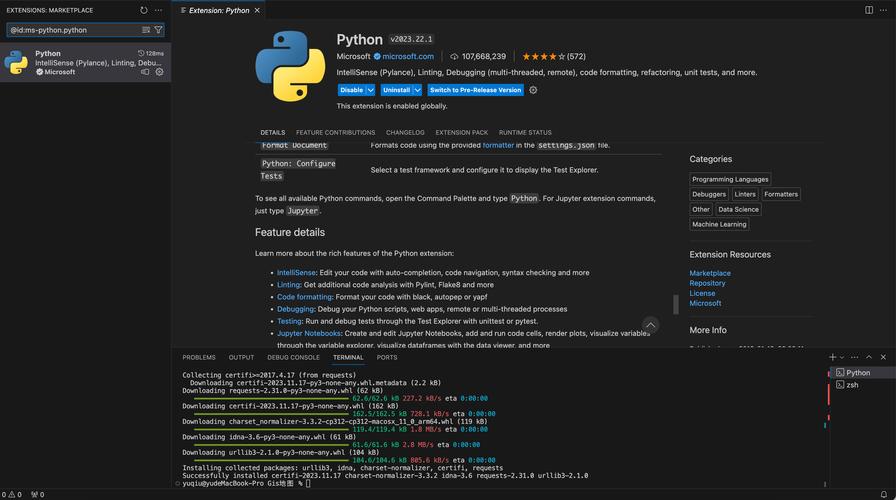
最常用的 geohash 库是 python-geohash,您可以使用 pip(Python 的包安装器)来轻松安装它。
(图片来源网络,侵删)
打开您的终端或命令提示符,然后运行以下命令:
pip install python-geohash
如果您使用的是 Python 3,并且系统中有多个 Python 版本,建议使用 pip3:
pip3 install python-geohash
安装完成后,您可以在 Python 脚本中导入它:
import geohash
基本用法
python-geohash 库提供了几个核心函数来处理地理坐标和 Geohash 字符串之间的转换。
(图片来源网络,侵删)
a. 编码:将经纬度坐标转换为 Geohash 字符串
使用 geohash.encode(latitude, longitude, precision) 函数。
latitude: 纬度longitude: 经度precision: Geohash 的精度(可选,默认为 5),精度越高,Geohash 字符串越长,表示的地理区域越小。
示例:
# 北京天安门的经纬度
latitude = 39.9042
longitude = 116.4074
# 使用默认精度 (5) 进行编码
gh_default = geohash.encode(latitude, longitude)
print(f"默认精度的 Geohash: {gh_default}")  # 输出: ww8p1r
# 使用更高的精度 (8) 进行编码
gh_high_precision = geohash.encode(latitude, longitude, 8)
print(f"高精度的 Geohash: {gh_high_precision}")  # 输出: ww8p1r4z2
b. 解码:将 Geohash 字符串转换为经纬度坐标
使用 geohash.decode(geohash_string) 函数。
它会返回一个包含 (latitude, longitude) 的元组,这个坐标是 Geohash 所代表矩形区域的中心点。

(图片来源网络,侵删)
示例:
# 使用上面生成的 Geohash
gh_string = "ww8p1r"
# 解码 Geohash
decoded_lat, decoded_lon = geohash.decode(gh_string)
print(f"解码后的纬度: {decoded_lat}")  # 输出: 39.9041748046875
print(f"解码后的经度: {decoded_lon}")  # 输出: 116.407470703125
c. 获取邻居:获取一个 Geohash 周围 8 个方向的邻居 Geohash
使用 geohash.neighbors(geohash_string) 函数。
这对于查找附近区域非常有用,例如在地图上高亮显示一个区域及其周边。
示例:
gh_string = "u4pruyd"
# 获取邻居 Geohash
neighbor_hashes = geohash.neighbors(gh_string)
print(f"Geohash '{gh_string}' 的邻居有:")
for neighbor in neighbor_hashes:
    print(neighbor)
# 输出:
# u4pruqd
# u4prurd
# u4pruzd
# u4pruyc
# u4pruye
# u4pruyb
# u4pruyf
# u4pruyc
其他常用库
除了 python-geohash,还有另一个库也值得一提:geohash,它的 API 略有不同,但功能类似。
安装 geohash 库
pip install geohash
基本用法示例
这个库的 API 更简洁一些。
import geohash
# 编码
# 第一个参数是经度,第二个是纬度,这与 python-geohash 相反,需要注意!
gh_string = geohash.encode(116.4074, 39.9042)
print(f"Geohash: {gh_string}") # 输出: ww8p1r
# 解码
decoded_lon, decoded_lat = geohash.decode(gh_string)
print(f"解码后的经度: {decoded_lon}, 纬度: {decoded_lat}") # 输出: 116.4074 39.9042
重要提示: 这个库的 encode 函数参数顺序是 (longitude, latitude),而 python-geohash 是 (latitude, longitude),在使用时请务必注意,以免混淆。
库对比与选择建议
| 特性 | python-geohash |
geohash |
|---|---|---|
| 安装方式 | pip install python-geohash |
pip install geohash |
| API 风格 | 函数式 (geohash.encode()) |
模块级函数 (geohash.encode()) |
encode 参数 |
encode(lat, lon, precision) |
encode(lon, lat) |
| 主要功能 | 编码、解码、获取邻居、扩展范围查询 | 编码、解码 |
| 额外功能 | expand() (获取指定范围内的所有 Geohash) |
无 |
| 推荐场景 | 功能全面,特别是需要邻居查询和范围查询时。 | API 简洁,只需要基本编码/解码功能时。 |
总结建议:
- 对于大多数用户,推荐使用
python-geohash,它的功能更全面,文档和社区支持也更好,特别是neighbors和expand函数在处理地理数据时非常实用。 - 如果你只需要一个简单的编码和解码功能,并且不介意参数顺序,
geohash库也是一个轻量级的选择。
常见问题
Q: Geohash 的精度是如何选择的? A: Geohash 的精度由字符串长度决定:
- 长度 1: 约 5000公里 x 5000公里 (覆盖一个大洲)
- 长度 5: 约 4.9公里 x 4.9公里 (适合城市范围)
- 长度 7: 约 61米 x 61米 (适合一个街区或大型建筑)
- 长度 9: 约 7.4米 x 7.4米 (适合一个房间或小院子)
您可以根据应用场景选择合适的精度,精度越高,字符串越长,计算和存储的开销也越大。
希望这份详细的指南能帮助您顺利安装和使用 Python 的 Geohash 库!