Of course! Let's dive into the world of HTML parsing in Python.
The term "HTML parser" refers to a program that reads HTML code and transforms it into a data structure that a Python script can easily navigate and manipulate. This is essential for web scraping, data extraction, and website analysis.
Here's a comprehensive guide covering the main tools and techniques.
The Big Three: urllib, BeautifulSoup, and lxml
When people talk about HTML parsing in Python, they usually mean using a combination of these libraries:
urllib(orrequests): For fetching the HTML content from a URL. This is the "downloader."BeautifulSoup: A fantastic library for parsing the HTML and navigating the document tree. It's user-friendly and great for beginners.lxml: A very fast and powerful parser thatBeautifulSoupcan use under the hood. It's also a library you can use directly for more advanced tasks.
Fetching the HTML: requests vs. urllib
Before you can parse HTML, you need to get it. While Python's built-in urllib can do this, the requests library is far more popular and easier to use.
Using requests (Recommended)
First, install it:
pip install requests
Example: Fetching a webpage
import requests
url = 'http://quotes.toscrape.com/'
try:
    # Send a GET request to the URL
    response = requests.get(url)
    # Raise an exception if the request was unsuccessful (e.g., 404 Not Found)
    response.raise_for_status()
    # The HTML content is in the text attribute of the response
    html_content = response.text
    print(f"Successfully fetched {len(html_content)} characters of HTML.")
except requests.exceptions.RequestException as e:
    print(f"Error fetching the URL: {e}")
Using urllib (Built-in, no installation needed)
from urllib.request import urlopen
url = 'http://quotes.toscrape.com/'
try:
    # Open the URL and read the response
    with urlopen(url) as response:
        html_content = response.read().decode('utf-8') # Read bytes and decode to string
    print(f"Successfully fetched {len(html_content)} characters of HTML.")
except Exception as e:
    print(f"Error fetching the URL: {e}")
Recommendation: Use requests. It's simpler, more powerful, and has a much better API for handling headers, timeouts, and sessions.
Parsing with BeautifulSoup
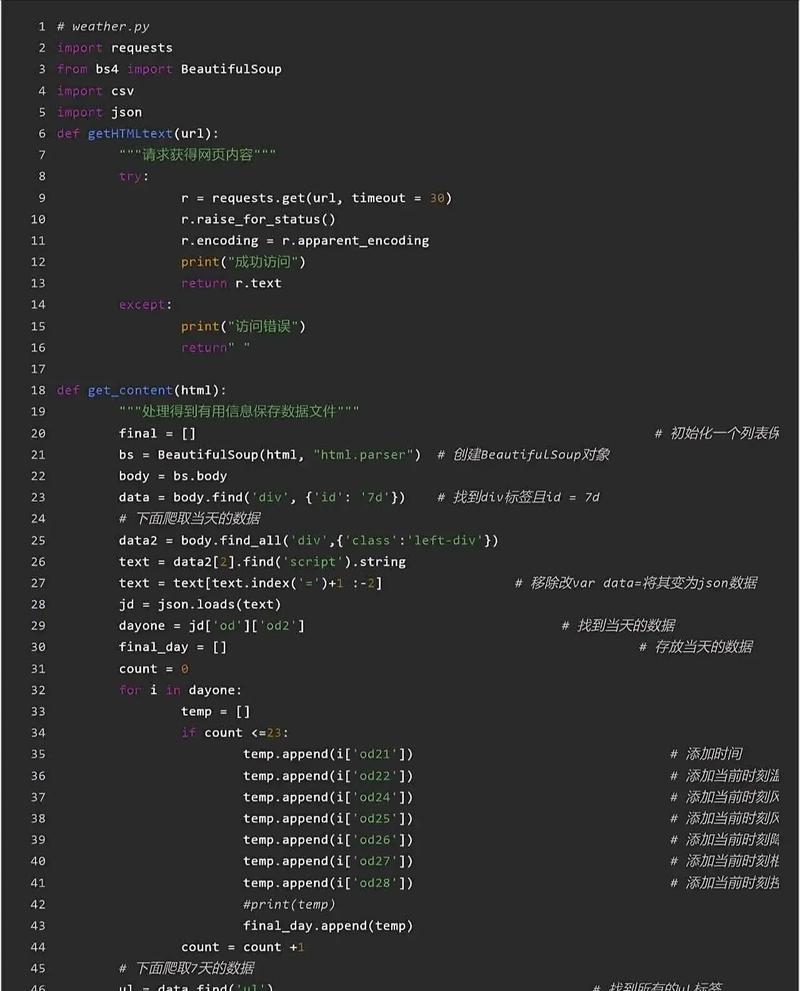
BeautifulSoup is the workhorse for most HTML parsing tasks. It takes raw HTML and turns it into a complex tree of Python objects.
First, install it:
pip install beautifulsoup4
BeautifulSoup can use different parsers behind the scenes:
html.parser: Python's built-in parser. No extra installation needed, but slower thanlxml.lxml: A very fast and robust parser. Requireslxmlto be installed (pip install lxml).html5lib: A very lenient parser that mimics how a web browser parses HTML. Requireshtml5libto be installed (pip install html5lib).
Core Concepts of BeautifulSoup
The main objects you'll interact with are:
Tag: An HTML tag, like<div>,<a>, or<p>. You can get tags using methods like.find()or.find_all().NavigableString: The text inside a tag.Comment: A special type ofNavigableStringfor comments.
Example: Parsing and Scraping Quotes
Let's use the HTML we fetched from http://quotes.toscrape.com/.
import requests
from bs4 import BeautifulSoup
# 1. Fetch the HTML
url = 'http://quotes.toscrape.com/'
response = requests.get(url)
html_content = response.text
# 2. Create a BeautifulSoup object
# We'll use the 'lxml' parser for speed and robustness
soup = BeautifulSoup(html_content, 'lxml')
# 3. Navigate and Search the HTML
# --- Finding the first quote ---
# Find the first div with the class 'quote'
first_quote_div = soup.find('div', class_='quote')
# Extract the text and author from the first quote
text = first_quote_div.find('span', class_='text').get_text(strip=True)
author = first_quote_div.find('small', class_='author').get_text(strip=True)
print("--- First Quote ---")
print(f"Text: {text}")
print(f"Author: {author}\n")
# --- Finding ALL quotes ---
# find_all() returns a list of all matching tags
all_quotes = soup.find_all('div', class_='quote')
print("--- All Quotes ---")
for quote in all_quotes:
    text = quote.find('span', class_='text').get_text(strip=True)
    author = quote.find('small', class_='author').get_text(strip=True)
    print(f"Text: {text} - Author: {author}")
Common BeautifulSoup Methods
| Method | Description | Example |
|---|---|---|
find(name, attrs, ...) |
Finds the first tag that matches the criteria. | soup.find('h1') |
find_all(name, attrs, ...) |
Finds all tags that match the criteria. Returns a list. | soup.find_all('a') |
get_text() |
Extracts all the text from a tag and its children. | tag.get_text() |
get('attribute') |
Gets the value of an HTML attribute. | tag.get('href') |
select() |
Uses CSS selectors to find elements. Very powerful! | soup.select('div.quote span.text') |
Parsing with lxml Directly
lxml is extremely fast and supports both an HTML parser and an XML parser. Its API is similar to BeautifulSoup's but less user-friendly for complex navigation. It's great for performance-critical applications.
First, install it:
pip install lxml
Example: Using lxml to parse the same page
import requests
from lxml import html
# 1. Fetch the HTML
url = 'http://quotes.toscrape.com/'
response = requests.get(url)
html_content = response.text
# 2. Create an lxml HTML object
tree = html.fromstring(html_content)
# 3. Use XPath to find elements
# XPath is a query language for selecting nodes from an XML/HTML document.
# It's very powerful but has a steeper learning curve.
# Find all quote divs
quote_divs = tree.xpath('//div[@class="quote"]')
print("--- All Quotes using lxml ---")
for div in quote_divs:
    # XPath can find text nodes and elements
    text = div.xpath('.//span[@class="text"]/text()')[0].strip()
    author = div.xpath('.//small[@class="author"]/text()')[0].strip()
    print(f"Text: {text} - Author: {author}")
BeautifulSoup vs. lxml (Direct):
BeautifulSoup: Higher-level, easier to learn, excellent documentation. Best for 95% of scraping tasks.lxml(Direct): Much faster, uses XPath (a very powerful query language). Best for performance-critical scripts or when you need complex queries thatBeautifulSoup's CSS selectors can't handle easily.
Advanced Parsing: Handling Dynamic Content (JavaScript)
Important: Some websites load their content using JavaScript after the initial HTML page is loaded. requests and BeautifulSoup will only see the initial, empty HTML. For these sites, you need a browser automation tool.
The most popular one is Selenium.
Selenium automates a real web browser (like Chrome or Firefox) and allows you to interact with the page just like a user would, waiting for JavaScript to render the content.
Example with Selenium
-
Install Selenium and a WebDriver:
pip install selenium
You also need a WebDriver. For Chrome, download ChromeDriver and make sure it's in your system's PATH, or specify its location in your script.
-
Example Script:
from selenium import webdriver
from selenium.webdriver.common.by import By
from selenium.webdriver.chrome.service import Service
from bs4 import BeautifulSoup
# Path to your ChromeDriver executable
# If it's in your PATH, you might not need this line.
# service = Service(executable_path='path/to/your/chromedriver')
# Initialize the WebDriver
# driver = webdriver.Chrome(service=service)
driver = webdriver.Chrome() # A common way if chromedriver is in PATH
url = 'http://quotes.toscrape/js/' # A page that uses JS
driver.get(url)
# Wait for the JavaScript to load the content
# You can use explicit waits for more robustness
driver.implicitly_wait(5) # Wait up to 5 seconds for elements to appear
# Get the page source AFTER JavaScript has run
html_content = driver.page_source
# Now you can parse it with BeautifulSoup
soup = BeautifulSoup(html_content, 'lxml')
quotes = soup.find_all('div', class_='quote')
print("--- Quotes from JS-rendered page ---")
for quote in quotes:
    text = quote.find('span', class_='text').get_text(strip=True)
    author = quote.find('small', class_='author').get_text(strip=True)
    print(f"Text: {text} - Author: {author}")
# Close the browser
driver.quit()
Summary and Best Practices
| Task | Tool | When to Use |
|---|---|---|
| Fetching HTML | requests |
Always. It's the standard for making HTTP requests. |
| Parsing HTML | BeautifulSoup |
Most of the time. It's the easiest and most flexible for general-purpose scraping. |
| Parsing HTML | lxml (direct) |
When you need maximum performance or need to use complex XPath queries. |
| Handling JS | Selenium |
When requests/BeautifulSoup can't find the data because it's loaded by JavaScript. |
Ethical Scraping Best Practices:
- Check
robots.txt: Always checkhttp://example.com/robots.txtto see which parts of the site the owner doesn't want bots to access. - Set a User-Agent: Identify your bot with a custom User-Agent header.
- Be Polite: Add delays between your requests (
time.sleep(1)) to avoid overwhelming the server. - Don't Overload Servers: If you're scraping a lot of data, consider caching results or scraping during off-peak hours.