Of course! "Pinging" a MySQL database in Python means establishing a connection to verify that the database server is reachable, the credentials are correct, and the database is accepting connections.

Here are the best ways to do this, from the most common and recommended to other alternatives.
Method 1: The Standard & Recommended Way (Using mysql-connector-python)
This is the official driver from Oracle. It's reliable, well-maintained, and uses the standard Python Database API Specification (PEP 249).
Step 1: Install the library
pip install mysql-connector-python
Step 2: Write the ping script

This script will attempt to connect and immediately close the connection. It's clean and efficient.
import mysql.connector
from mysql.connector import Error
def ping_mysql_server(host, user, password, database=None):
    """
    Pings a MySQL server to check for connectivity and credentials.
    Args:
        host (str): The hostname or IP address of the MySQL server.
        user (str): The MySQL username.
        password (str): The MySQL password.
        database (str, optional): The database name to connect to. Defaults to None.
    Returns:
        tuple: (bool, str) - (True, "Success message") on success,
                              (False, "Error message") on failure.
    """
    connection = None
    try:
        # Attempt to establish a connection
        connection = mysql.connector.connect(
            host=host,
            user=user,
            password=password,
            database=database
        )
        # If the connection was successful, the ping is successful
        return True, "Successfully connected to MySQL server!"
    except Error as e:
        # Return False along with the specific error message
        return False, f"Error connecting to MySQL: {e}"
    finally:
        # Ensure the connection is closed if it was opened
        if connection and connection.is_connected():
            connection.close()
            print("MySQL connection is closed.")
# --- Example Usage ---
if __name__ == "__main__":
    # Replace with your actual database credentials
    DB_HOST = "localhost"
    DB_USER = "your_username"
    DB_PASSWORD = "your_password"
    DB_NAME = "your_database"  # Optional, can be None
    is_alive, message = ping_mysql_server(DB_HOST, DB_USER, DB_PASSWORD, DB_NAME)
    if is_alive:
        print(f"✅ Ping Successful: {message}")
    else:
        print(f"❌ Ping Failed: {message}")
How it Works:
import mysql.connector: Imports the necessary library.try...except Error: This is the core of the logic.- The
tryblock attempts to create a connection usingmysql.connector.connect(). If this succeeds, the server is up, the credentials are valid, and the connection is established. - The
except Error as eblock catches any exceptions that occur during the connection attempt (e.g., wrong password, host not found, server down).
- The
finallyblock: This block always runs, whether the connection was successful or not. It's crucial for ensuring that if a connection was made, it is properly closed withconnection.close(), preventing resource leaks.- Return Value: The function returns a tuple
(bool, str), making it easy for other parts of your program to check the status and see the reason for failure.
Method 2: The High-Level & Recommended Way (Using PyMySQL)
PyMySQL is another very popular, pure-Python MySQL client. The code structure is very similar to mysql-connector-python.
Step 1: Install the library
pip install PyMySQL
Step 2: Write the ping script
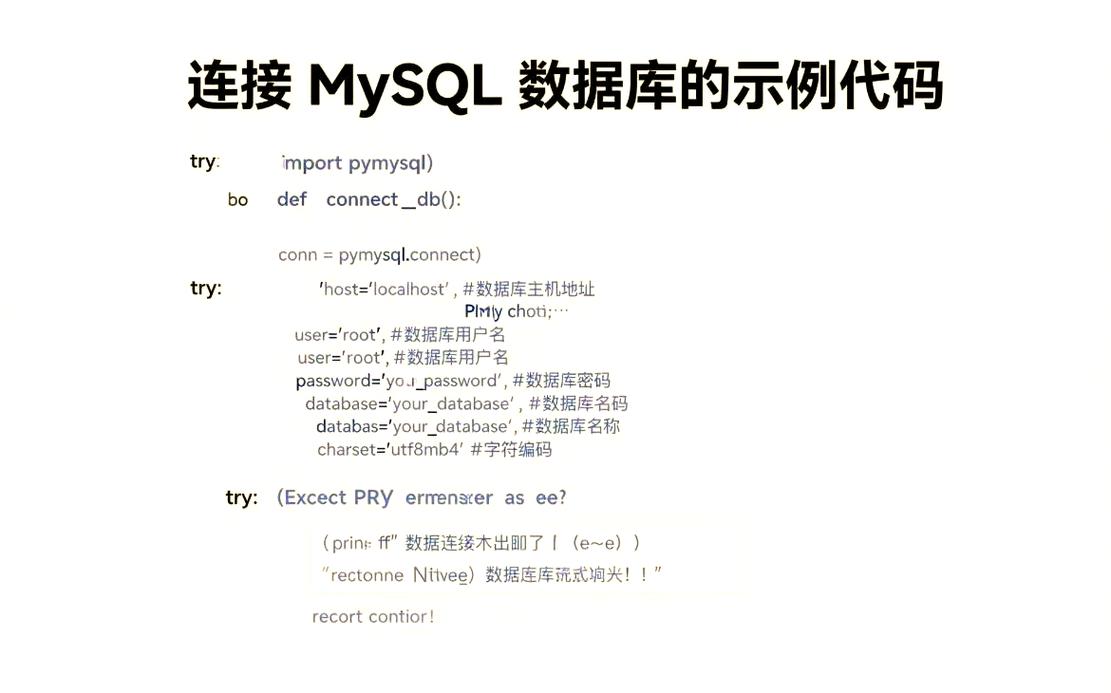
The logic is nearly identical, just with a different library.
import pymysql
from pymysql import MySQLError
def ping_mysql_server_pymysql(host, user, password, database=None):
    """
    Pings a MySQL server using PyMySQL.
    """
    connection = None
    try:
        connection = pymysql.connect(
            host=host,
            user=user,
            password=password,
            database=database,
            cursorclass=pymysql.cursors.DictCursor # Optional, but useful
        )
        return True, "Successfully connected to MySQL server using PyMySQL!"
    except MySQLError as e:
        return False, f"Error connecting to MySQL: {e}"
    finally:
        if connection:
            connection.close()
            print("MySQL connection is closed.")
# --- Example Usage ---
if __name__ == "__main__":
    DB_HOST = "localhost"
    DB_USER = "your_username"
    DB_PASSWORD = "your_password"
    DB_NAME = "your_database"
    is_alive, message = ping_mysql_server_pymysql(DB_HOST, DB_USER, DB_PASSWORD, DB_NAME)
    if is_alive:
        print(f"✅ Ping Successful: {message}")
    else:
        print(f"❌ Ping Failed: {message}")
Method 3: The ORM Way (Using SQLAlchemy)
If you are using an Object-Relational Mapper (ORM) like SQLAlchemy, you would ping the engine. This is a good approach if your application is already built on SQLAlchemy.
Step 1: Install the library
pip install SQLAlchemy
Step 2: Write the ping script
SQLAlchemy's "ping" is a bit different. You create an engine and then call its connect() method to test the connection pool.
from sqlalchemy import create_engine
from sqlalchemy.exc import SQLAlchemyError
def ping_mysql_server_sqlalchemy(connection_string):
    """
    Pings a MySQL server using an SQLAlchemy engine.
    connection_string format: "mysql+pymysql://user:password@host:port/db"
    """
    engine = None
    try:
        # The engine itself doesn't connect immediately
        engine = create_engine(connection_string)
        # connect() will test the connection and return a connection object
        # that is then immediately released back to the pool.
        with engine.connect() as connection:
            # You can execute a simple query to be extra sure
            connection.execute("SELECT 1")
        return True, "Successfully connected to MySQL server using SQLAlchemy!"
    except SQLAlchemyError as e:
        return False, f"Error connecting to MySQL: {e}"
    finally:
        # Disposing the engine is good practice, especially in scripts
        if engine:
            engine.dispose()
            print("SQLAlchemy engine disposed.")
# --- Example Usage ---
if __name__ == "__main__":
    # Format: mysql+<driver>://<user>:<password>@<host>:<port>/<database>
    # Port is optional, defaults to 3306
    CONNECTION_STRING = "mysql+pymysql://your_username:your_password@localhost/your_database"
    is_alive, message = ping_mysql_server_sqlalchemy(CONNECTION_STRING)
    if is_alive:
        print(f"✅ Ping Successful: {message}")
    else:
        print(f"❌ Ping Failed: {message}")
Troubleshooting Common Ping Failures
-
Can't connect to MySQL server on 'localhost' (10061):- Cause: The MySQL server is not running, or it's not configured to accept connections from your machine.
- Solution: Start your MySQL server (e.g., via XAMPP, MAMP,
sudo systemctl start mysql, or Docker).
-
Access denied for user 'your_username'@'localhost' (using password: YES):- Cause: Incorrect username or password.
- Solution: Double-check your credentials. You can try connecting from the command line:
mysql -u your_username -pto verify.
-
Unknown database 'your_database':- Cause: The connection to the server succeeded, but the specified database does not exist.
- Solution: Omit the
databaseargument from your connection string if you only need to check the server's general availability, or create the database.
-
[WinError 10061]or[Errno 111] Connection refused:- Cause: The server is running but is not listening on the network port (default is 3306) or a firewall is blocking the connection.
- Solution: Check your MySQL server's configuration (
bind-addressinmy.cnf/my.ini) and ensure your firewall allows connections on port 3306.