Of course! Let's break down the int string in Python. It refers to the built-in int() function, which is used to convert a value (most commonly a string) into an integer.
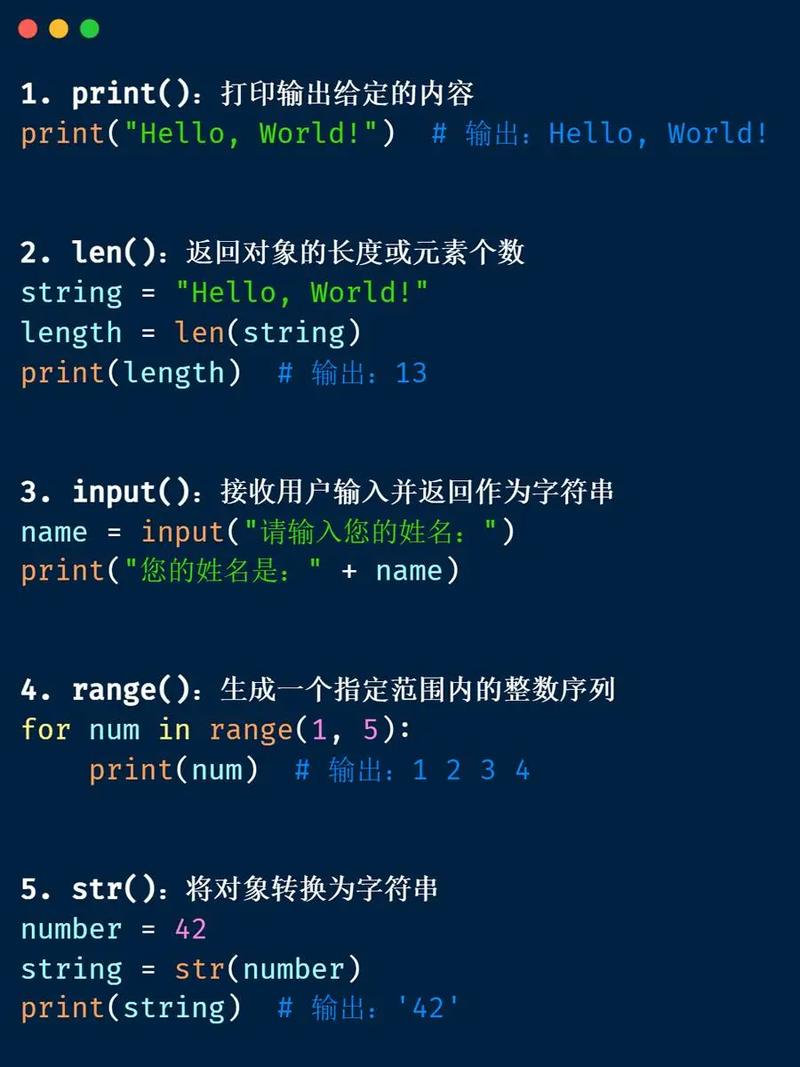
Here’s a comprehensive guide covering its syntax, common use cases, important details, and examples.
What is the int() Function?
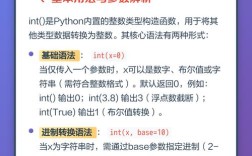
The int() function is a built-in Python constructor that creates an integer object from a specified value. When you pass a string to it, it tries to parse the string and return its integer equivalent.
Basic Syntax:
int(value, base=10)
value: The string (or other type) you want to convert to an integer. This is the only required argument.base(optional): The number base of thevalue. If provided, thevaluemust be a string. The default is10(for decimal numbers).
Converting a String to an Integer (The Most Common Use Case)
This is what people usually mean by "int string".
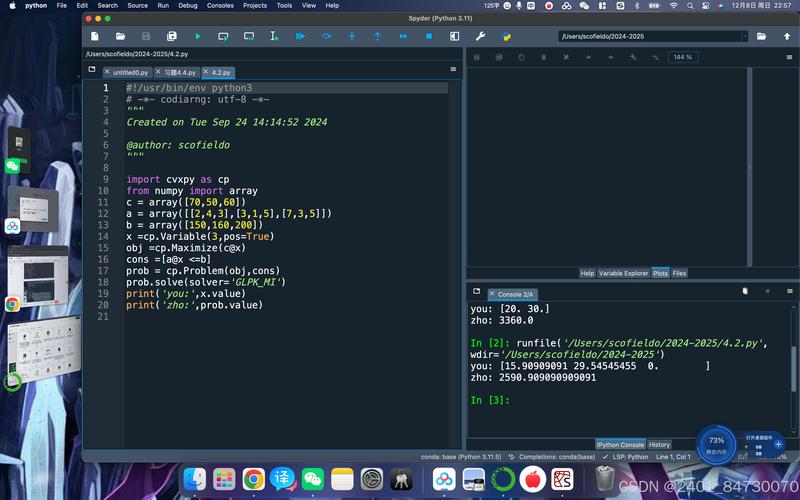
A. Converting a Decimal String
If your string represents a standard base-10 number, you can simply pass it to int().
str_num = "123"
num = int(str_num)
print(f"The string is: '{str_num}'")
print(f"The integer is: {num}")
print(f"The type is: {type(num)}")
# Output:
# The string is: '123'
# The integer is: 123
# The type is: <class 'int'>
B. Converting Strings with Whitespaces
The int() function is smart enough to ignore leading and trailing whitespaces.
str_num_with_spaces = "  456  "
num = int(str_num_with_spaces)
print(f"The integer from '{str_num_with_spaces}' is: {num}")
# Output:
# The integer from '  456  ' is: 456
C. Converting Negative Number Strings
The int() function correctly handles the negative sign ().
str_negative = "-789"
num = int(str_negative)
print(f"The integer from '{str_negative}' is: {num}")
# Output:
# The integer from '-789' is: -789
Converting Strings from Different Number Bases
This is where the base argument becomes very powerful. It allows you to convert strings representing numbers in other bases (like binary, octal, or hexadecimal) into a standard base-10 integer.
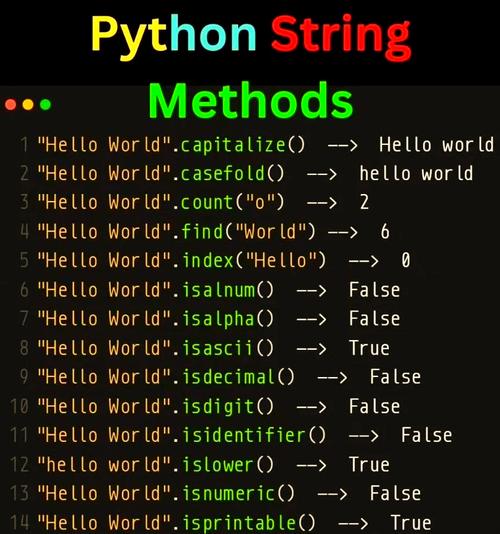
A. Binary (Base 2)
Strings must be prefixed with 0b.
str_binary = "0b1010" # Represents 10 in decimal
num = int(str_binary, 2)
print(f"The integer from '{str_binary}' (base 2) is: {num}")
# Output:
# The integer from '0b1010' (base 2) is: 10
B. Octal (Base 8)
Strings must be prefixed with 0o.
str_octal = "0o12" # Represents 10 in decimal
num = int(str_octal, 8)
print(f"The integer from '{str_octal}' (base 8) is: {num}")
# Output:
# The integer from '0o12' (base 8) is: 10
C. Hexadecimal (Base 16)
Strings must be prefixed with 0x. It can contain digits 0-9 and letters a-f (or A-F).
str_hex = "0xA" # Represents 10 in decimal
num = int(str_hex, 16)
print(f"The integer from '{str_hex}' (base 16) is: {num}")
# Output:
# The integer from '0xA' (base 16) is: 10
Common Errors and How to Handle Them
You will often encounter errors when trying to convert strings. It's crucial to know how to handle them.
A. ValueError
This is the most common error. It occurs when the string does not represent a valid integer in the specified base.
-
Non-numeric characters:
# This will raise a ValueError
invalid_str = "hello123"
num = int(invalid_str)
-
Empty string:
# This will raise a ValueError
empty_str = ""
num = int(empty_str)
-
Invalid characters for the base:
# '2' is not a valid octal digit (base 8)
invalid_octal = "0o128"
num = int(invalid_octal, 8)
B. TypeError
This error occurs if you try to pass a type that int() cannot convert, and you don't provide a base argument. (Note: If you provide a base, int() will accept strings, but other types will still cause a TypeError).
# This will raise a TypeError
invalid_type = [1, 2, 3]
num = int(invalid_type)
C. Handling Errors with try...except
The best way to handle potential ValueErrors is with a try...except block. This makes your code more robust.
user_input = input("Please enter a number: ")
try:
    number = int(user_input)
    print(f"Success! You entered the number: {number}")
except ValueError:
    print(f"Error: '{user_input}' is not a valid integer.")
# Example 1 (Valid input):
# Please enter a number: 50
# Success! You entered the number: 50
# Example 2 (Invalid input):
# Please enter a number: fifty
# Error: 'fifty' is not a valid integer.
Advanced: The base Argument Without a Prefix
A special case occurs when you use the base argument but provide a string without the standard prefix (0b, 0o, 0x). In this situation, the base argument must be between 2 and 36, inclusive.
# String "1010" without a prefix, but we specify base=2
num = int("1010", 2)
print(f"'1010' in base 2 is: {num}") # Output: 10
# String "FF" without a prefix, but we specify base=16
num = int("FF", 16)
print(f"'FF' in base 16 is: {num}") # Output: 255
Summary Table
| Task | Code Example | Notes |
|---|---|---|
| Convert Decimal String | int("123") |
Most common use. Handles leading/trailing whitespace. |
| Convert Negative String | int("-456") |
Correctly interprets the sign. |
| Convert Binary String | int("0b1010", 2) or int("1010", 2) |
Requires base=2. Prefix 0b is optional if base is provided. |
| Convert Octal String | int("0o12", 8) or int("12", 8) |
Requires base=8. Prefix 0o is optional if base is provided. |
| Convert Hexadecimal String | int("0xA", 16) or int("A", 16) |
Requires base=16. Prefix 0x is optional if base is provided. Letters can be upper or lower case. |
| Handle Invalid Input | try: ... except ValueError: |
Essential for robust code when input is not guaranteed to be a valid integer. |