
Of course! This is a very common topic in web development. Let's break down the relationship between JavaScript and JSP, how they work together, and best practices.
The Core Relationship: Server vs. Client
Think of it as a division of labor:
- JSP (JavaServer Pages): This is a server-side technology. It runs on your web server (like Tomcat, JBoss, etc.). Its main job is to generate dynamic HTML content. It can connect to databases, access Java objects, and perform complex business logic. When a user requests a JSP page, the server executes the Java code, embeds the results into an HTML template, and sends the final, pure HTML to the user's browser.
- JavaScript: This is a client-side technology. It runs directly in the user's web browser. Its main job is to make the web page interactive. It can respond to user actions (like clicks), manipulate the page content dynamically (without reloading), and communicate with the server in the background (using AJAX).
Analogy:
- JSP is like a chef in a kitchen. They prepare the full meal (the HTML page) based on the order (the user's request) and the ingredients available (the database, Java objects).
- JavaScript is like the waiter at the table. They take the customer's requests for more water or a dessert (user interactions) and bring them to the kitchen (AJAX requests) without the customer having to leave the table (reload the page).
How They Interact
JavaScript and JSP don't run in the same environment, so they can't directly call each other's functions. Instead, they communicate by passing data.
Here are the primary ways they work together:
JSP Provides Data to JavaScript (Most Common)
This is the most frequent interaction. You have data on the server (from a database, for example) that you need to use in your JavaScript code on the client side.
Method: Embedding Data in the HTML
The JSP page writes the data directly into the HTML as JavaScript variables or attributes. The JavaScript on the page can then read these values.
Example: JSP with a list of products
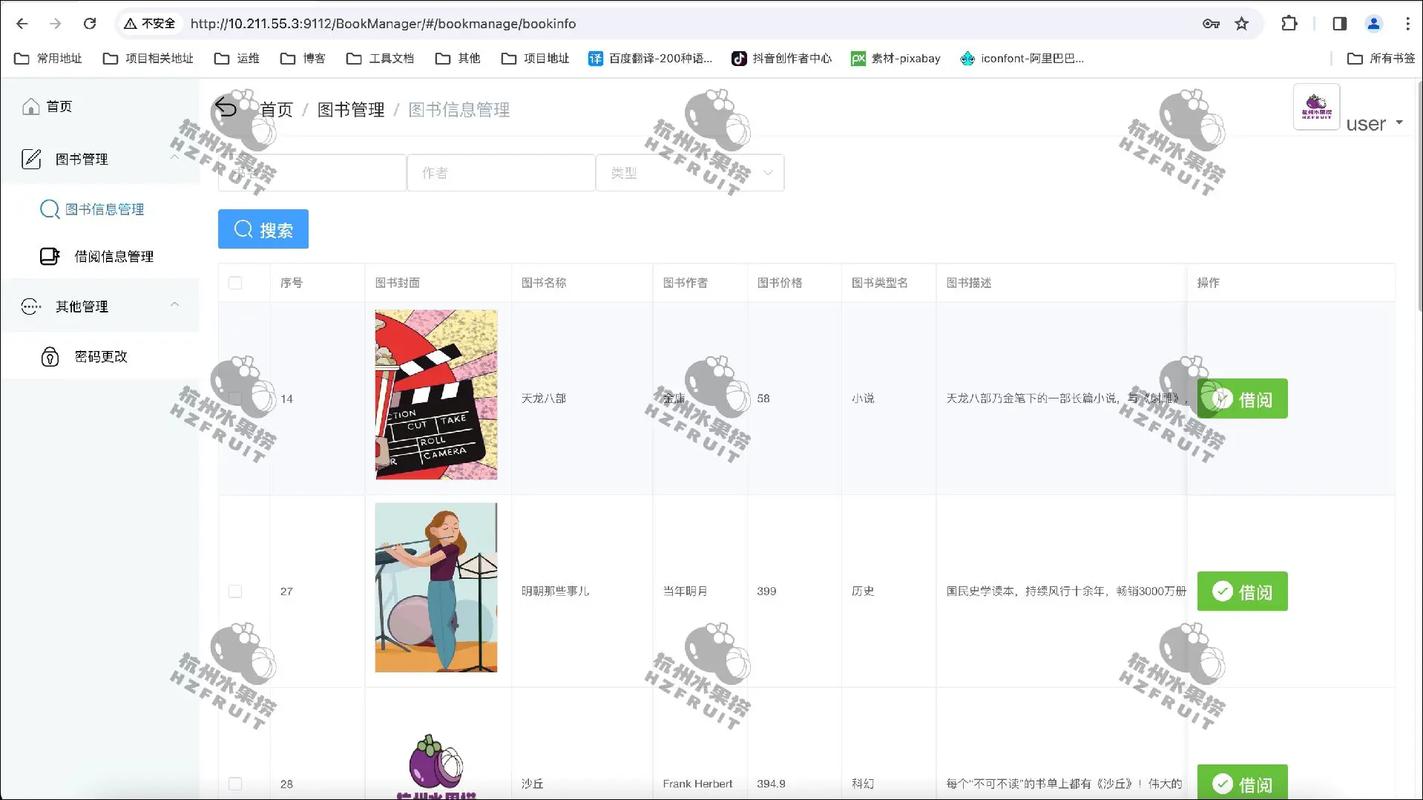
Let's say you have a List<Product> in your Java code and you want to display them in a JavaScript table.
products.jsp
<%@ page import="java.util.List, com.example.Product" %>
<%
    // This is Java code running on the server.
    // Assume 'productList' is a List<Product> object available in the request.
    List<Product> productList = (List<Product>) request.getAttribute("productList");
%>
<!DOCTYPE html>
<html>
<head>Product List</title>
    <script>
        // This is JavaScript code that will run in the browser.
        // We create a JavaScript array and populate it with data from the JSP.
        var products = [
            <% for (Product product : productList) { %>
                {
                    id: <%= product.getId() %>,
                    name: "<%= product.getName().replace("\"", "\\\"") %>", // Escape quotes!
                    price: <%= product.getPrice() %>
                },
            <% } %>
        ];
        // Now we can use the 'products' array
        function displayProducts() {
            const container = document.getElementById("product-container");
            container.innerHTML = ""; // Clear previous content
            products.forEach(product => {
                const productDiv = document.createElement("div");
                productDiv.innerHTML = `<strong>${product.name}</strong> - $${product.price.toFixed(2)}`;
                container.appendChild(productDiv);
            });
        }
    </script>
</head>
<body onload="displayProducts()">
    <h1>Our Products</h1>
    <div id="product-container"></div>
</body>
</html>
Key Points:
- The
<% ... %>blocks are JSP scriptlets. The Java code inside them runs on the server. - The in
<%= ... %>prints the result of the expression directly into the HTML output. - Security Warning: Be very careful with user-provided data. This method is vulnerable to Cross-Site Scripting (XSS) attacks. You must escape any data that could contain HTML/JavaScript characters, especially
<,>, and . The JSTL<c:out>tag is a safer way to do this.
JavaScript Sends Data to JSP
This is done when the user does something on the page (like submitting a form or clicking a "Save" button) and you need to send that data back to the server for processing.
Method: Standard HTTP Requests
The browser makes a standard HTTP request (usually a POST or GET) to a server-side resource (which could be another JSP, a Servlet, or a REST endpoint). The data is sent as part of the request.
Example: A simple form submission
form.jsp
<%@ page contentType="text/html;charset=UTF-8" language="java" %>
<html>
<head>Form</title>
</head>
<body>
    <form action="processForm.jsp" method="post">
        Name: <input type="text" name="userName">
        <input type="submit" value="Submit">
    </form>
</body>
</html>
processForm.jsp
<%@ page contentType="text/html;charset=UTF-8" language="java" %>
<html>
<head>Processing Form</title>
</head>
<body>
    <%
        // The server receives the form data and can access it via request parameters.
        String name = request.getParameter("userName");
        // Now you can do something with the data, like save it to a database.
        // For now, we'll just display it.
        if (name != null && !name.isEmpty()) {
            out.println("<h1>Hello, " + name + "!</h1>");
        } else {
            out.println("<h1>Please enter a name.</h1>");
        }
    %>
</body>
</html>
Modern Method: AJAX (Asynchronous JavaScript and XML)
With AJAX, JavaScript can send data to the server and receive a response without reloading the entire page. This provides a much smoother user experience.
Example: AJAX call to a Servlet
index.jsp
<%@ page contentType="text/html;charset=UTF-8" language="java" %>
<html>
<head>AJAX Example</title>
    <script>
        function sendUserData() {
            const userInput = document.getElementById("userInput").value;
            // Create a new XMLHttpRequest object
            const xhr = new XMLHttpRequest();
            // Configure the request
            xhr.open("POST", "UserDataServlet", true);
            xhr.setRequestHeader("Content-Type", "application/x-www-form-urlencoded");
            // Define what happens when the response is received
            xhr.onload = function() {
                if (xhr.status === 200) {
                    // Update a part of the page with the server's response
                    document.getElementById("result").innerText = xhr.responseText;
                } else {
                    document.getElementById("result").innerText = "Error: " + xhr.status;
                }
            };
            // Send the request with data
            xhr.send("username=" + encodeURIComponent(userInput));
        }
    </script>
</head>
<body>
    <input type="text" id="userInput" placeholder="Enter your name">
    <button onclick="sendUserData()">Send via AJAX</button>
    <div id="result">Result will appear here...</div>
</body>
</html>
In this example, UserDataServlet would be a Java class on the server that receives the username parameter, processes it, and sends back a plain text or JSON response.
Best Practices and Modern Alternatives
While the JSP + JavaScript model is classic, modern web development has evolved.
-
Separation of Concerns: It's considered bad practice to mix heavy Java logic inside JSP pages. This is called "scriptlet hell." The modern approach is to use the Model-View-Controller (MVC) pattern.
- Controller: A Servlet (e.g., in Spring MVC) handles the incoming request, processes business logic, and fetches data.
- Model: The data (e.g., a Java object or a
Map) that the controller passes to the view. - View: The JSP page's only job is to display the data from the model. It should contain minimal logic.
-
JSON as the Data Format: Instead of embedding complex objects in
<script>tags, the modern standard is to have the server send data as JSON (JavaScript Object Notation). It's lightweight, easy to parse, and language-agnostic.- The server-side code (Servlet, etc.) creates a JSON string (e.g.,
{"id": 1, "name": "Laptop"}). - The JavaScript makes an AJAX request to get this JSON string.
- The JavaScript parses the string into a native JavaScript object using
JSON.parse().
- The server-side code (Servlet, etc.) creates a JSON string (e.g.,
-
Frontend Frameworks: For complex, single-page applications (SPAs), developers often use a JavaScript framework like React, Angular, or Vue.js.
- In this architecture, the JSP's role is often reduced to a simple "shell" or container page.
- The JavaScript framework handles rendering the entire user interface.
- The backend (JSP/Servlets, or better, a REST API built with a framework like Spring Boot) provides data exclusively through JSON endpoints.
Summary Table
| Feature | JSP (JavaServer Pages) | JavaScript |
|---|---|---|
| Execution Location | Server-side (Web Server) | Client-side (User's Browser) |
| Primary Language | Java | JavaScript |
| Main Purpose | Generate dynamic HTML content, connect to databases. | Make web pages interactive, respond to user events. |
| Communication | Outputs HTML/JavaScript code/data. | Reads data from the page, sends HTTP requests to the server. |
| Data Flow | JSP -> HTML/JS (Server to Client) | JS -> Server (Client to Server, via AJAX/Forms) |
| Modern Role | Often used as a View in an MVC architecture or to serve initial page data. | Core of modern frontend interactivity, often used with frameworks like React/Angular. |


