Of course! In Python, the built-in list data type does not have an rfind() method. The rfind() method is a feature of strings (str), used to find the last occurrence of a substring.
However, the concept of "finding the last occurrence" is very useful for lists as well. Here are the best ways to achieve this in Python.
The Short Answer: Use a Loop
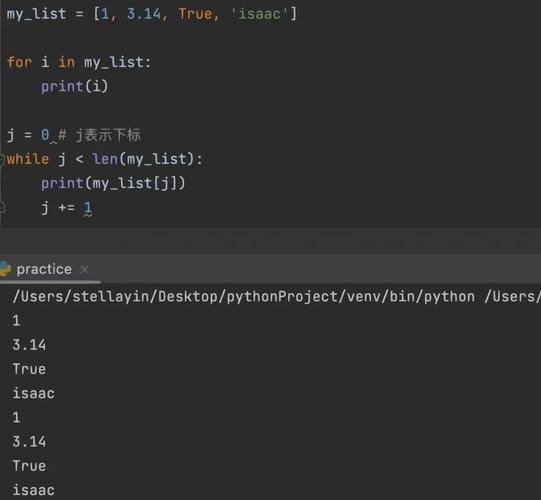
The most direct and "Pythonic" way to find the index of the last occurrence of an item in a list is to loop through the list in reverse.
my_list = ['apple', 'banana', 'cherry', 'apple', 'date']
# The item we want to find
item_to_find = 'apple'
last_index = -1  # Default value if not found
# Loop through the list backwards
for i in range(len(my_list) - 1, -1, -1):
    if my_list[i] == item_to_find:
        last_index = i
        break  # Stop as soon as we find the last one
print(f"The list is: {my_list}")
print(f"The last index of '{item_to_find}' is: {last_index}")
# Output:
# The list is: ['apple', 'banana', 'cherry', 'apple', 'date']
# The last index of 'apple' is: 3
Alternative and More Pythonic Methods
While the loop above works perfectly, there are often more concise and readable ways to accomplish the same goal.
Using list.index() with a Reversed Slice (Recommended)
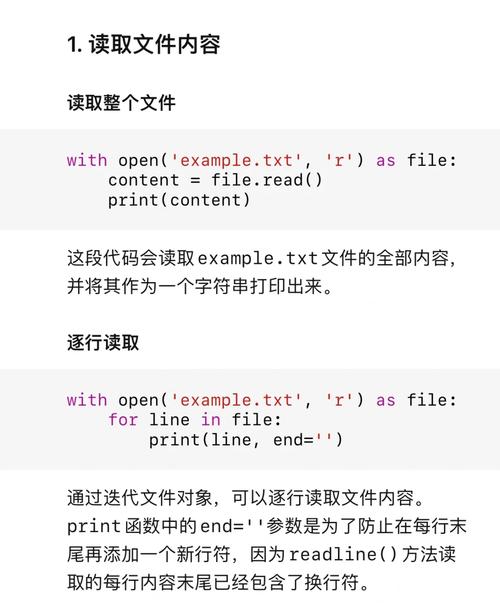
This is a clever and common idiom. You reverse a copy of the list, find the index of the item in that reversed list, and then calculate the original index.
my_list = ['apple', 'banana', 'cherry', 'apple', 'date']
item_to_find = 'apple'
# 1. Create a reversed copy of the list
reversed_list = list(reversed(my_list))
# 2. Find the index of the item in the reversed list
#    This gives the position from the end of the original list.
try:
    index_from_end = reversed_list.index(item_to_find)
    # 3. Calculate the original index
    #    The last element is at len(list) - 1
    #    The second-to-last is at len(list) - 2, etc.
    last_index = len(my_list) - 1 - index_from_end
    print(f"The last index of '{item_to_find}' is: {last_index}")
except ValueError:
    # Handle the case where the item is not in the list
    print(f"'{item_to_find}' not found in the list.")
# Output:
# The last index of 'apple' is: 3
Pros:
- Very readable once you understand the logic.
- Uses built-in methods (
reversed,index).
Cons:
- Creates a temporary copy of the list, which can be memory-intensive for very large lists.
Using len() and list.index() (The "Two-Pass" Method)
This method first finds the first occurrence. If an item is found, it then searches again, but this time starting from the position right after the first find. This continues until no more items are found, leaving you with the last index.
my_list = ['apple', 'banana', 'cherry', 'apple', 'date']
item_to_find = 'apple'
last_index = -1
try:
    # Start the search from the beginning of the list
    start_pos = 0
    while True:
        # Find the next occurrence of the item
        found_index = my_list.index(item_to_find, start_pos)
        # Update the last known index
        last_index = found_index
        # Move the start position for the next search to just after the one we just found
        start_pos = found_index + 1
except ValueError:
    # This loop will end when index() can't find the item anymore
    # The value of last_index will be the last one found
    pass
if last_index != -1:
    print(f"The last index of '{item_to_find}' is: {last_index}")
else:
    print(f"'{item_to_find}' not found in the list.")
# Output:
# The last index of 'apple' is: 3
Pros:
- Memory-efficient, as it doesn't create a copy of the list.
- Conceptually straightforward.
Cons:
- Can be slower on very large lists because it may have to call
index()multiple times.
Handling the "Not Found" Case
All the methods above handle cases where the item is not in the list. The most robust way to do this is with a try...except ValueError block, as shown in the examples.
If you prefer to avoid exceptions, you can check for the item's existence first.
my_list = ['apple', 'banana', 'cherry', 'apple', 'date']
item_to_find = 'grape' # An item that is not in the list
if item_to_find in my_list:
    # Use one of the methods above
    last_index = len(my_list) - 1 - list(reversed(my_list)).index(item_to_find)
    print(f"The last index of '{item_to_find}' is: {last_index}")
else:
    print(f"'{item_to_find}' not found in the list.")
# Output:
# 'grape' not found in the list.
Summary: Which Method Should You Use?
| Method | Pros | Cons | Best For |
|---|---|---|---|
| Reverse Loop | Very memory-efficient, stops at the first find (fastest in best case). | Slightly more verbose to write. | Performance-critical applications with very large lists. |
Reversed Slice + index() |
Most readable and Pythonic. | Creates a temporary copy of the list. | Most common use cases. Readability is key. |
Two-Pass index() |
Memory-efficient. | Can be slower due to multiple index() calls. |
When memory is a major concern and lists are huge. |
For everyday programming, the Reversed Slice + index() method is often the best choice due to its excellent balance of readability and performance.